
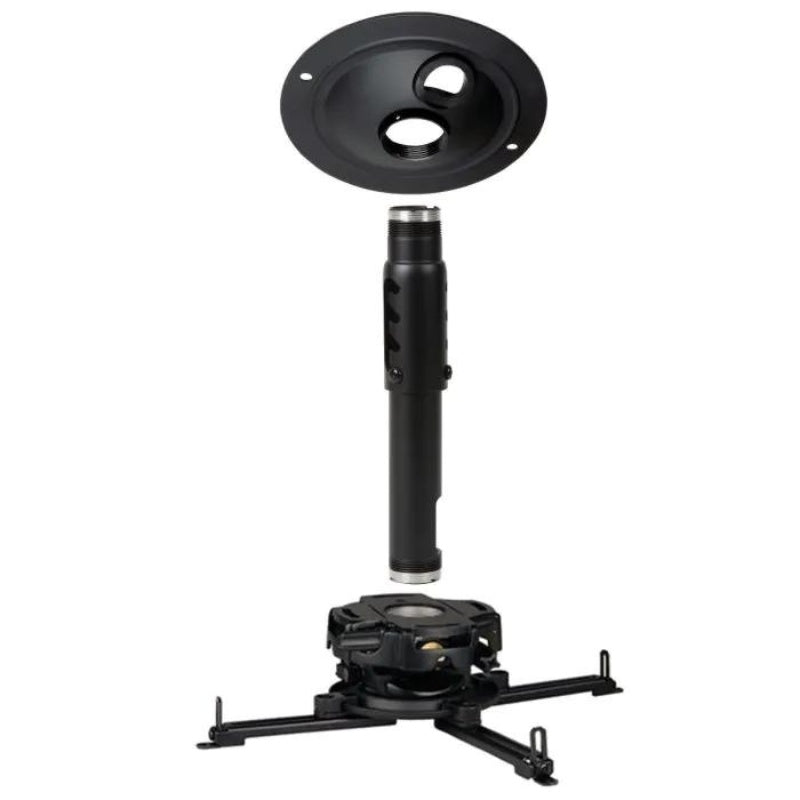
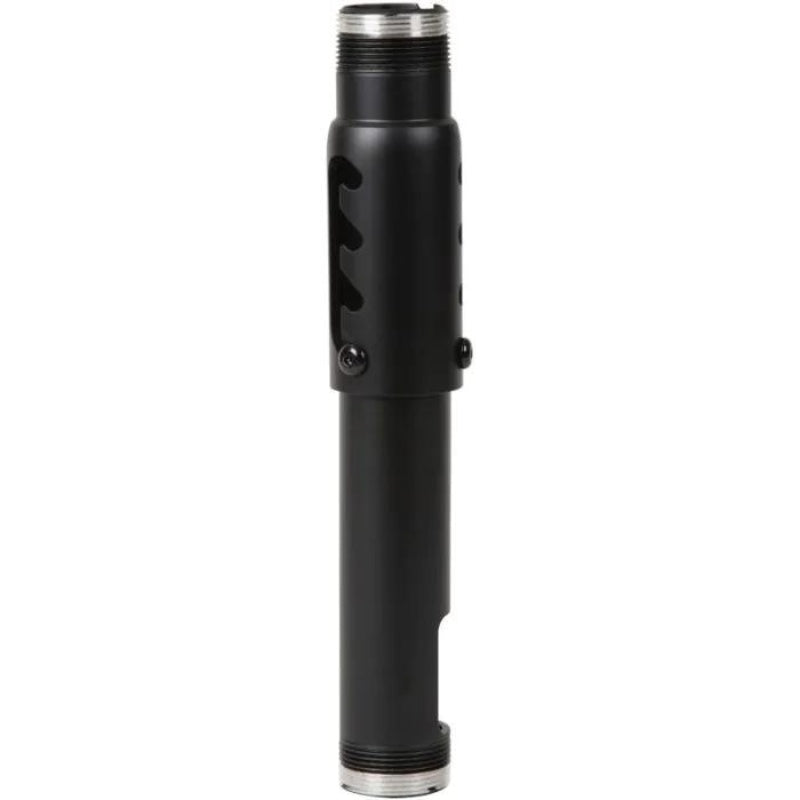


Choose a Mount for the Projector and the Room
Confirm the optical position before buying the mount
Use the projector’s throw ratio, image size and offset to locate the lens. The mounting point and projector body will not necessarily sit at that same position. Check the bracket’s adjustment range, attachment pattern and capacity against the exact projector.
Choose the correct installation surface
An enclosure-frame mount requires a compatible frame, while a ceiling installation needs appropriate structural support. A floor enclosure must provide suitable protection and ventilation. Keep each option clear of the swing, ball path and projector beam.
Make a mount specification before shopping
Write down projector model, equipment weight, mounting-hole pattern, required lens height and the supporting surface. Include the projector body’s dimensions so the bracket does not place it against a beam or enclosure fabric. For a floor housing, compare ventilation and cable access as well as impact protection; the housing’s outer dimensions are not the lens position.
Explore Related Golf Equipment
- Golf Simulator Projectors
- Short Throw Golf Simulator Projectors
- Golf Simulator Enclosure Accessories
Indoor Golf Kit Simulator Calculator. Estimate image size and lens distance with your chosen model, then confirm the manufacturer’s installation chart and room clearances.
Frequently Asked Questions
Will one projector mount fit every model?
No. Verify mounting-hole compatibility, load capacity and adjustment range for your projector.
Can a floor mount solve any short throw installation?
No. Lens height, offset and protection still need to work with the image geometry and hitting area.
Should I choose the projector or the mount first?
Plan the projector and image position first, then choose a compatible mounting system for that location.