




Use Room Depth to Plan a Normal Throw Projector
Work backward from the screen
Start with the image width and the projector’s specified throw range. Normal throw options can suit a deeper golf room, but the projected light must pass the player without creating an obstructed image. Include the distance needed for the projector body, cables and service access in your room plan.
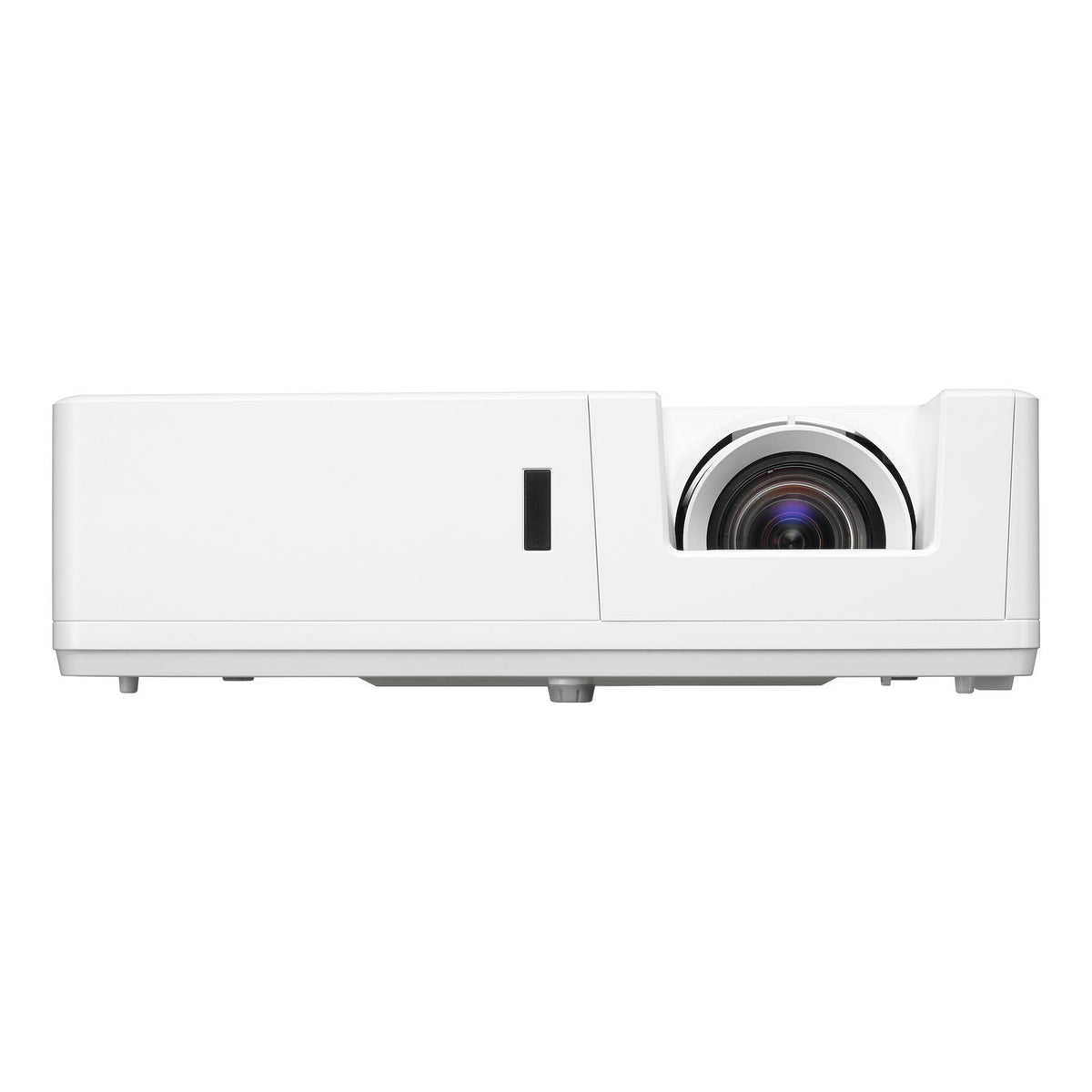
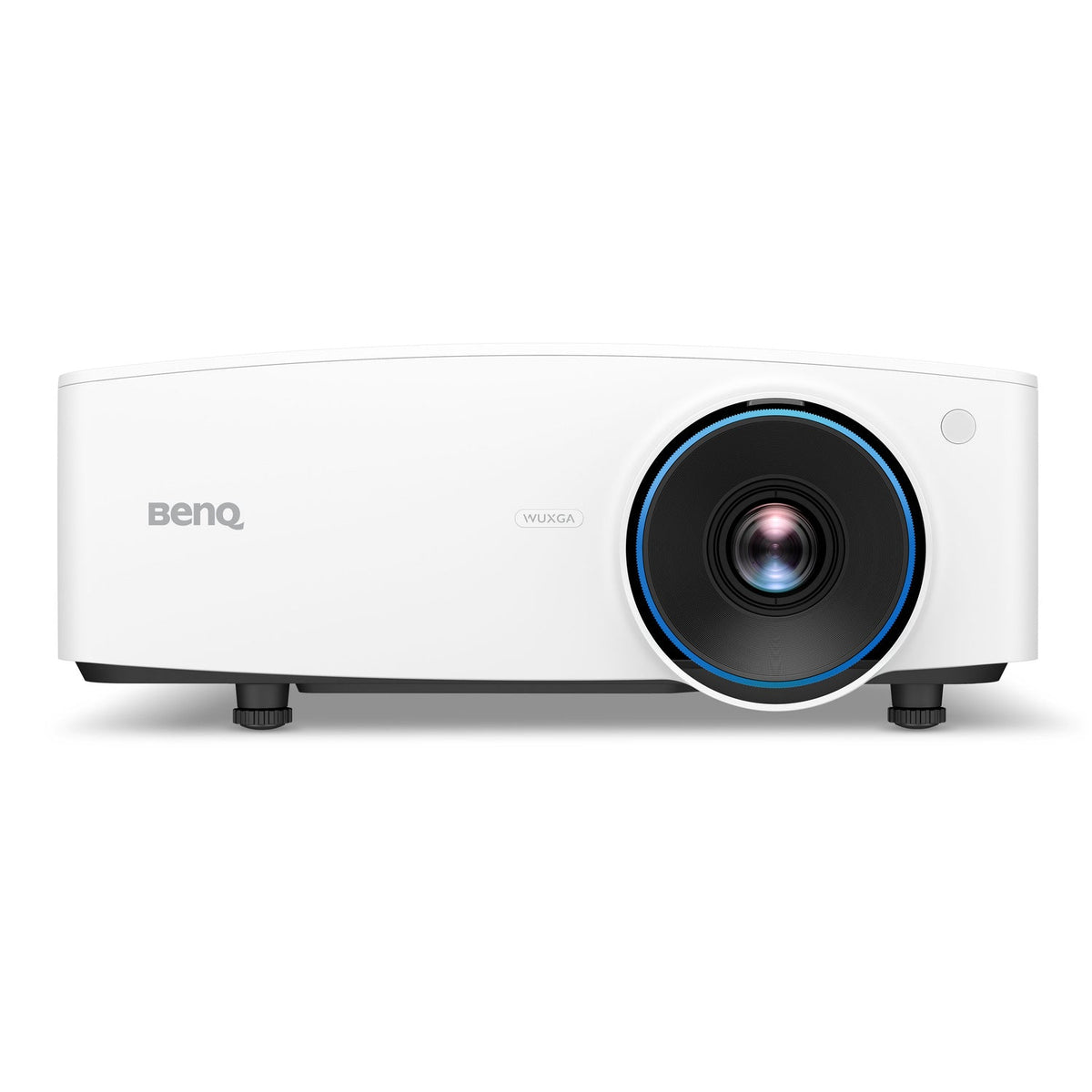
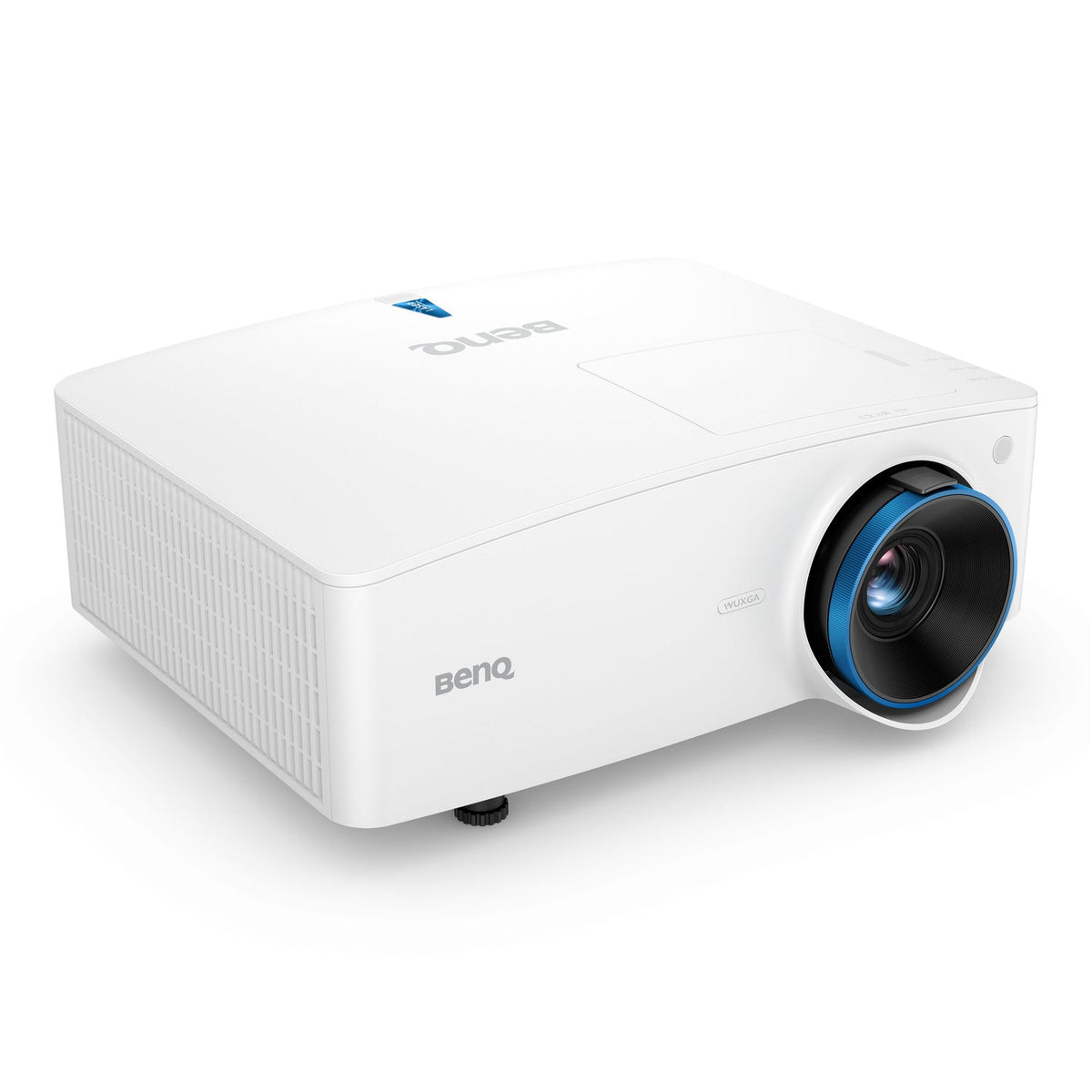
Compare the listed Epson, BenQ and Optoma options
The collection includes different resolutions and light-output ratings. Read the complete model specification before comparing cost. Where a projector offers optical zoom or lens shift, check the usable range at your intended image size; these features do not remove the need to measure the room.
Check the rear of the room before rejecting or choosing a lens
A farther lens position can put the projector behind the hitting area, but that creates its own checks: beam clearance, ceiling obstructions, mount support and cable length. Draw the actual lens-to-screen line through the room. If the available mounting point cannot produce your target image size within the model’s lens range, image correction is not a substitute for choosing a suitable optical layout.
Explore Related Golf Equipment
Indoor Golf Kit Simulator Calculator. Estimate image size and lens distance with your chosen model, then confirm the manufacturer’s installation chart and room clearances.
Frequently Asked Questions
Can a normal throw projector work behind the player?
It may, if the beam clears the player and the lens can create the desired image from that distance. Check the full beam path and mounting height.
Is a normal throw projector automatically brighter?
No. Throw configuration and brightness are separate specifications. Compare the rated light output of the exact models.
When should I compare short throw alternatives?
If the available lens position is too close for a normal throw model, or the beam would be blocked, compare short throw models using the same screen dimensions.