



Plan a HomeCourse ProScreen 180 Golf Space
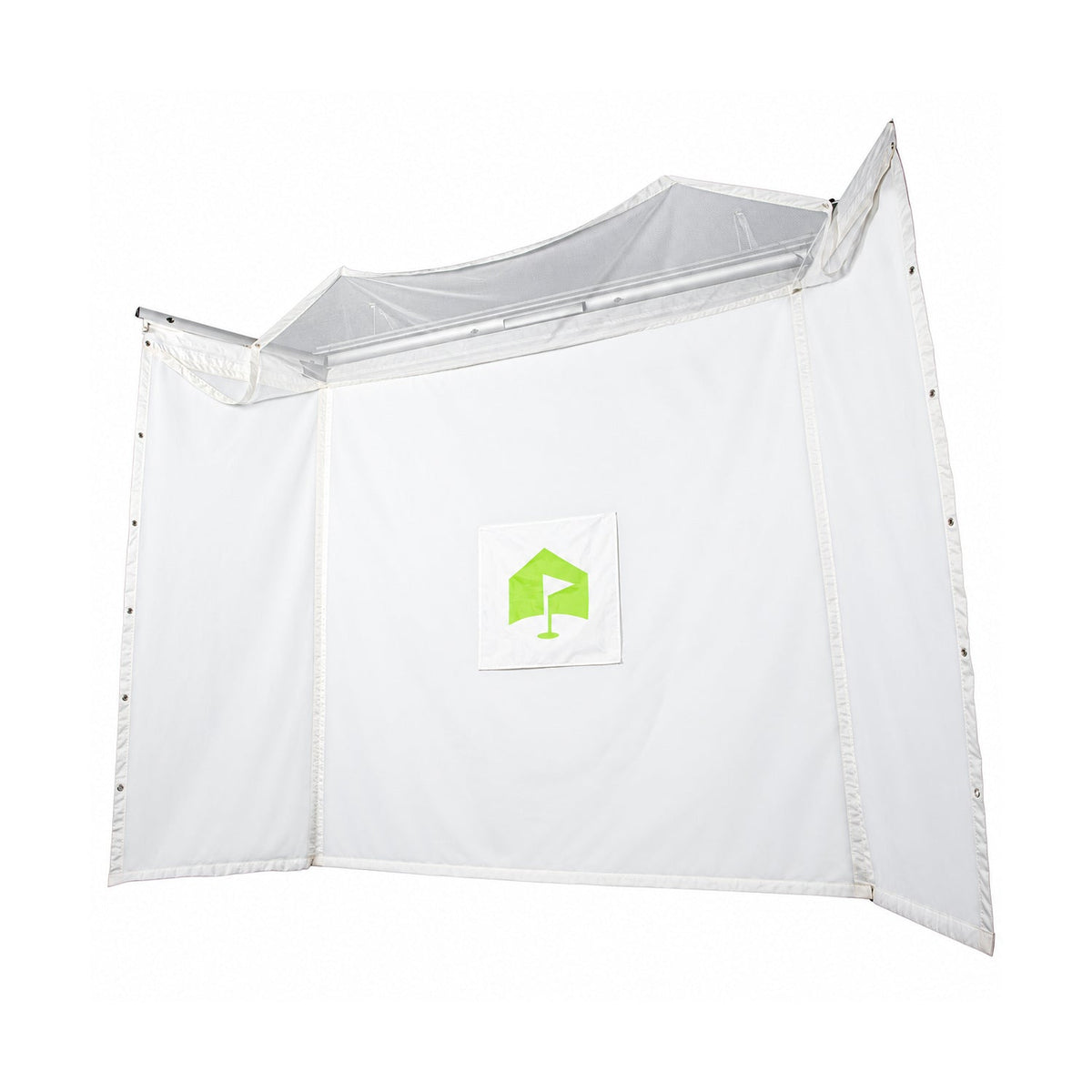
Start with the deployed screen
Measure the usable room width and height against the ProScreen 180 documentation. Establish the hitting position and projector location before choosing accessories. Include clearance for the housing and the screen’s moving parts, plus the club swing and launch monitor requirements.
Choose accessories for the installation
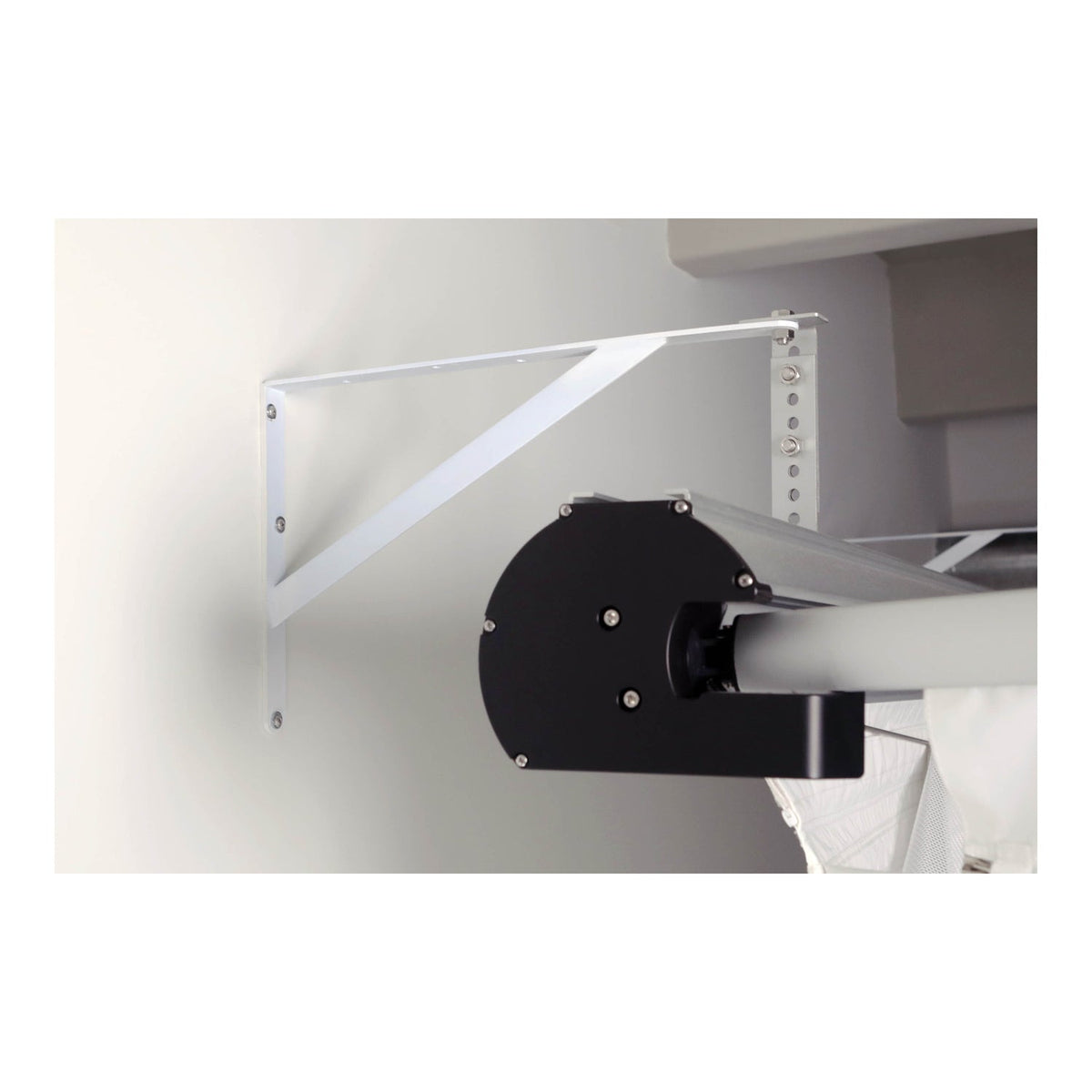
The collection includes the screen and separate items such as the wall mount, Pro Rack, landing pad and side netting. These listings do not mean every accessory is included with the screen. Check the chosen product’s contents and match the accessory to the intended mounting arrangement.
Explore Related Golf Equipment
- Retractable Golf Simulator Impact Screens
- Golf Simulator Projectors
- Golf Simulator Side Nets & Barrier Netting
HomeCourse vs G-TRAK: Choosing a Retractable Golf Simulator Screen. Read the comparison and planning details before choosing your configuration.
Frequently Asked Questions
Does the ProScreen 180 include every accessory shown in this collection?
No. The collection groups the screen and separately sold compatible accessories. Review the included-items list on the screen’s product page.
Is a HomeCourse landing pad a full hitting mat?
A landing pad serves the floor area in front of the screen. Check its intended use and provide a suitable strike surface at the hitting position.
Can the projector remain installed when the screen is stored?
That depends on the mounting layout and how the room is used. Plan a protected position that clears the retracting system and other activities.