


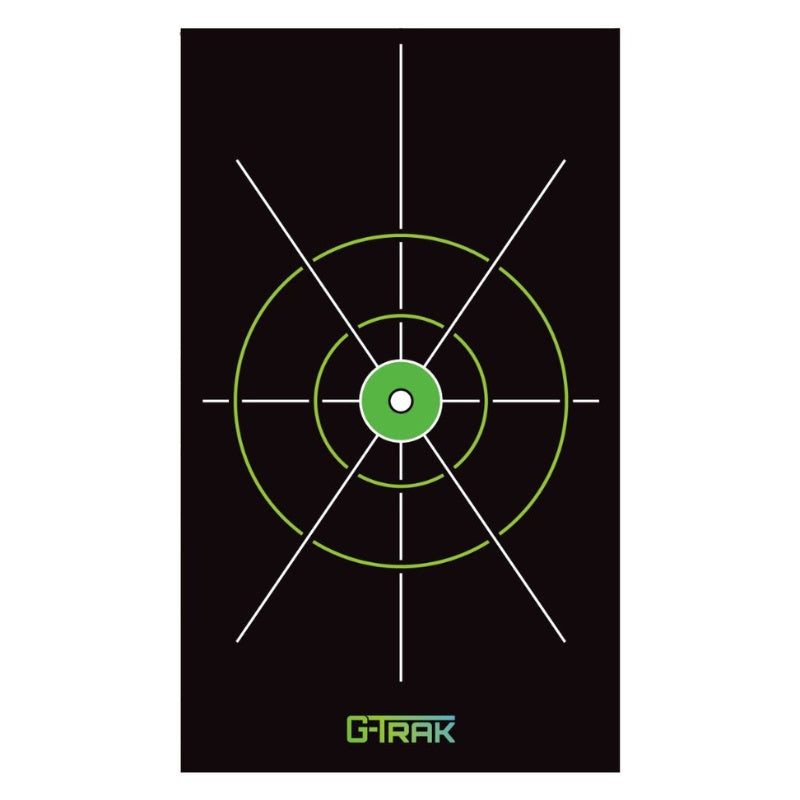

Build a Flexible Practice Area with G-TRAK
Choose the target surface for the job
A practice net and a golf impact screen serve different viewing needs. Compare the listed retractable net and impact-screen options with your planned launch monitor and display arrangement. If you want projected course imagery, check the screen’s usable image area and projector placement.
Plan mounting and return to storage
Review the product-specific mounting method and whether a separate wall-mount accessory is required. Measure the area with the system both deployed and stored. Keep the target panel, side protection and hitting location aligned with the chosen G-TRAK model.
Explore Related Golf Equipment
Garage Golf Simulator Setup: A Room Worksheet Before You Buy. Read the comparison and planning details before choosing your configuration.
Frequently Asked Questions
Is the G-TRAK net the same product as the impact screen?
No. They are separate options. Check the selected listing for its intended use, material and included components.
Does a target panel turn any net into a simulator screen?
Do not assume so. Use the panel only with the compatible system and for the uses described on its product page.
Can I add mounting accessories separately?
Compatible G-TRAK accessories are listed here. Match the accessory to your model and planned mounting surface before ordering.