














Complete the Details of Your Golf Simulator Setup
Identify the problem the accessory solves
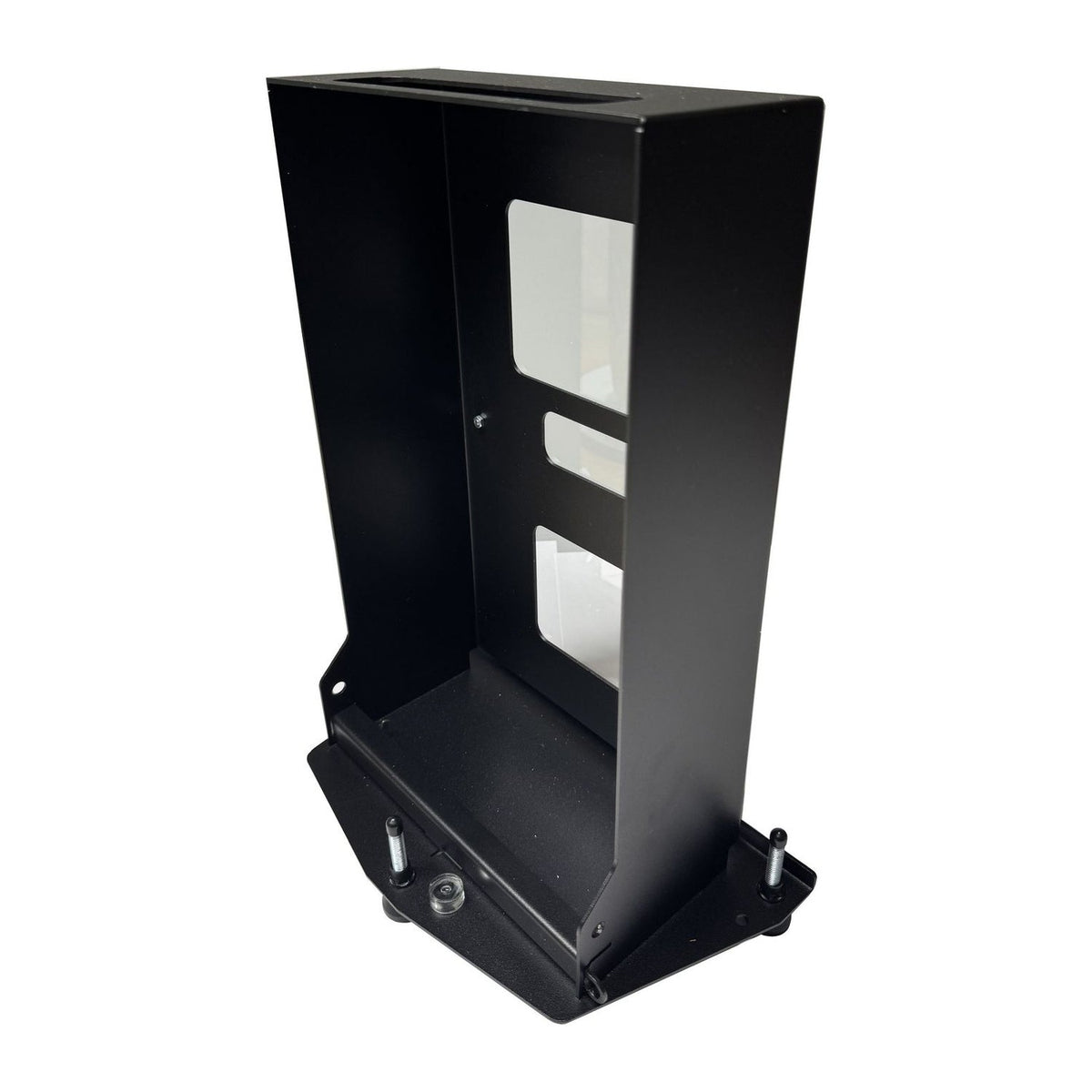
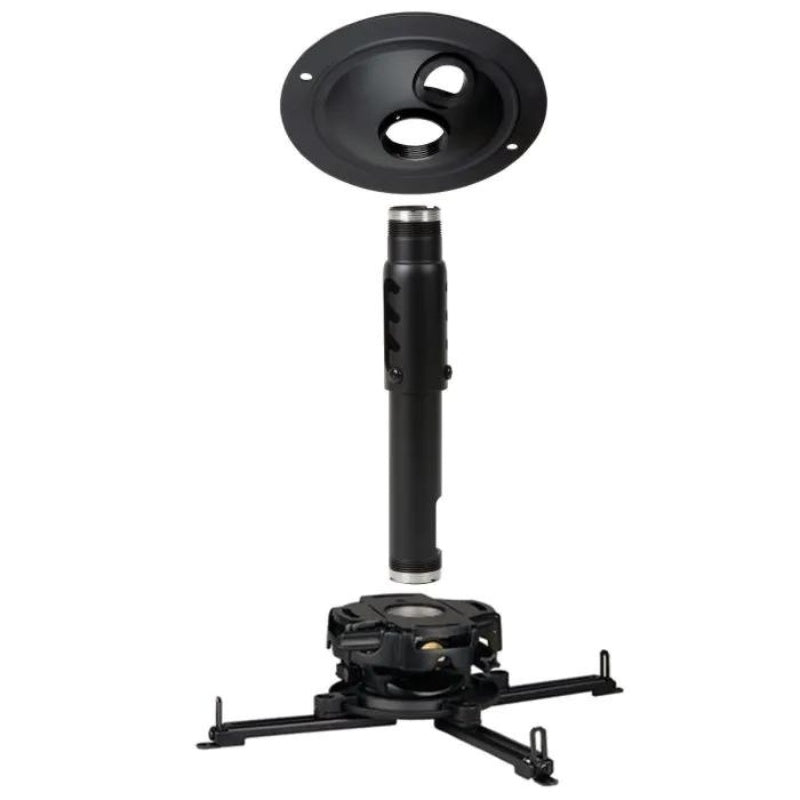
Start with the component you need to mount, protect, connect or replace. A monitor cover, projector mount and enclosure part have different compatibility requirements. Read the full product title and description to distinguish a complete device from an accessory for it.
Check the installation as a system
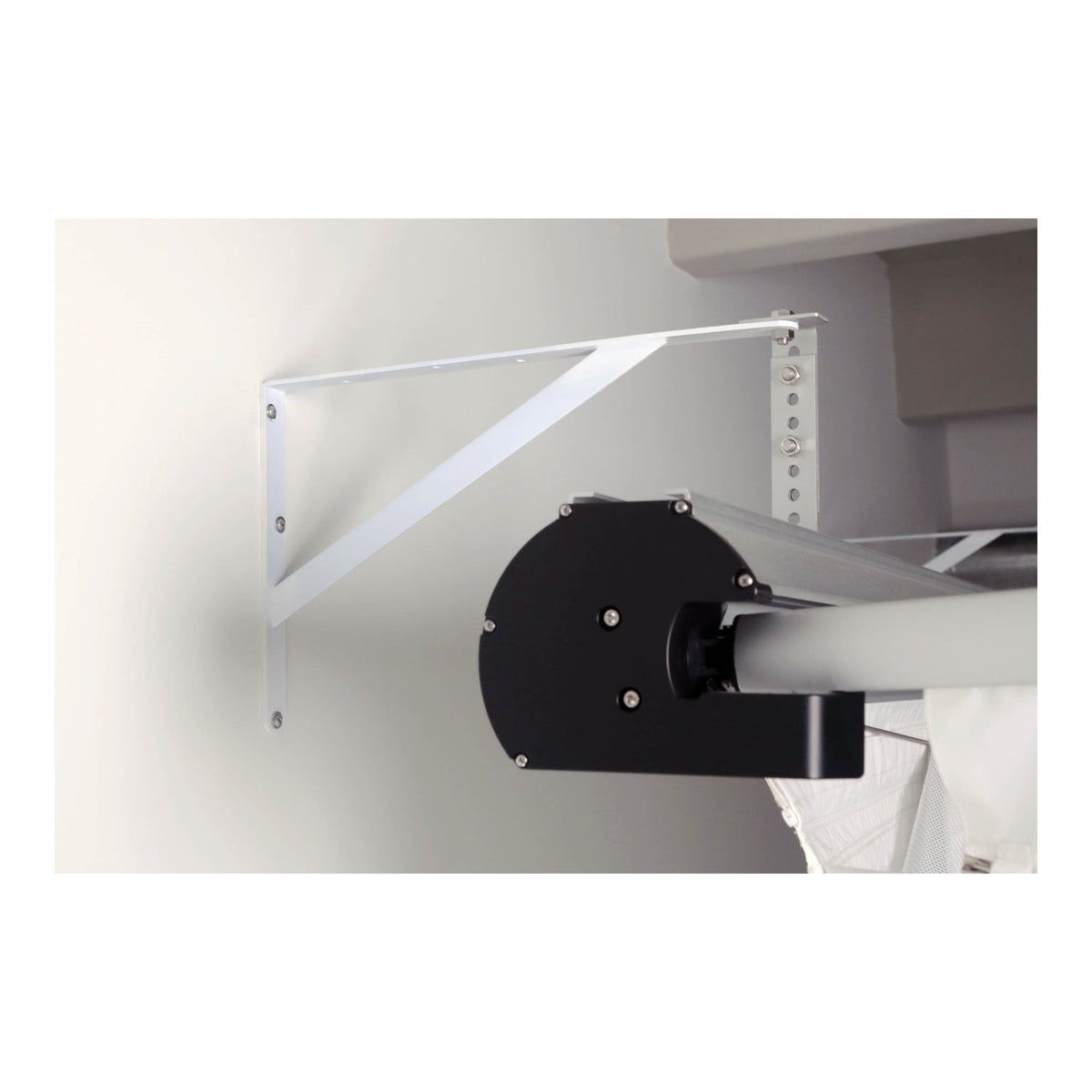
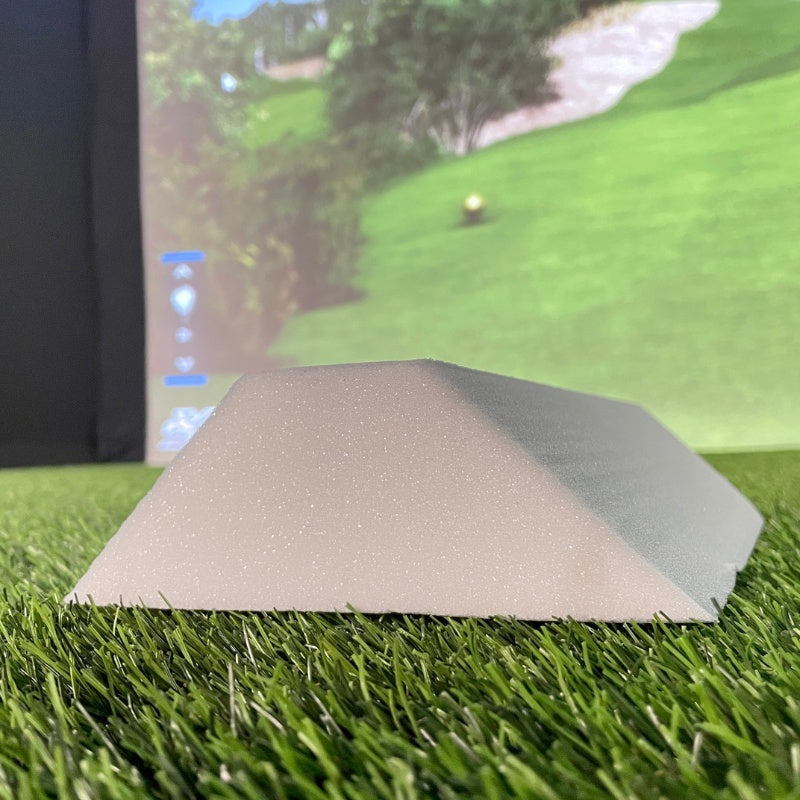
Match the accessory to the model, size and mounting surface. Keep ventilation, camera views and the projector beam clear, and plan cable routes away from the swing area. For floor components, compare finished heights so the mat and adjacent surfaces work together.
Explore Related Golf Equipment
- Golf Simulator Enclosure Accessories
- Golf Launch Monitor Accessories
- Golf Simulator Projector Mounts
- Golf Mat Accessories & Floor Bases
- Golf Practice Net Accessories
Frequently Asked Questions
Are simulator accessories universal?
Some have adjustable features, but compatibility still needs checking. Confirm the exact device, dimensions and attachment requirements.
Does an accessory listing include the main device?
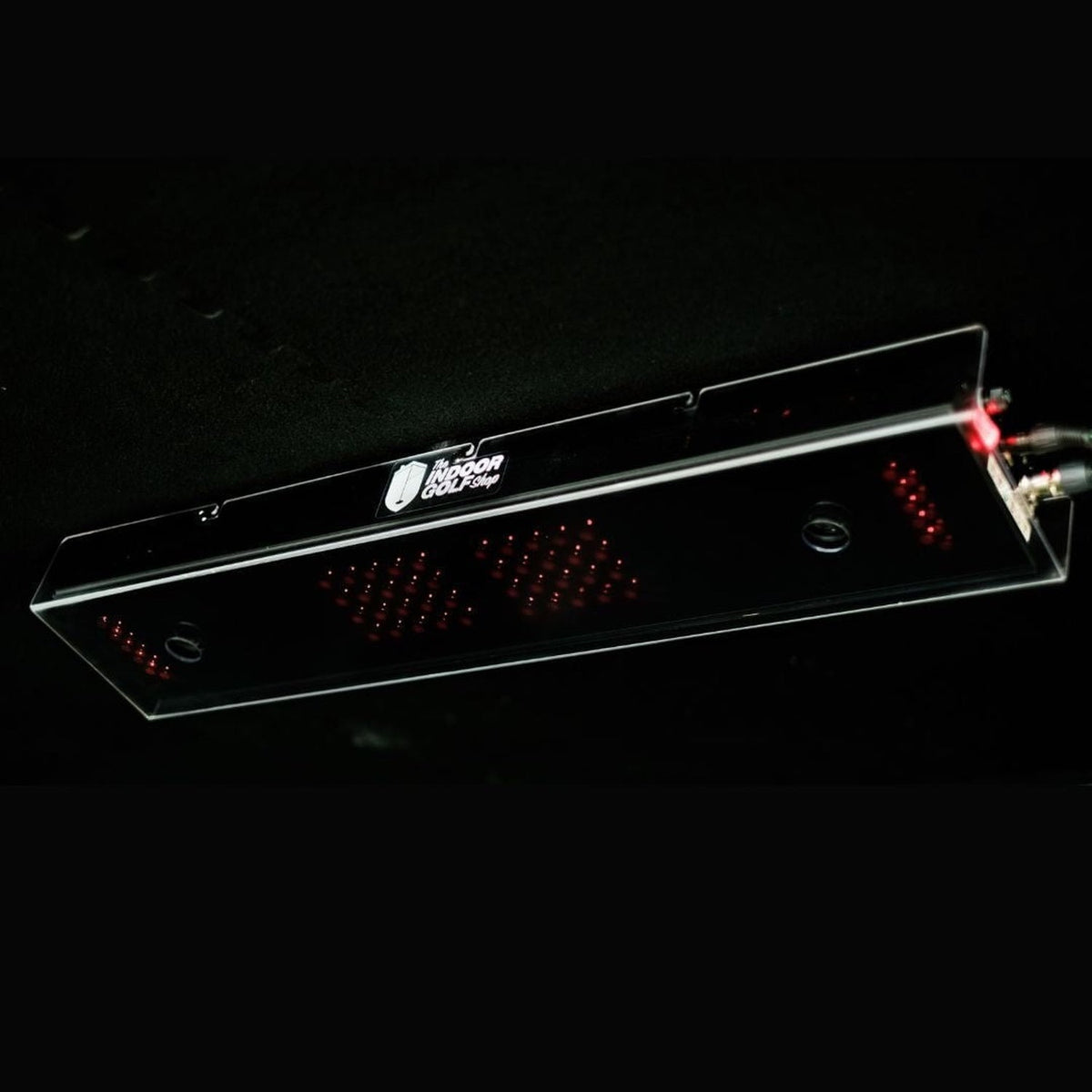
Not unless expressly stated. Product images can show the accessory installed on equipment that is sold separately.
Where should I look for a specific part?
Use the dedicated enclosure, launch-monitor, net, mat or projector-mount collection to narrow the selection by purpose.