

Choose a Golf Simulator PC Around Your Software
Start with the software and tracking system
Check the current recommended CPU, graphics, memory and operating-system requirements for both the launch monitor and simulation software. Then consider the resolution and graphics settings you intend to use. A computer that supports a 4K display does not guarantee the same frame rate in every golf program.
Compare desktop, laptop and display listings
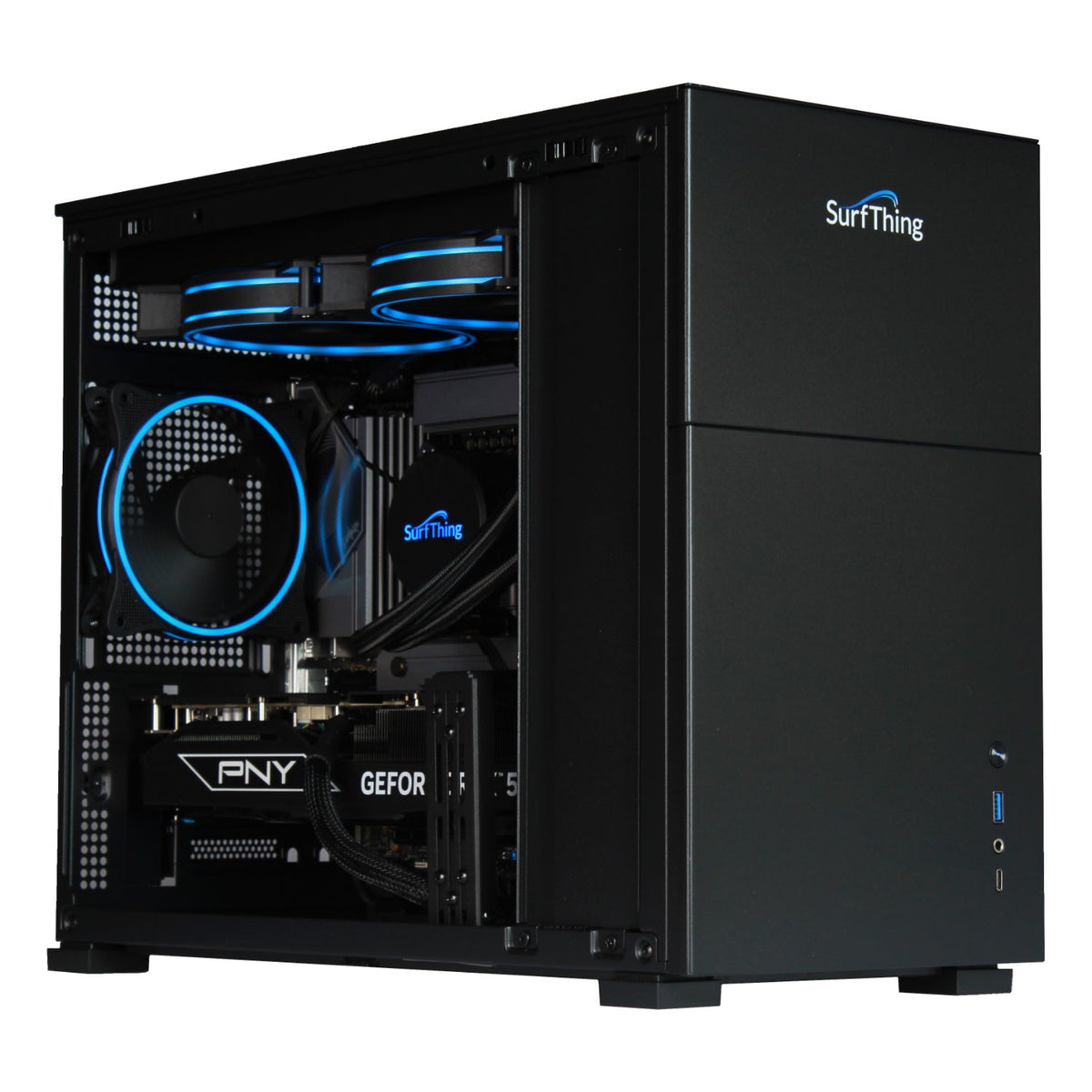
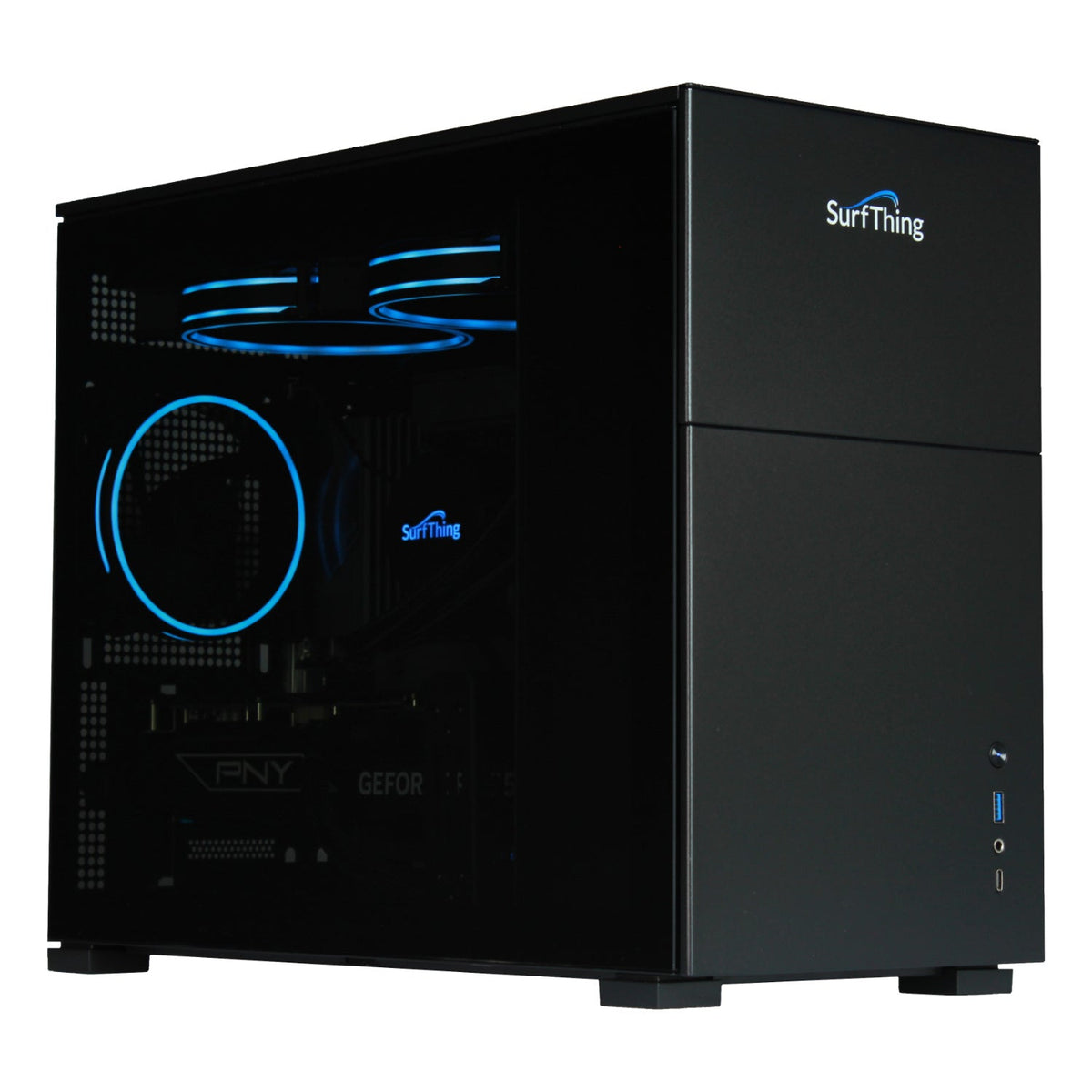
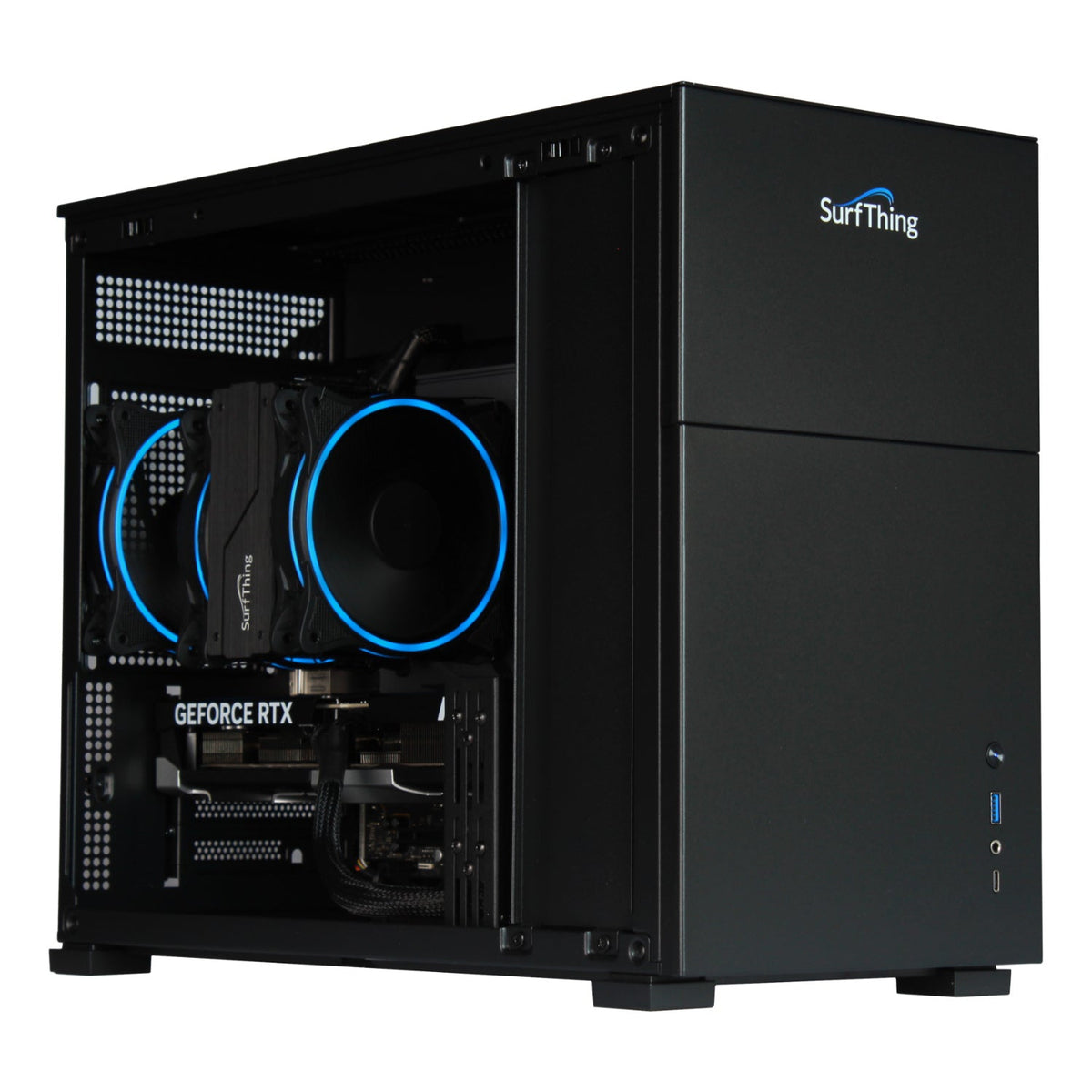
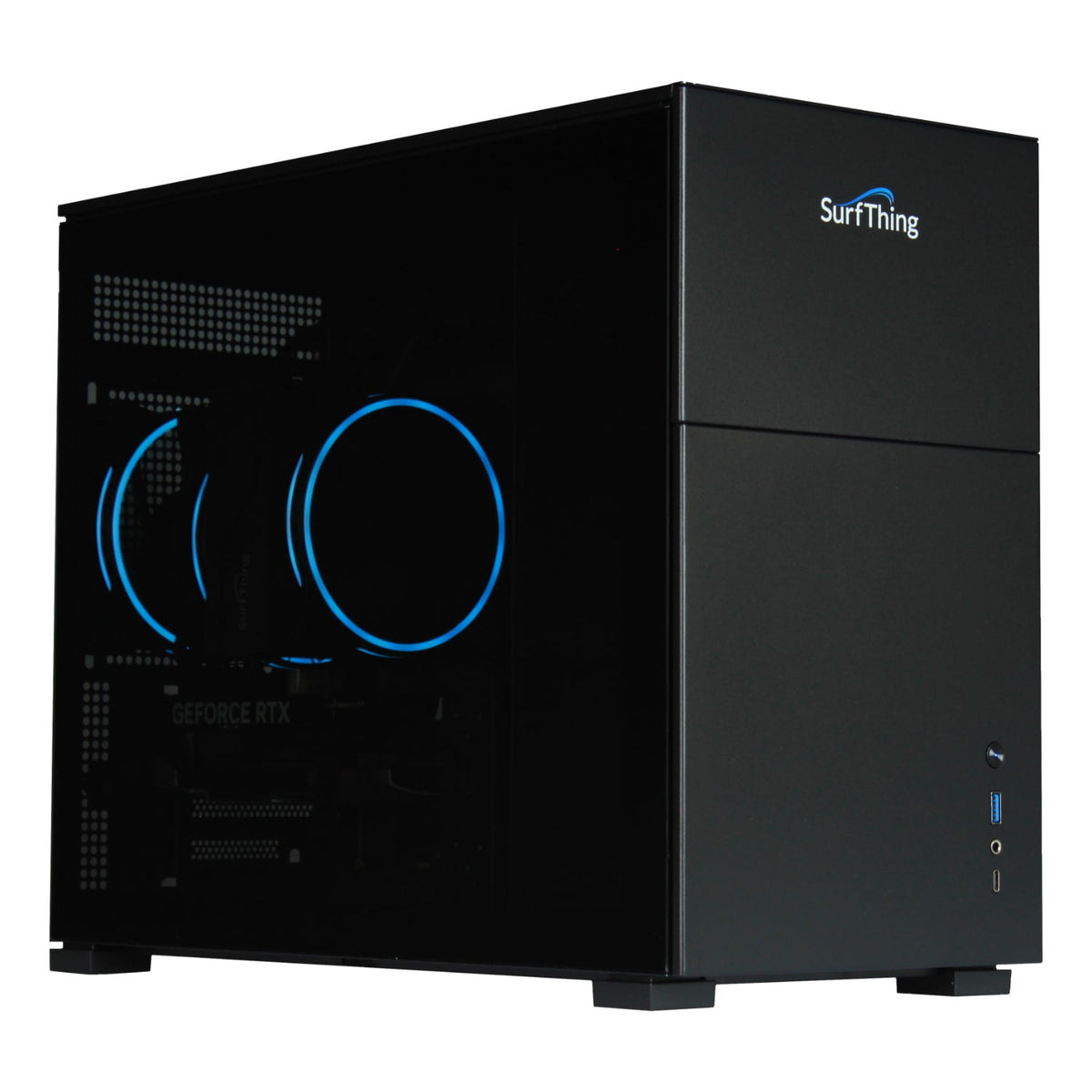
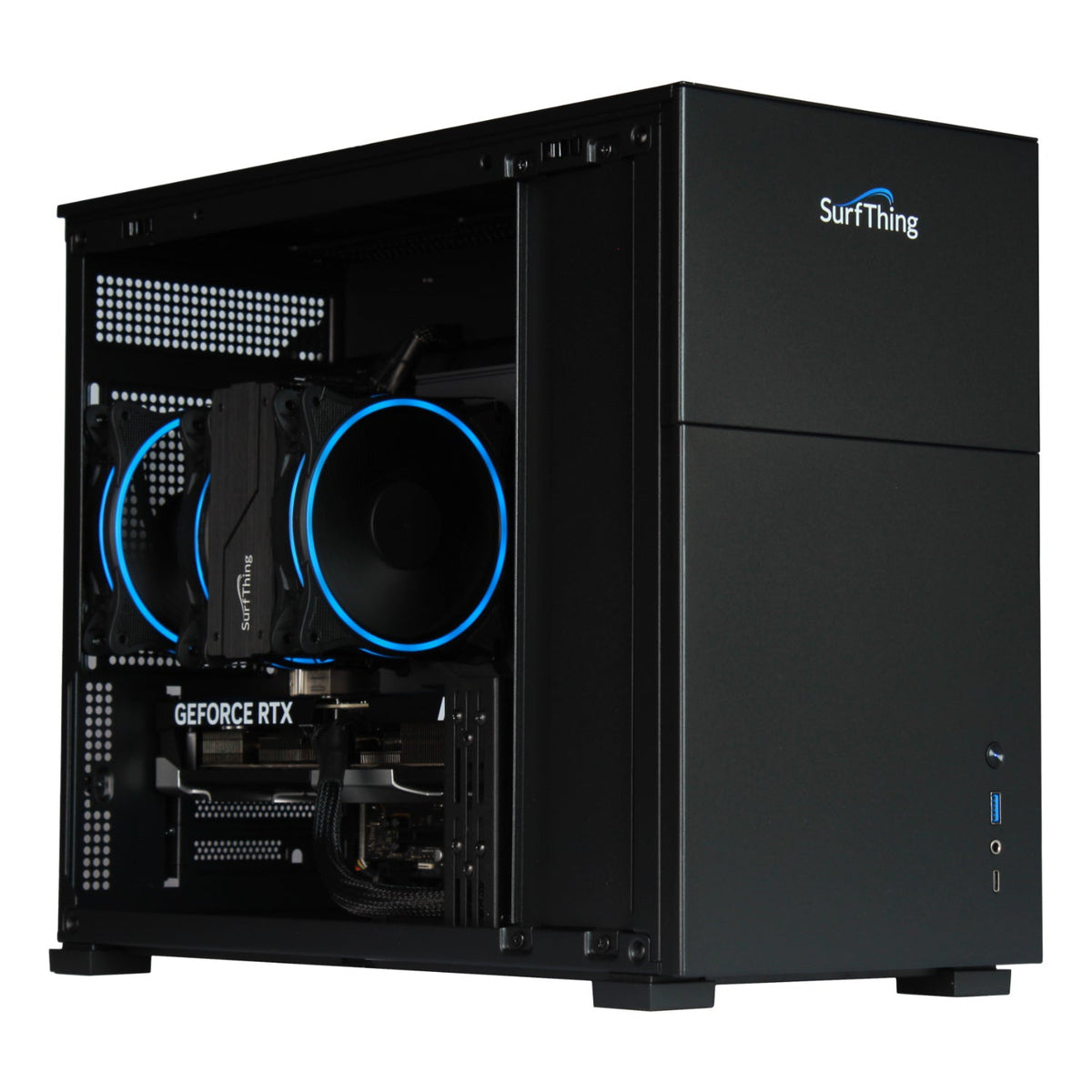
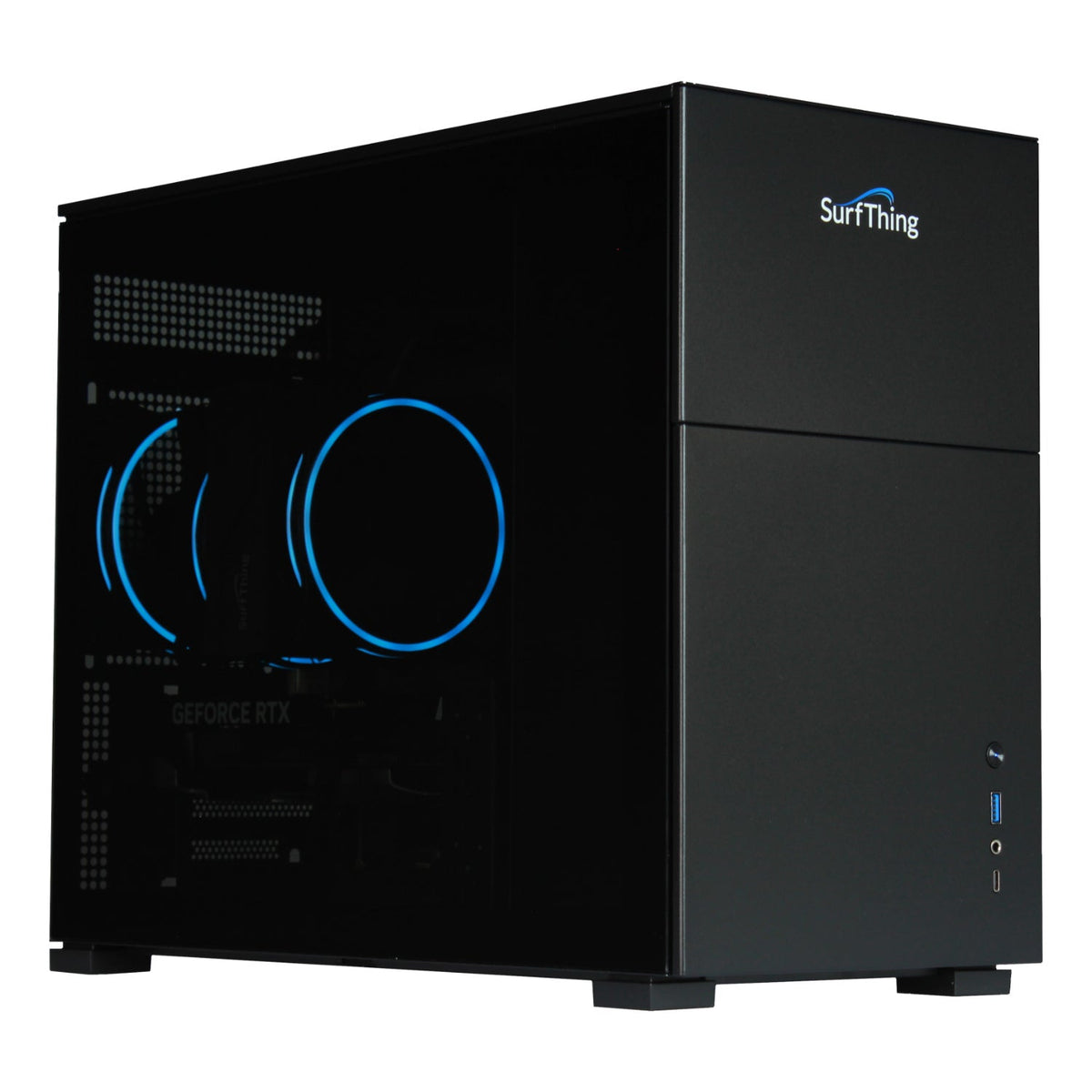
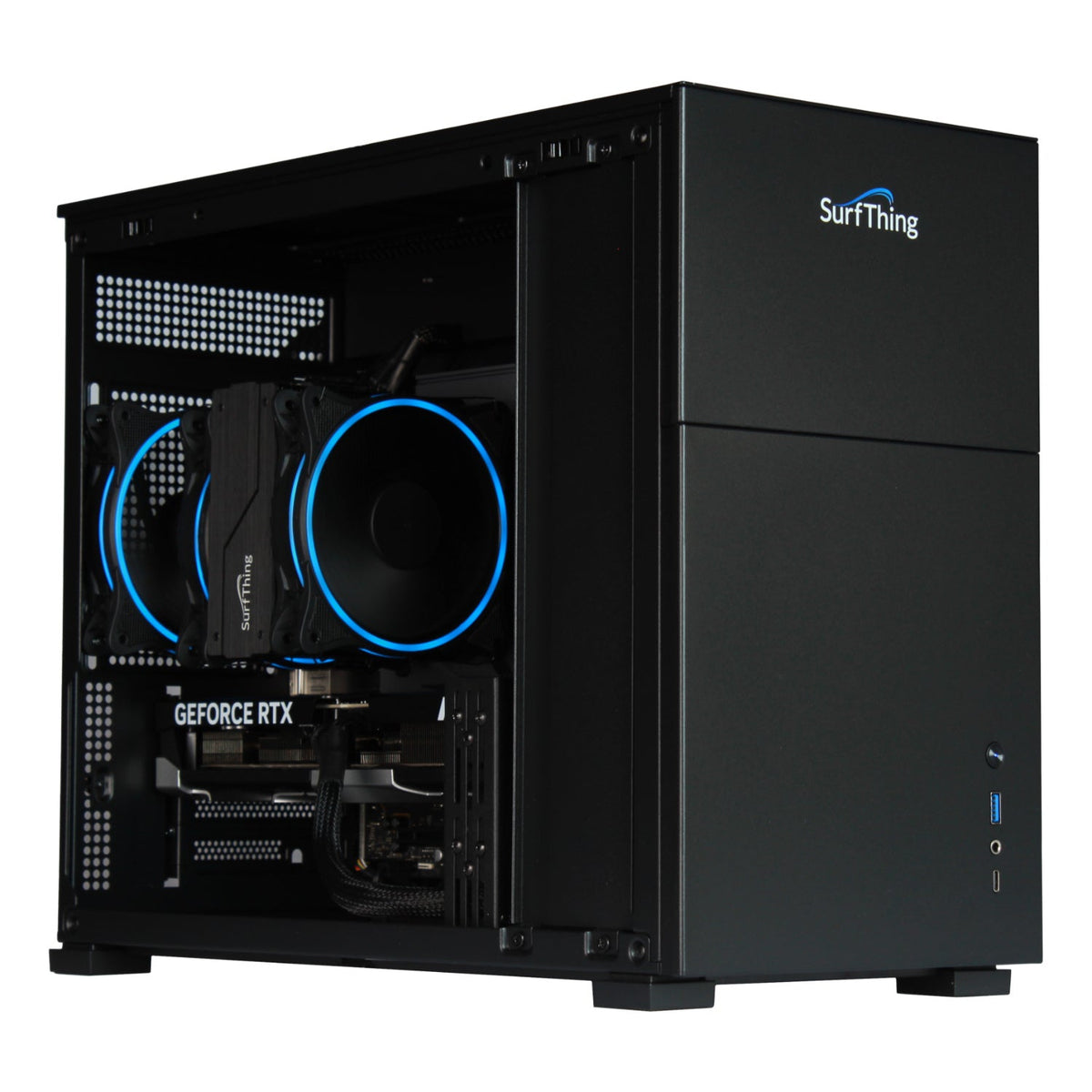
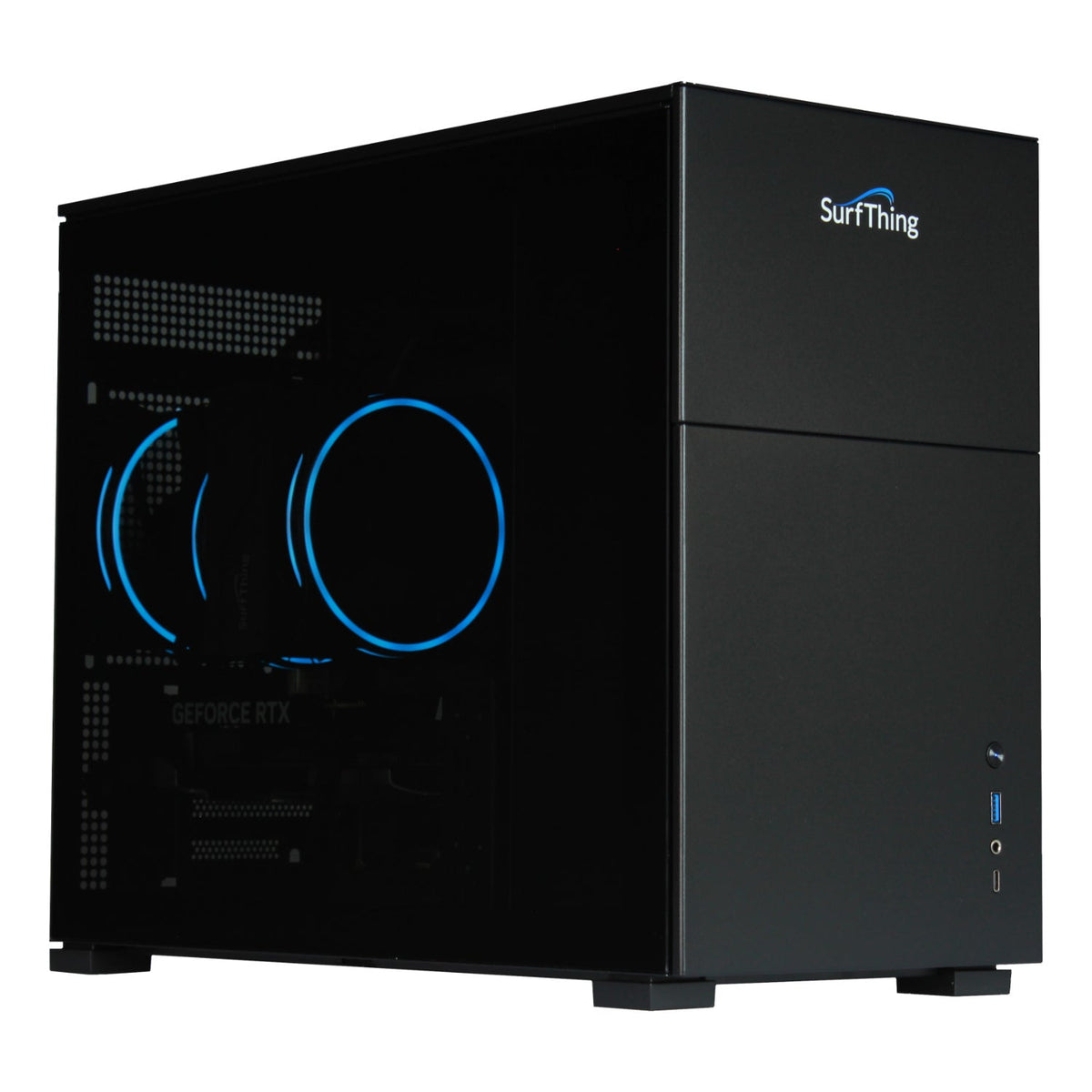
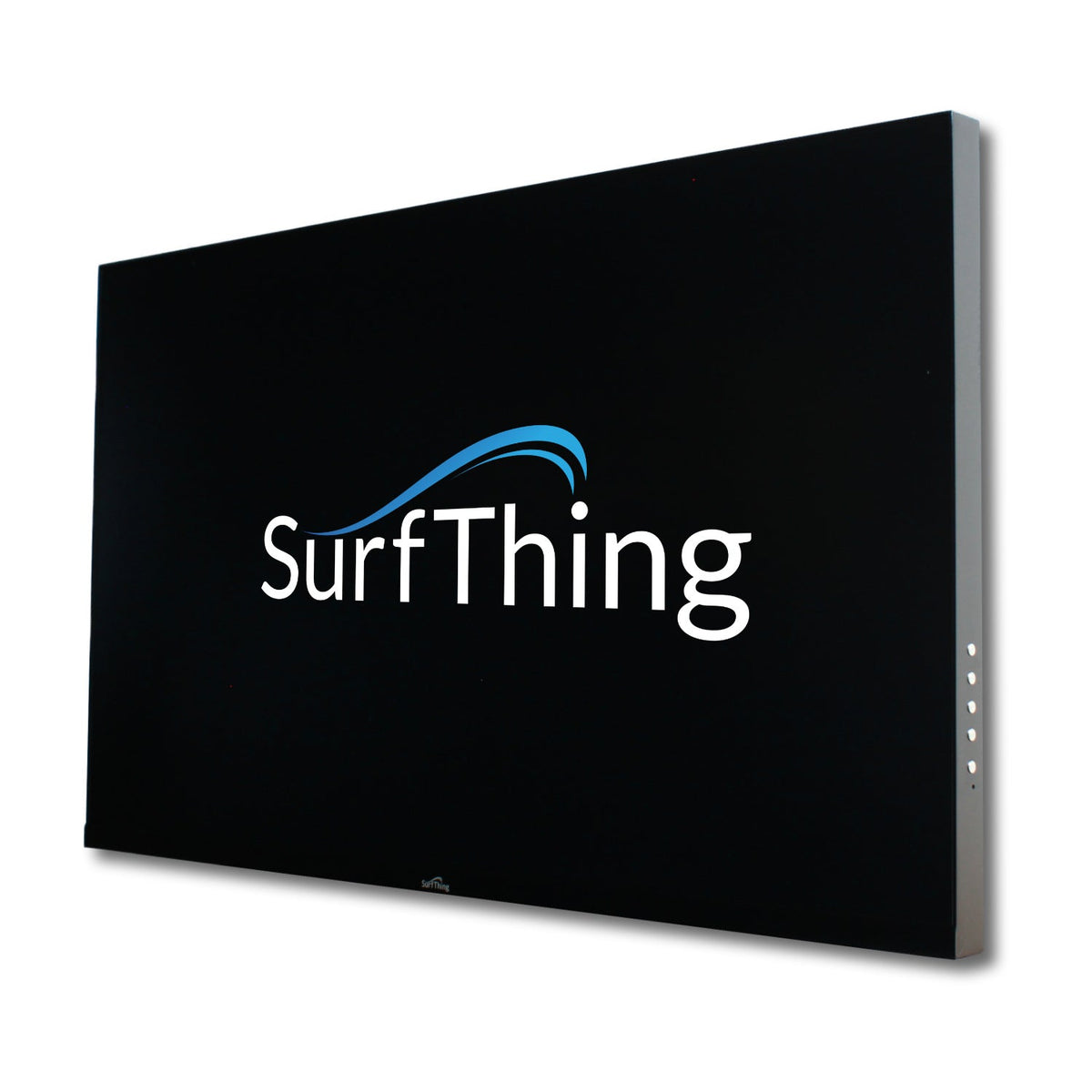
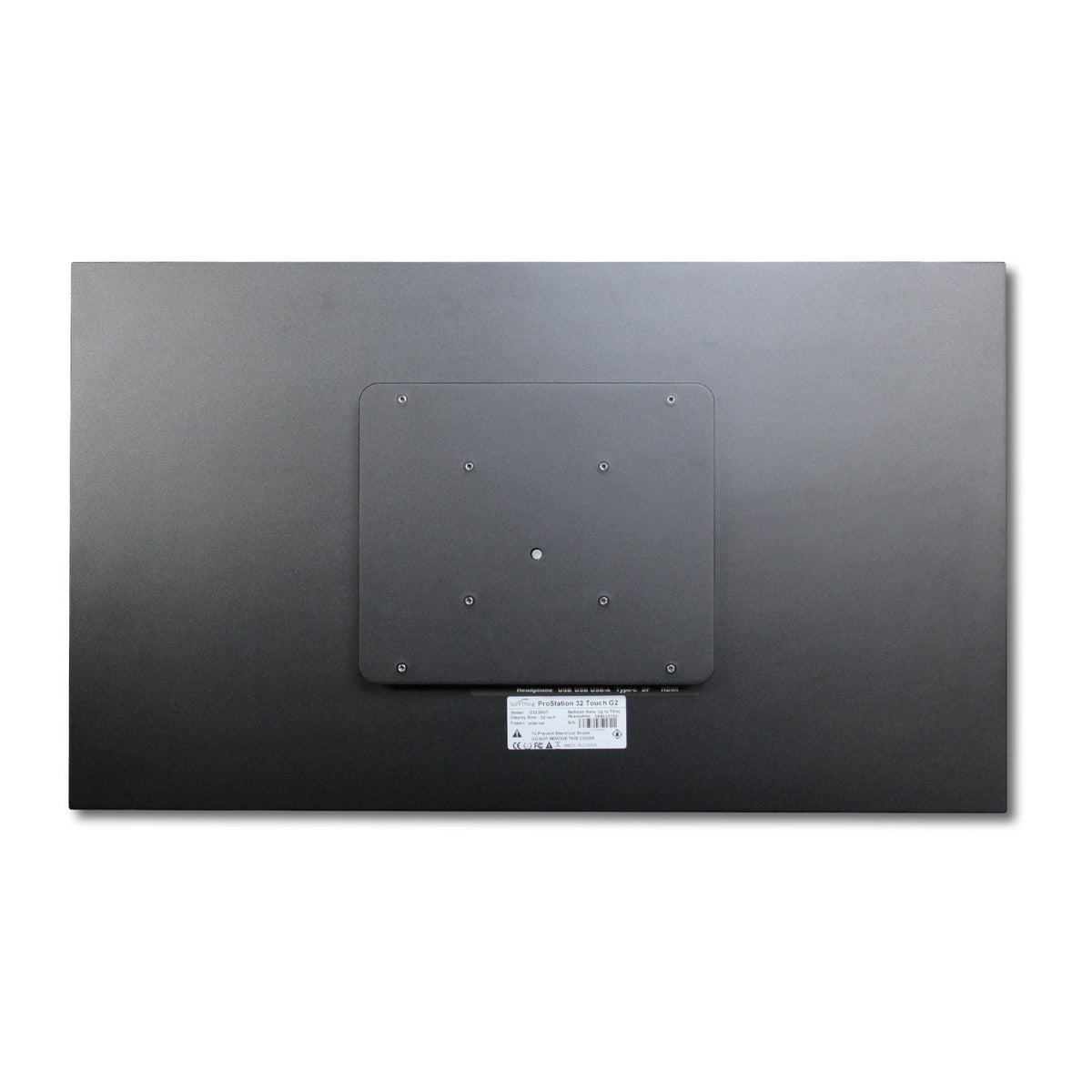
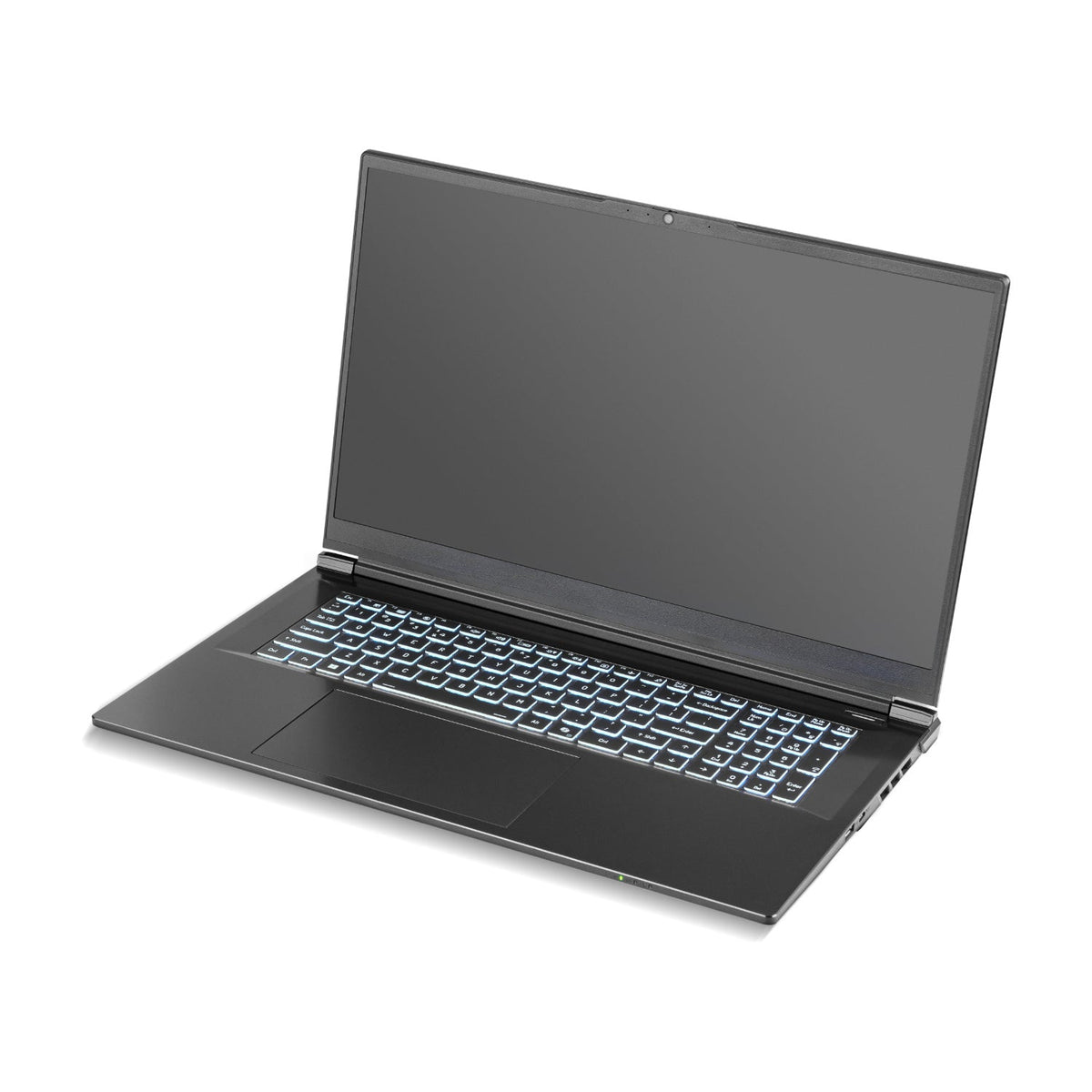
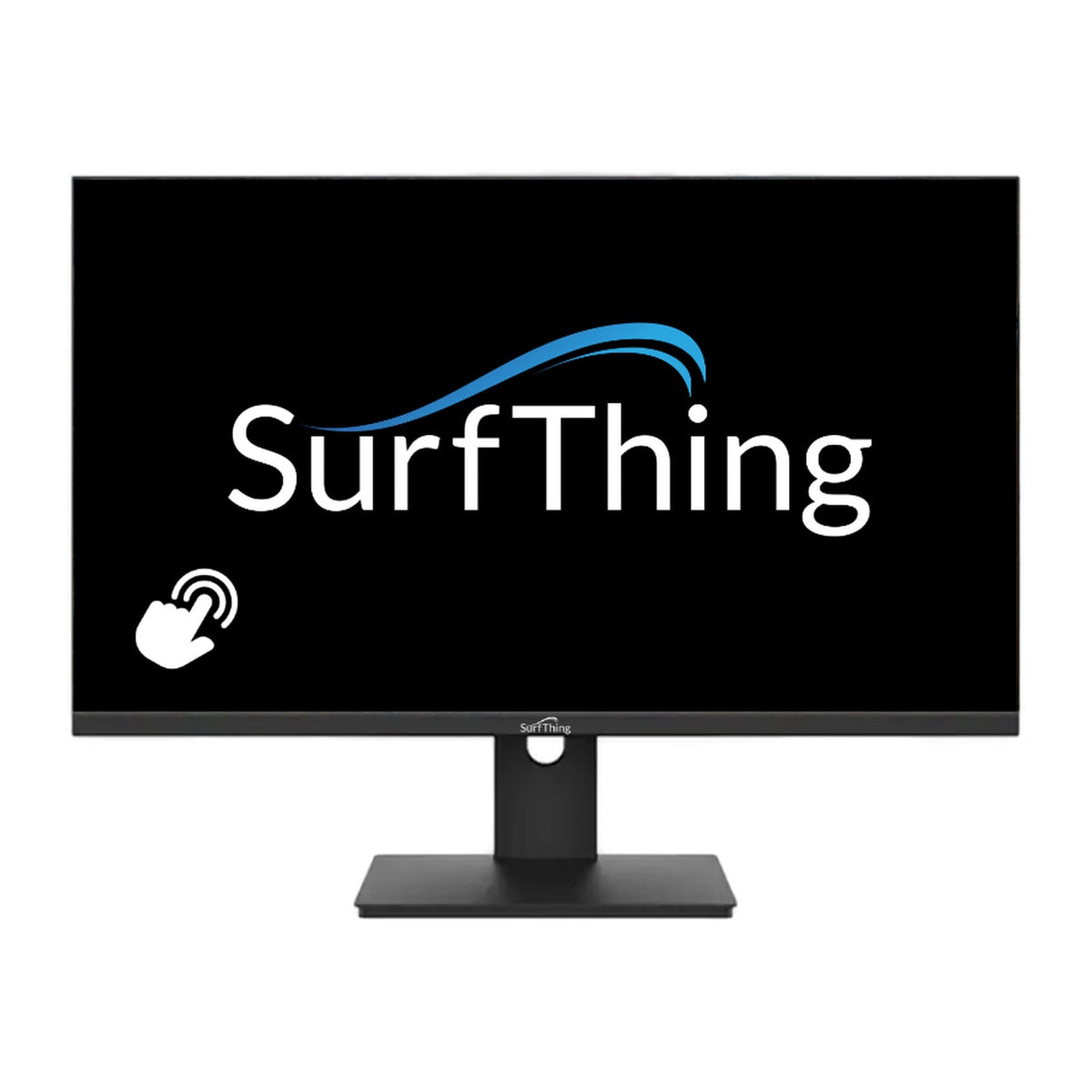
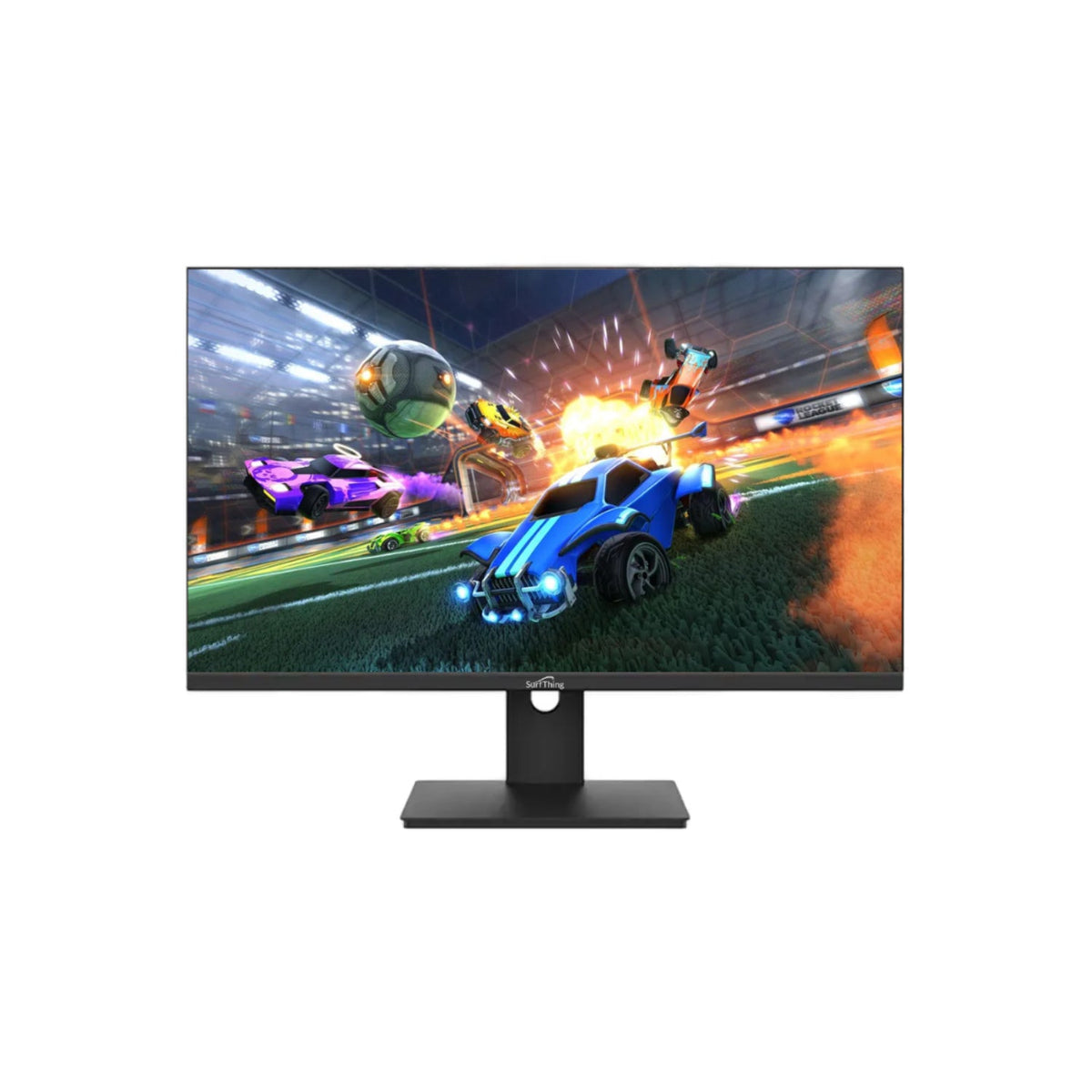
The SG3 computers offer different graphics and processor configurations, while the M3H provides a portable laptop format. The ProStation Touch G2, D2424H and DT2424H listings are displays rather than the computer running the simulation. Check exactly which component you are purchasing.
Plan ports, cameras and storage
List the projector, control display, launch monitor and swing cameras that will connect to the PC. Confirm the required ports, network connections and cable lengths, and allow storage for recorded sessions. Software setup assistance does not mean every software license is included.
| Model | Processor and graphics | Memory and storage |
|---|---|---|
| SG3-5602 | Core Ultra 5 225F; RTX 5060 | 16GB RAM; 1TB SSD |
| SG3-5702 | Core Ultra 5 225F; RTX 5070 | 32GB RAM; 2TB SSD |
| SG3-5702Ti | Core Ultra 5 225F; RTX 5070 Ti | 32GB RAM; 2TB SSD |
| SG3-5802 | Core Ultra 7 265F; RTX 5080 | 32GB RAM; 2TB SSD |
Moving from 5702 to 5702Ti changes the listed graphics card, not the CPU, RAM capacity or storage capacity. Compare the complete workload; these specifications are not measured frame-rate results.
Explore Related Golf Equipment
- Golf Simulator Software
- Golf Simulator Projectors
- Golf Swing Cameras & Accessories
- Golf Launch Monitors
- Golf Simulator Touch Screen Monitors
SurfThing SG3-5602 vs 5702 vs 5702Ti vs 5802. Read the comparison and planning details before choosing your configuration.
Golf Simulator PC vs Laptop: Compare the Full Workload. Read the comparison and planning details before choosing your configuration.
Frequently Asked Questions
Is the SurfThing ProStation Touch G2 a complete simulator PC?
The listed ProStation Touch G2 is a touchscreen display. It needs a compatible computer and the relevant video and touch connections.
Can I choose a PC only by the graphics card?
No. Check CPU, memory, operating system and connectivity as well as graphics requirements for your exact monitor and software.
Are golf simulation licenses included with every computer?
Do not assume so. Read the included-items and software terms for the selected PC and purchase required licenses separately where needed.