

















Plan a Golf Room with SIG and SIGPRO Equipment
Build from the enclosure and floor plan
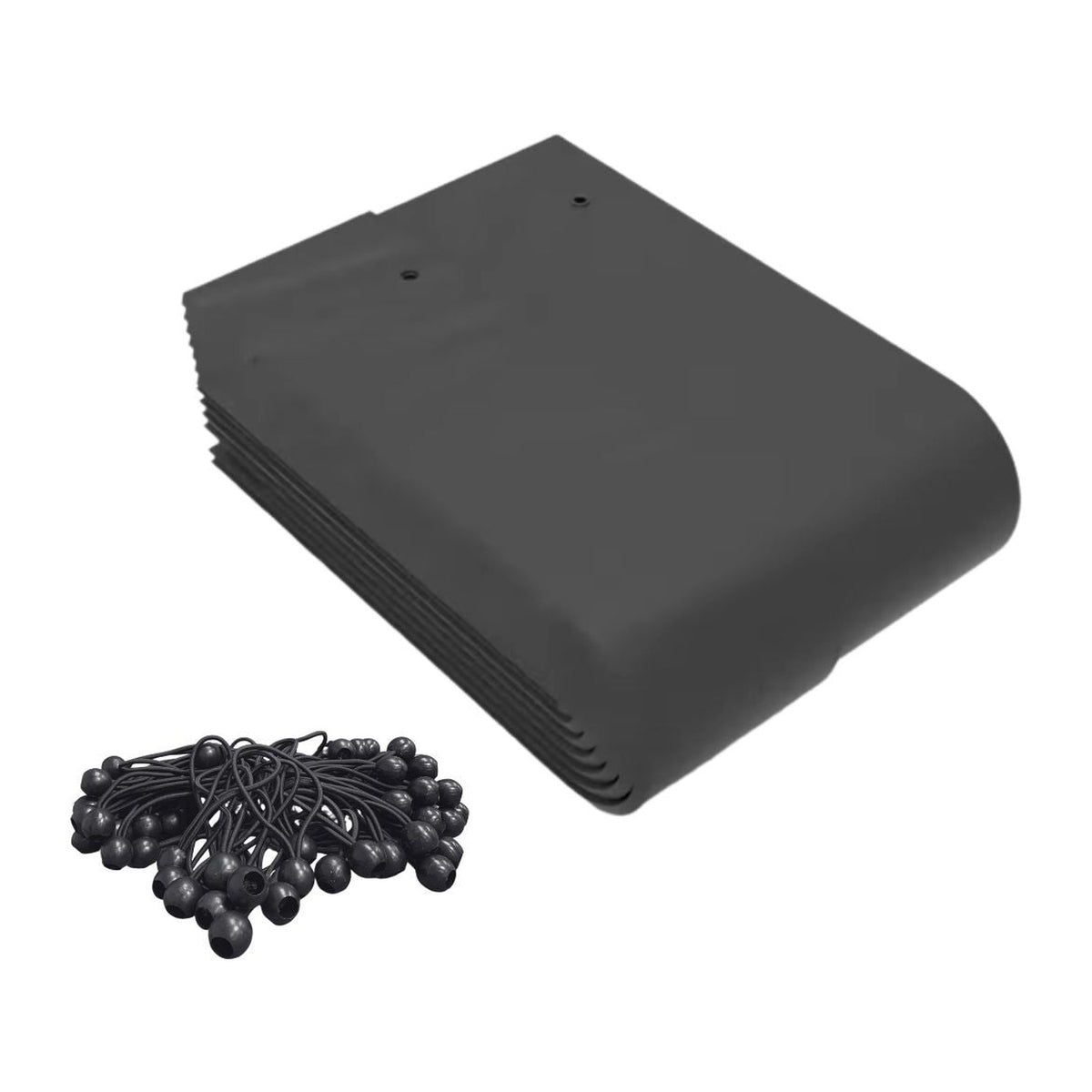
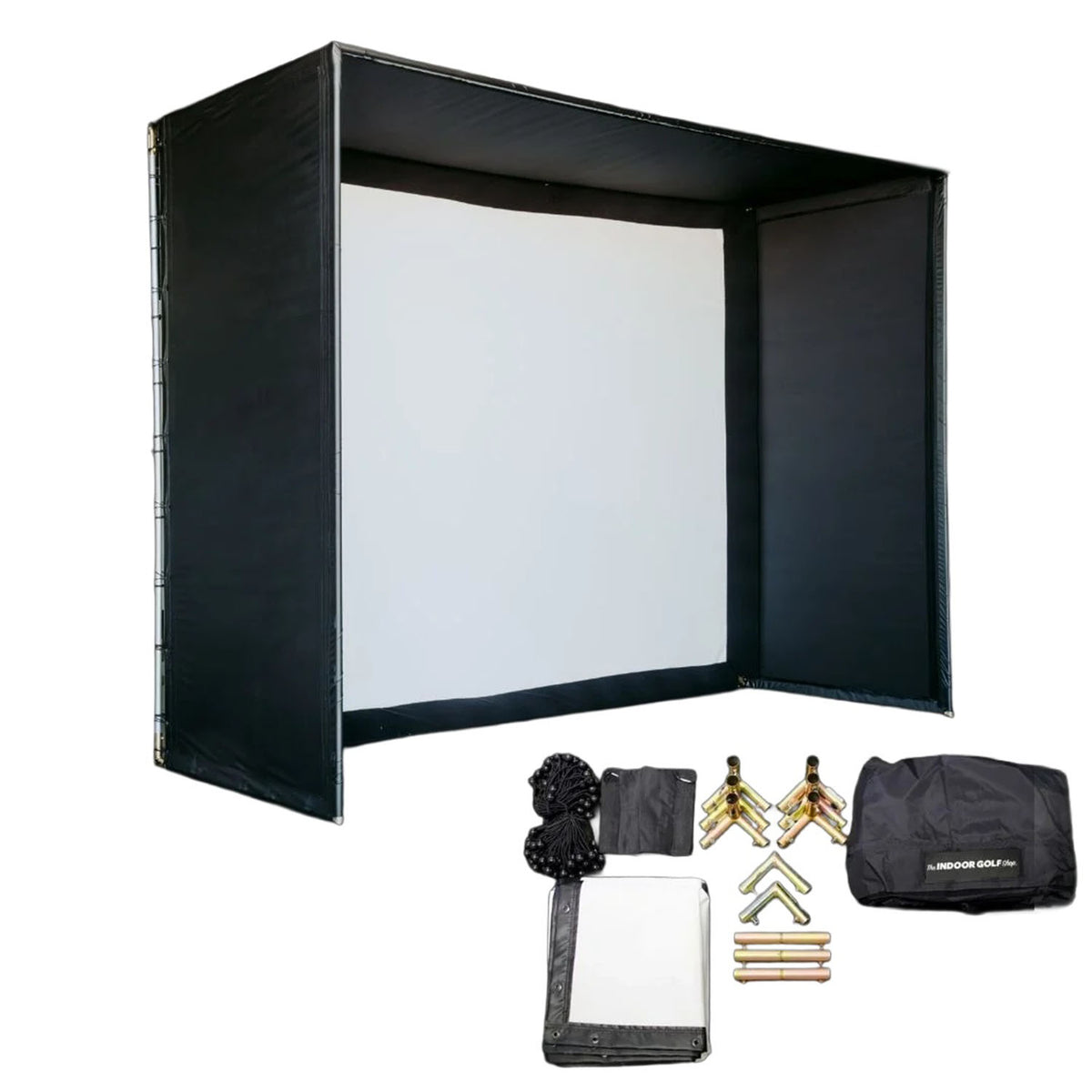
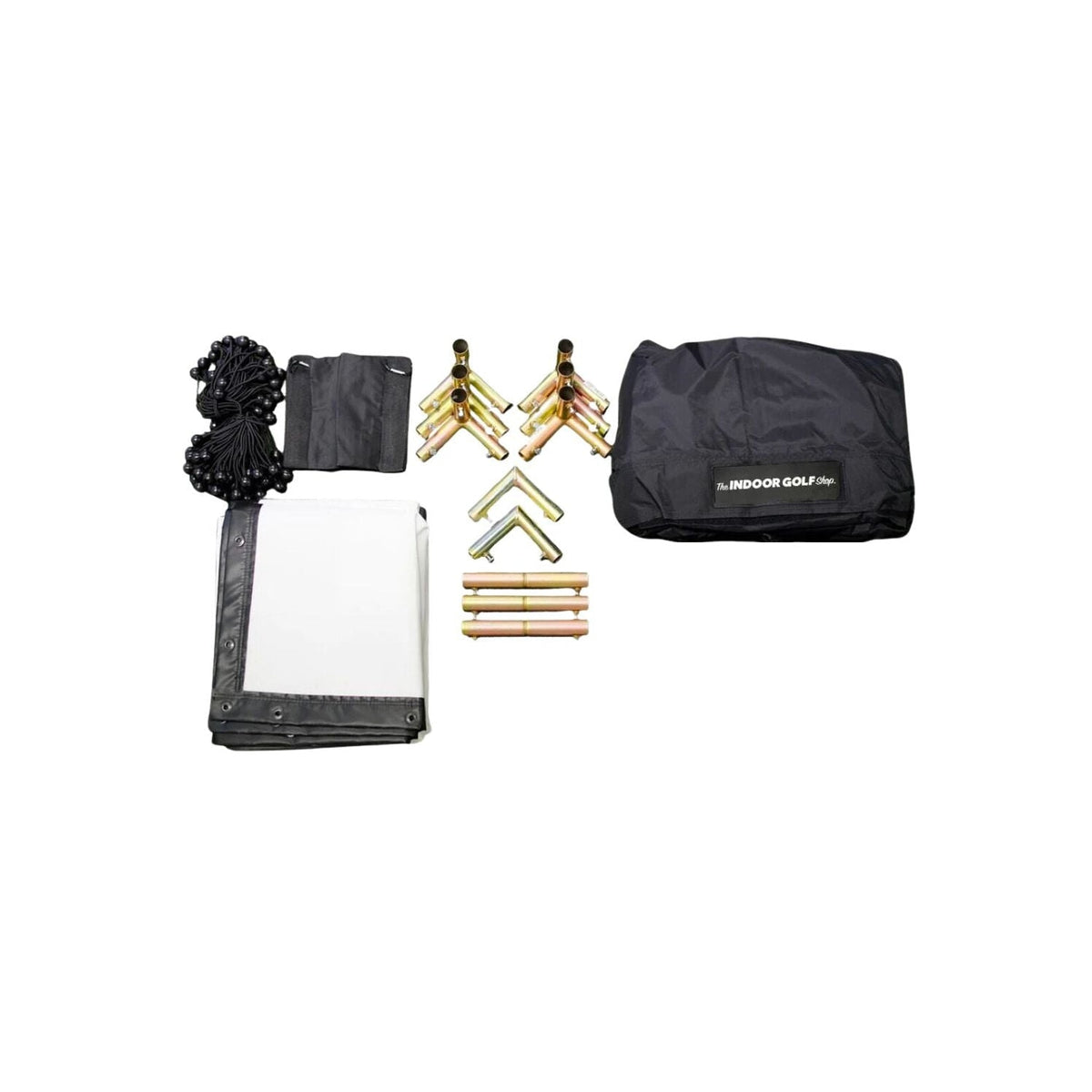
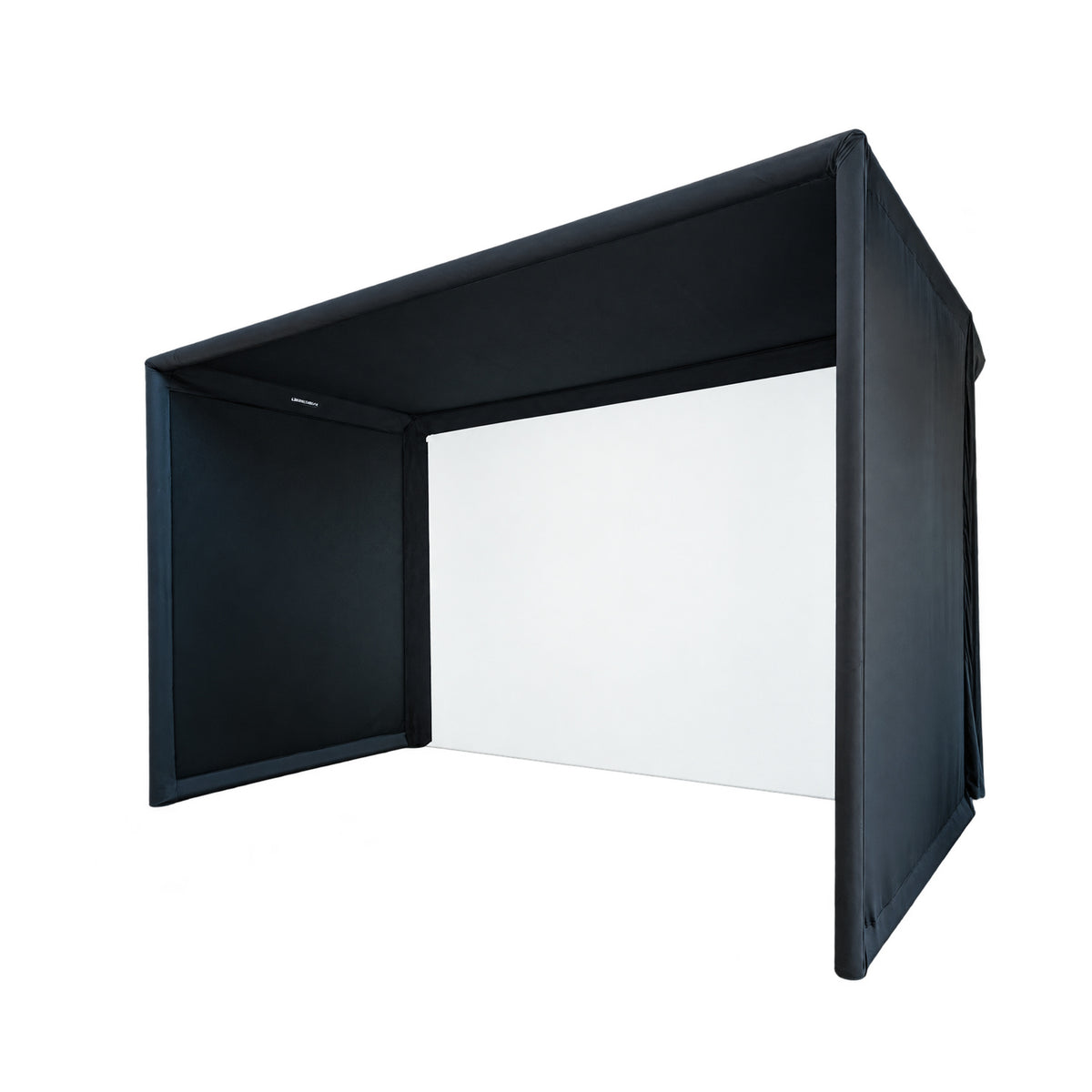
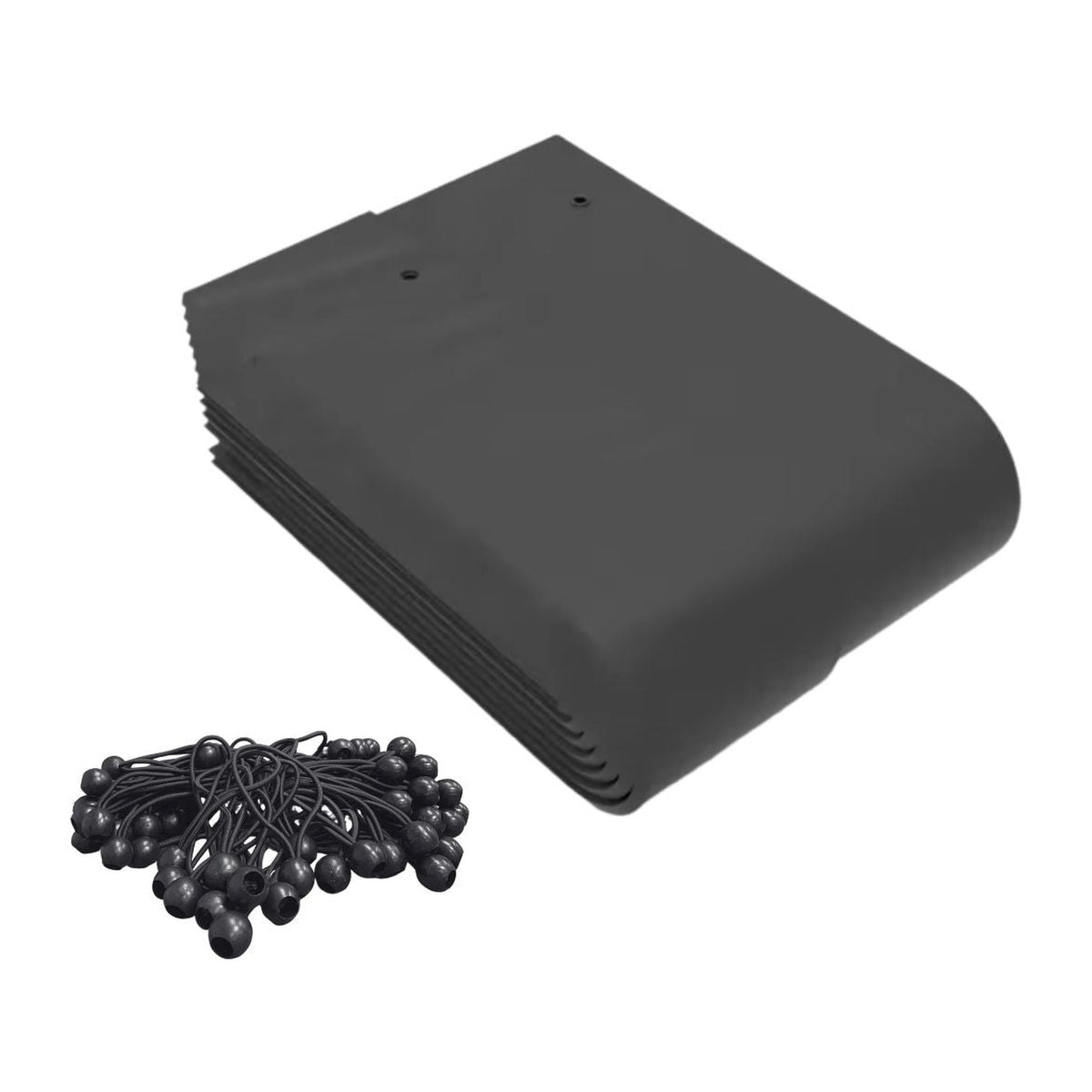
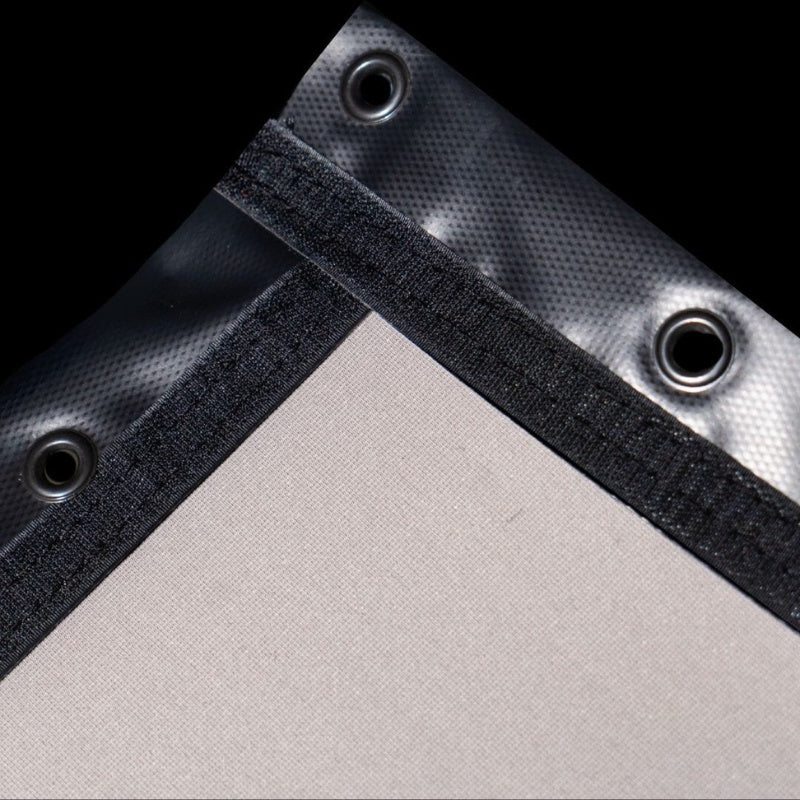
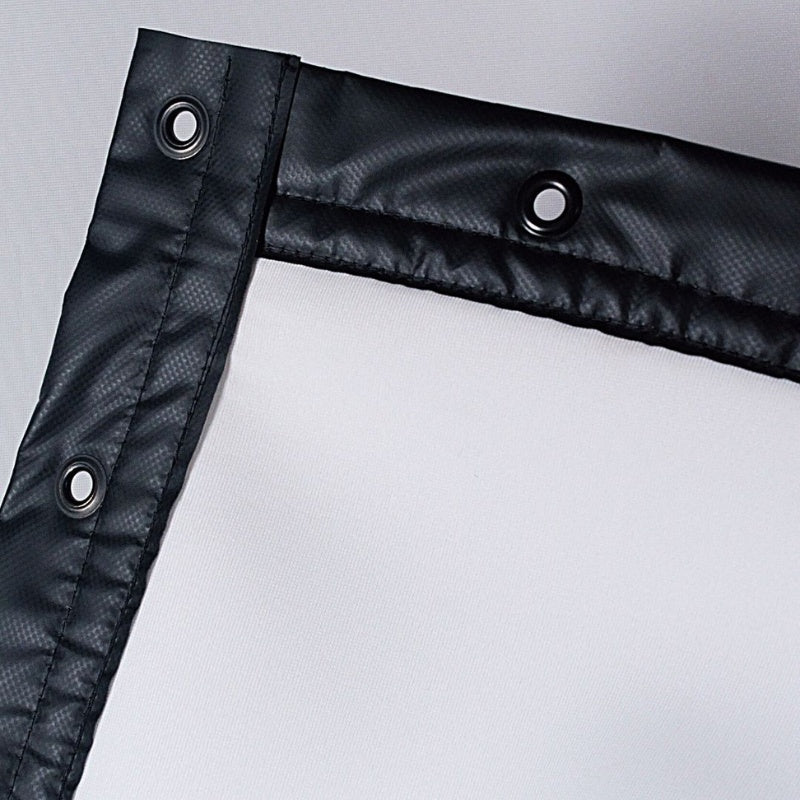
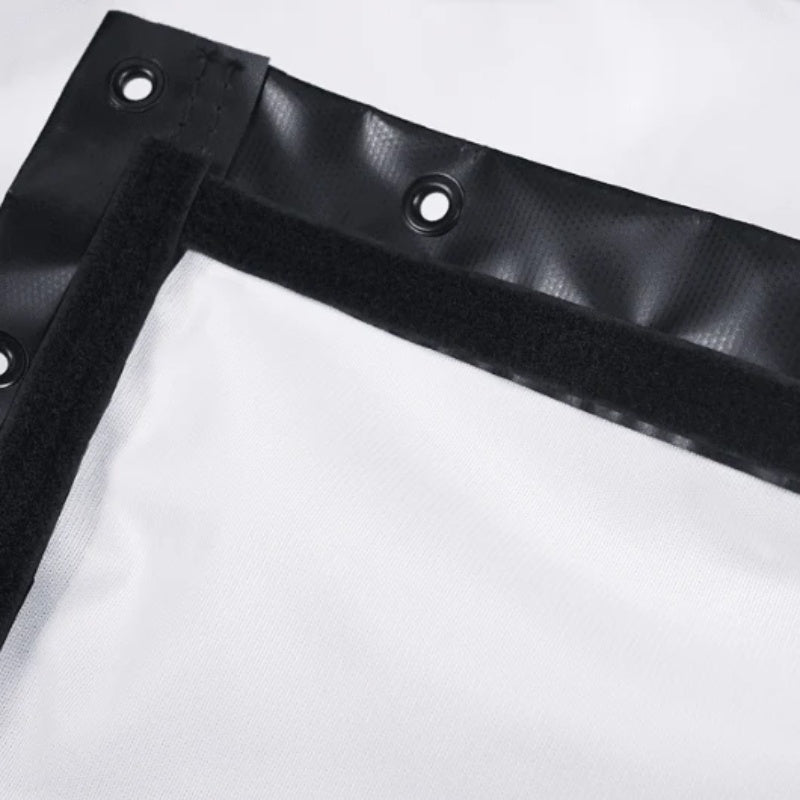
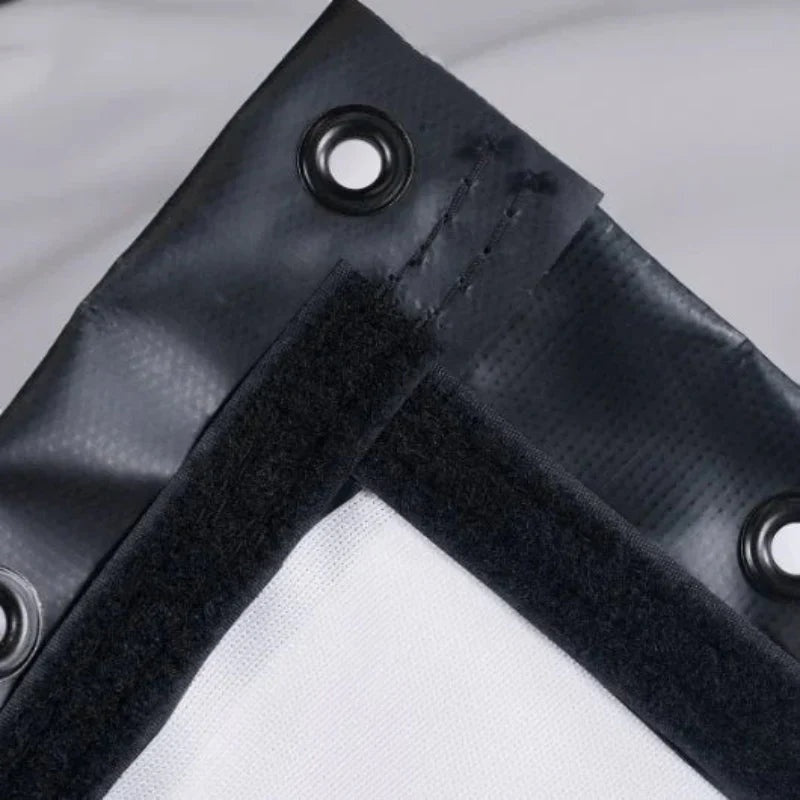
Choose the enclosure family and dimensions first, then coordinate the impact screen and playing surfaces. SIG studio packages, DIY kits and commercial enclosures provide different component lists. Compare what each includes before adding separate frame kits, covers or landing pads.
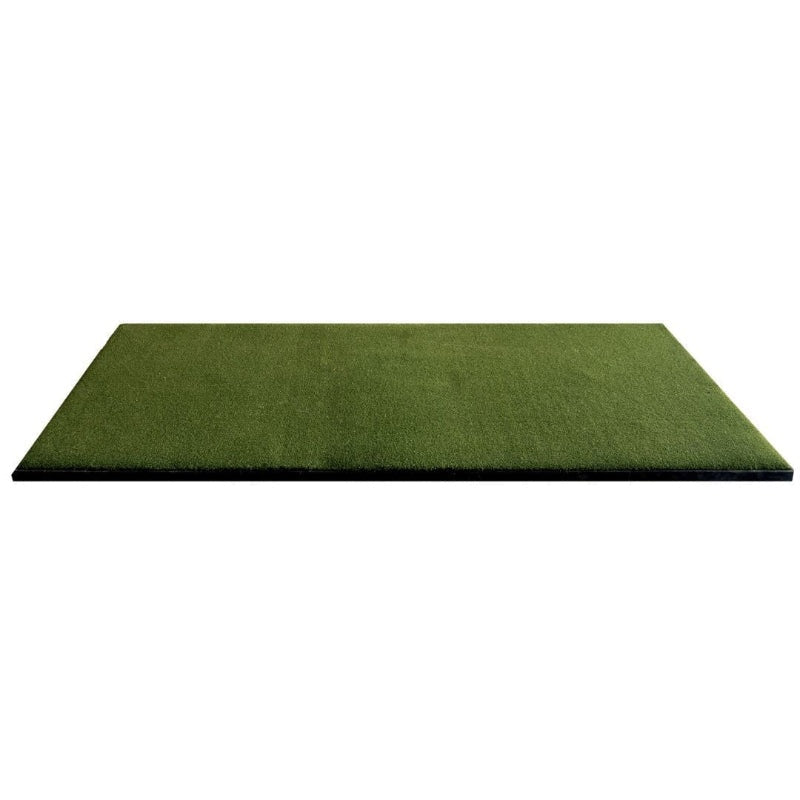
Choose surfaces for specific practice tasks
Commercial Teeline mats, turf products and putting greens are designed for different uses. Match the strike area to the monitor’s hitting zone and select a separate putting layout where required. Check finished height and compatibility when combining floor components.
Explore Related Golf Equipment
- SIG & SIGPRO Golf Simulator Enclosures
- SIGPRO Golf Mats
- Indoor Putting Greens
- Golf Simulator Enclosure Accessories
- SIGPRO Putting Greens
Frequently Asked Questions
Are SIG and SIGPRO accessories interchangeable across all models?
No. Check the exact enclosure or mat model and dimensions for every part.
Does a SIG studio package include a launch monitor?
Review the exact package contents. An enclosure or studio listing does not automatically include tracking hardware.
Where can I compare SIGPRO hitting mats?
The dedicated SIGPRO golf mats collection focuses on the listed mat constructions and sizes.