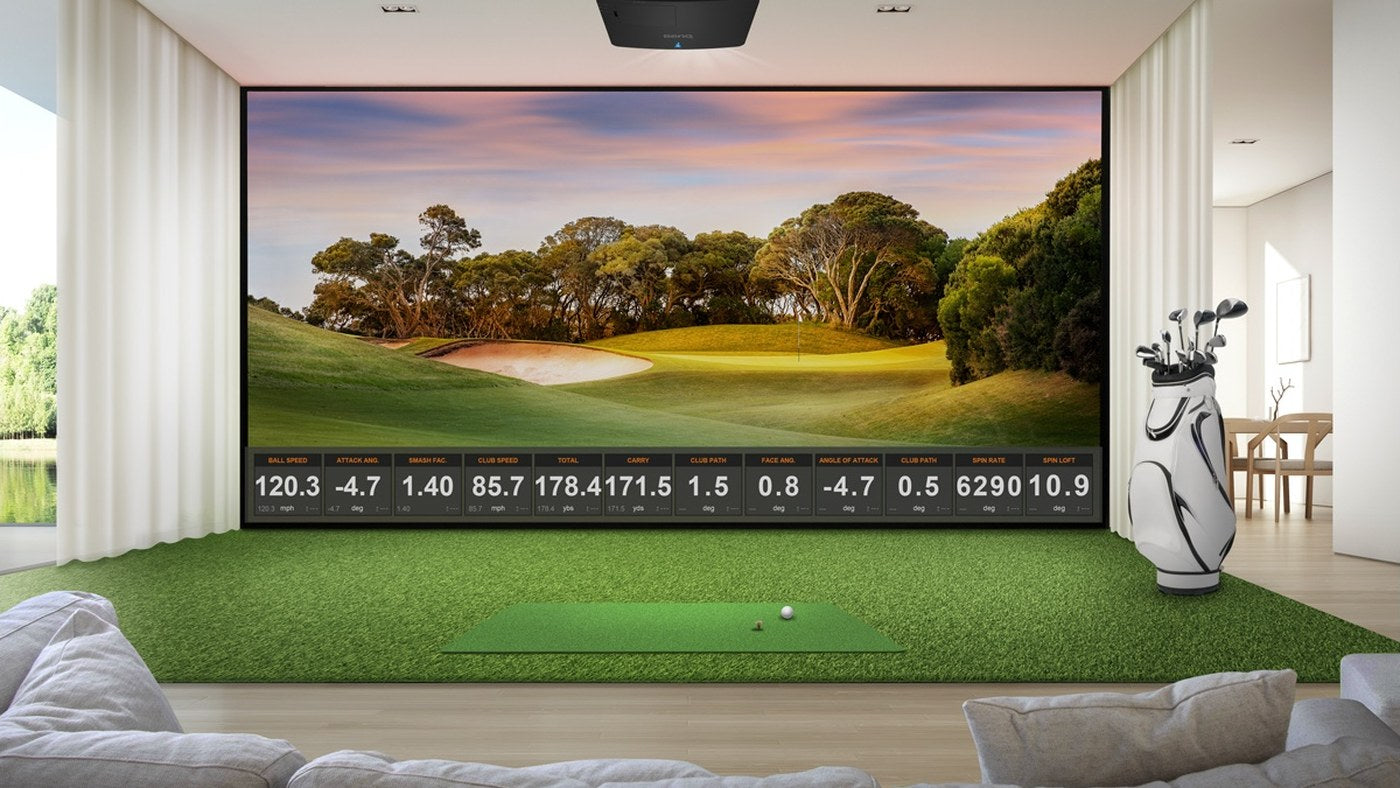
Compare Carl’s Pro and SIGPRO Commercial around the position of the screen, golfer and mounted equipment, then compare the complete supplied parts. Both use 2-inch EMT framing, with pipes separate from the base enclosure listings. The shared pipe size does not make their dimensions, accessories or mounting arrangements interchangeable.
The Carl’s Place Pro Enclosure Kit and SIGPRO Commercial Enclosure can serve dedicated home rooms as well as commercial installations. This comparison uses published specifications and planning examples, not a durability test or a claim that one system is universally better.
Start with the differences that affect the layout
| Decision | Carl’s Pro | SIGPRO Commercial |
|---|---|---|
| Base frame supply | 2-inch EMT pipes are separate from the kit | 2-inch pipe kit is separate from the enclosure |
| Equipment positioning | Compatible front-bar mounting or an optional movable crossbar arrangement | Crossbar provision depends on enclosure depth |
| Screen choices in reviewed IGK listings | Premium or High-Contrast Gray | SIGPRO Premium White or Premier Gray |
| Accessory scope | A separate Pro package adds listed framing and accessories | Check each selected accessory and frame option |
| Room fit | Use actual outside dimensions and rear fitting allowance | Use overall dimensions and rear kickstand footprint |
Neither base enclosure includes the full tracking, projection and computing system. Itemize those components even if a finished product photograph shows them installed.
Similar size labels can conceal different structures
Carl’s Pro listed as 8 × 10.5 feet has published outside dimensions of 102 inches high and 132.4 inches wide. The SIGPRO Commercial 8 × 10 ft 5 in option lists an outside height of 96 inches and width of 125 inches.
That is a calculated difference of 6 inches in height and 7.4 inches in width. The names alone are too similar to communicate that difference clearly. Compare actual dimensions for the particular options in your cart.
Do not mix a viewable screen measurement from one system with a finished screen measurement from the other. Identify which dimension the source labels before using it in an image-size or replacement-screen calculation.
Make crossbar position an early decision
Carl’s describes a Pro frame designed for compatible mounted electronics, with an optional movable crossbar for positioning. Confirm the crossbar and mounting hardware for the specific supplied enclosure generation and device.
SIG’s current product page describes these standard arrangements:
| Selected enclosure depth | Published crossbar arrangement |
|---|---|
| Less than 10 ft | No crossbar supplied |
| 10–13 ft | Crossbar 6.5 ft from the screen |
| Standard 15 ft option | Crossbar 7.5 ft from the screen |
For a custom depth, obtain the order-specific drawing. Published summaries use different wording for deeper custom layouts, so do not extrapolate a mounting coordinate from a standard-size example.
Translate the launch monitor requirement into a screen coordinate
Use the screen as zero. Record the ball’s distance from it, then apply the exact launch monitor’s required fore-and-aft position relative to the ball. This tells you where its sensor needs to sit in the room.
Hypothetical example: if the ball is 10 feet from the screen and a specified device position is 3 feet toward the screen from the ball, that position is 7 feet from the screen. A bar at 6.5 feet is 6 inches away from that requested position. Whether a suitable mount can accommodate the difference must be verified for the actual equipment; the example does not establish compatibility.
Do the projector calculation separately. Its reference is the lens, while the launch monitor may use a sensor or another specified point. A single bar location does not automatically suit both devices.
Include the rear structure in the footprint
SIG’s specification sheet lists a 1-foot rear kickstand allowance. Its 10-foot enclosure depth therefore has an 11-foot structural footprint. That still excludes the rest of the playing area, access and any additional installation clearance.
Carl’s Pro also has rear fittings that affect the footprint. Use its selected drawing and rear-buffer guidance rather than stopping your tape at the screen plane. Mark the screen, back wall and rear support as separate lines on the plan.
Compare complete enclosure quotes
For each candidate, record the selected size, screen, main pipe supply, rear coverage, padding, baffles, equipment mounts and crossbar. Add the installation work and any room preparation. Keep the projector, launch monitor, mat and computer consistent if they are part of the wider comparison.
The Carl’s Pro enclosure package already includes several accessories. Comparing that package with a SIGPRO base enclosure without accounting for those components would overstate the price difference between equivalent setups.
Plan access for maintenance
In a busy bay, a screen or device may need attention while the surrounding room remains in use. Identify how the screen is replaced, how the projector controls are reached and where cables can be serviced. Leave a practical route for that work before surrounding the enclosure with furniture or a permanent finish.
Keep the parts list and selected configuration with the room drawing. A later replacement order should identify the exact supplied model and dimensions instead of relying on “the commercial enclosure” as the product description.
Which should stay on your shortlist?
Keep Carl’s Pro on the shortlist when its actual dimensions and compatible movable-crossbar arrangement suit the planned equipment positions. Keep SIGPRO Commercial on the shortlist when its selected size, crossbar arrangement and completed component quote fit the room.
If a candidate only works after assuming an unsupported mount, omitted rear clearance or a different ball position than the launch monitor permits, revise that layout first. Choose the enclosure whose documented configuration works with the complete room, then compare its final cost.