




Choose a Camera-Based Golf Launch Monitor for Your Setup
Compare overhead and beside-the-ball layouts
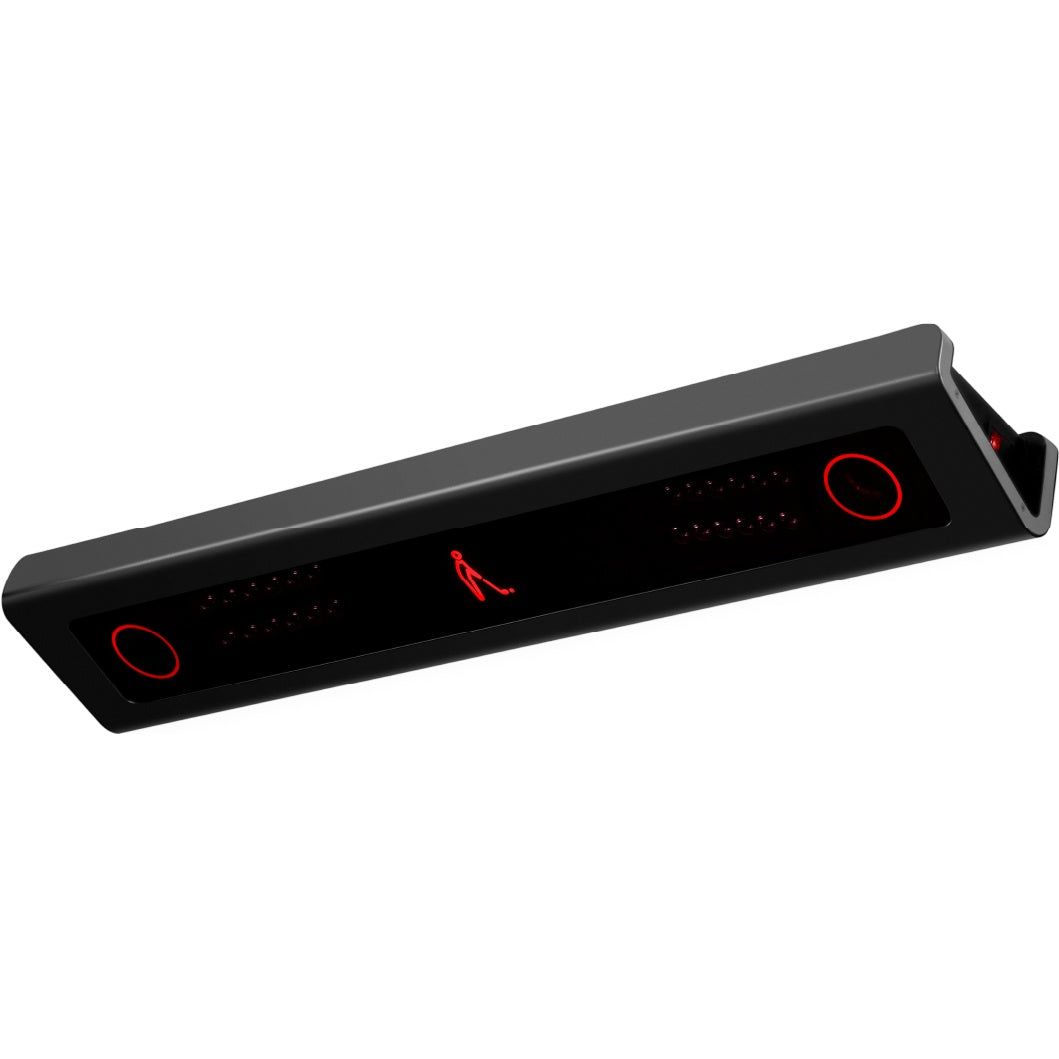
Camera-based launch monitors capture images around impact to measure the shot. Some mount above the hitting area, while others sit beside the ball. An overhead layout can keep the floor clear for shared play; a side-positioned model may suit a portable practice routine. Choose the physical layout before comparing the amount of data each unit provides.
Separate portability from camera technology
Camera tracking does not automatically mean a unit is portable. Uneekor EYE MINI, TruGolf LaunchBox, NVISAGE NEO-E and GOLFJOY Spica 3 offer portable formats, while EYE MINI LITE is designed for a fixed, powered indoor setup. Overhead options such as EYE XO, EYE XO2, EYE XR, APOGEE, VTrack, N1 and IDRA II have their own mounting requirements.
Check ball, club and software requirements
Marked-ball and club-sticker requirements vary by model and by the measurement you want to capture. A unit that reads unmarked balls may still require club stickers for particular club data. Compare the supplied practice software with the separate licenses, subscriptions or integrations required for virtual-course play.
Plan the hitting zone and complete room
Review the usable hitting area, mounting or placement position, lighting guidance and computer specifications for the exact model. Include left- and right-handed players in the layout. A compact tracking system still requires enough space for a full swing, the screen or net and the surrounding safety clearances.
Explore Related Golf Equipment
- Golf Launch Monitors
- Overhead Golf Launch Monitors
- Portable Golf Launch Monitors
- Radar Golf Launch Monitors
- Golf Simulator Software
Uneekor EYE MINI vs EYE MINI LITE: Portable Practice or a Dedicated Golf Room?. Read the comparison and planning details before choosing your configuration.
Frequently Asked Questions
Are all camera-based launch monitors mounted on the ceiling?
No. This collection includes overhead models and units that sit beside the ball. The correct choice depends on room layout and how you intend to practice.
Do camera-based monitors need special golf balls?
Requirements differ. Check the selected model’s instructions; for example, the NVISAGE N1 uses the specified marked balls, while other models support unmarked balls.
Is course-simulation software included with every monitor?
Software entitlements differ. Confirm the supplied practice tools and whether course play or a third-party connection needs an additional license or subscription.
How does this compare with a radar launch monitor?
The primary tracking method differs. Compare placement, indoor room requirements, measured data and software compatibility for the actual models. Some other systems combine radar and cameras.