
Add a Touch Screen Control Display to Your Golf Simulator
Choose the display size around the control station
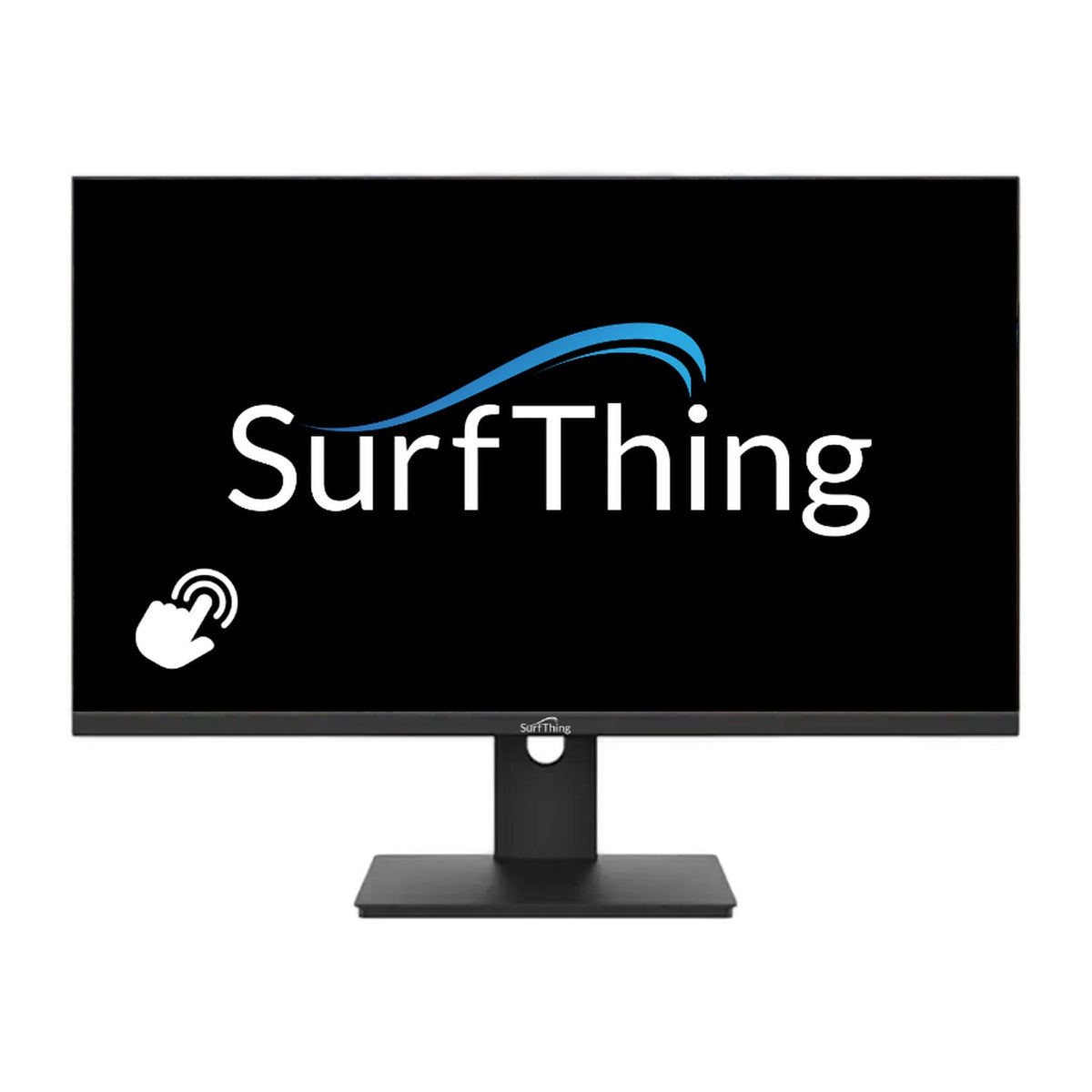
The DT2424H provides a 23.8-inch 1080p display, while ProStation Touch G2 provides a 32-inch 4K display. Both are listed with 10-point touch. Compare the space beside the bay, your viewing distance and the size of the software controls. A larger control screen does not change the projection size on the impact screen.
Plan both video and touch connections
A video connection carries the picture, while touch input also needs the supported data connection and computer setup. Review the selected display’s included cables, available inputs and the PC’s ports. Confirm touch support in the software you intend to control instead of assuming every simulator interface behaves the same way.
Check the stand or mounting arrangement
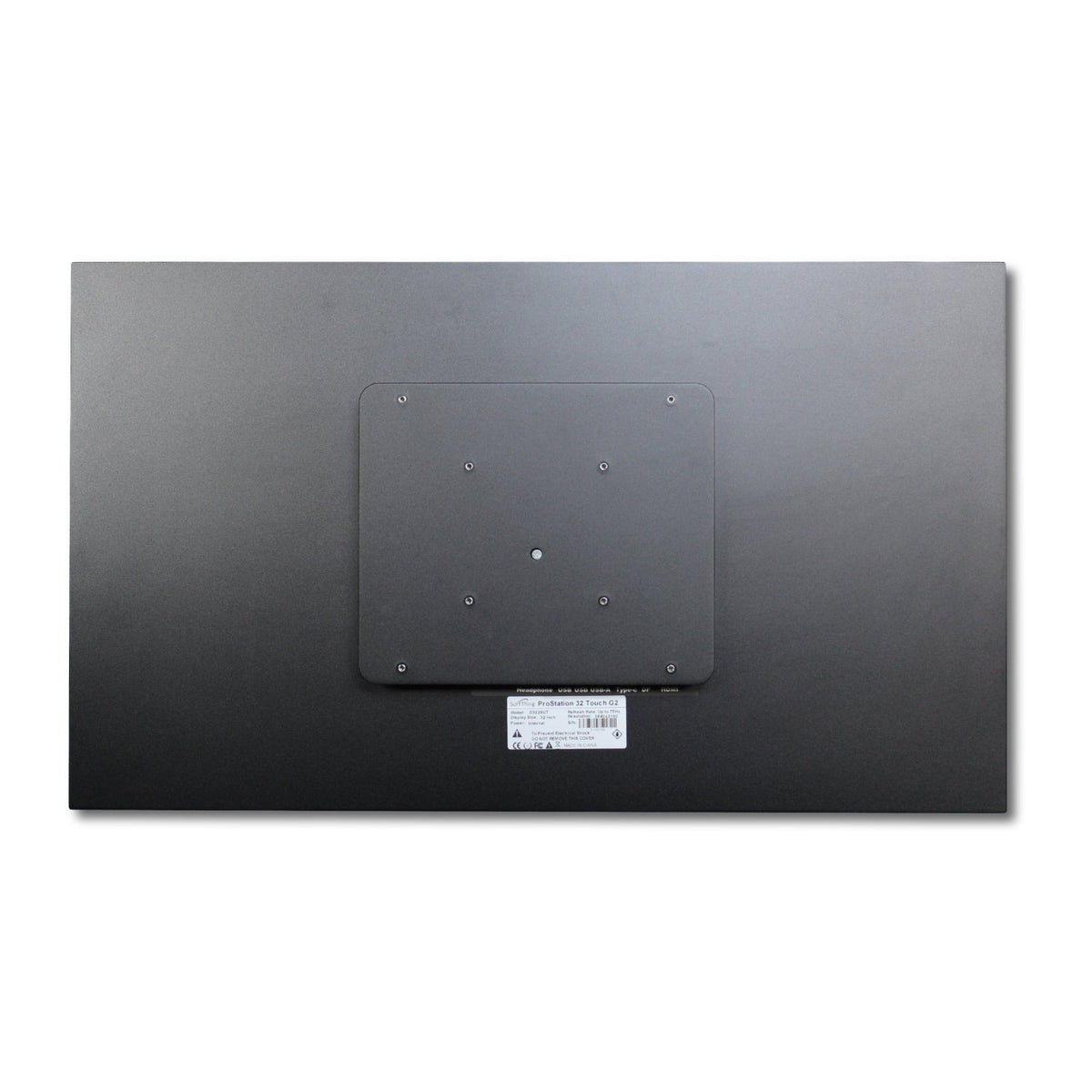
The DT2424H listing includes an adjustable stand with height, tilt, swivel and portrait rotation. ProStation Touch G2 does not include a stand and supports the listed 100-by-100 and 200-by-200-millimeter VESA patterns. Choose a suitable mount for the display’s specification, then keep the screen and cable route outside the ball and club path.
Distinguish the display from the computer
These products are monitors, not integrated simulator PCs. You still need a computer that meets the launch monitor and software requirements. Compare the PC’s available outputs when using both a projector and a control screen, and plan how the software will appear on each display.
| Display | Screen format | Stand and connection decision |
|---|---|---|
| ProStation Touch G2 | 32-inch 4K; 10-point touch | A stand is not included. Match a mount to the listed VESA patterns and plan the touch-data connection. |
| DT2424H | 23.8-inch 1080p; 75Hz; 10-point touch | The adjustable stand supports a desktop control station. Confirm video and touch connections for the PC. |
Neither display supplies the simulator computer. The similarly named D2424H is a different, non-touch model; check the full model name when ordering.
Explore Related Golf Equipment
- Golf Simulator Computers
- Golf Simulator Software
- Golf Simulator Projectors
- Golf Simulator Accessories
Frequently Asked Questions
Does a touch screen monitor include a simulator computer?
No. These are display accessories. The compatible PC, tracking hardware and software are separate equipment choices.
Is the 32-inch ProStation Touch G2 supplied with a stand?
The listing does not include a stand. Review the supported VESA patterns and choose a compatible mounting solution.
Will HDMI alone provide touch control?
HDMI carries the picture. Follow the display instructions for the required touch-data connection and computer setup as well.
Can I use a touch screen alongside a projector?
A compatible PC may support both displays. Confirm its outputs, software behavior, resolution settings and the necessary video and touch connections.