

















Review Recent Additions to the Indoor Golf Kit Catalog
Distinguish a new listing from a new product generation
A recently added store listing is not necessarily a newly released manufacturer model. Check the full model name, specifications and included components. If you are replacing existing equipment, compare connections, dimensions and software support with what you already own.
Use category pages for a clearer comparison
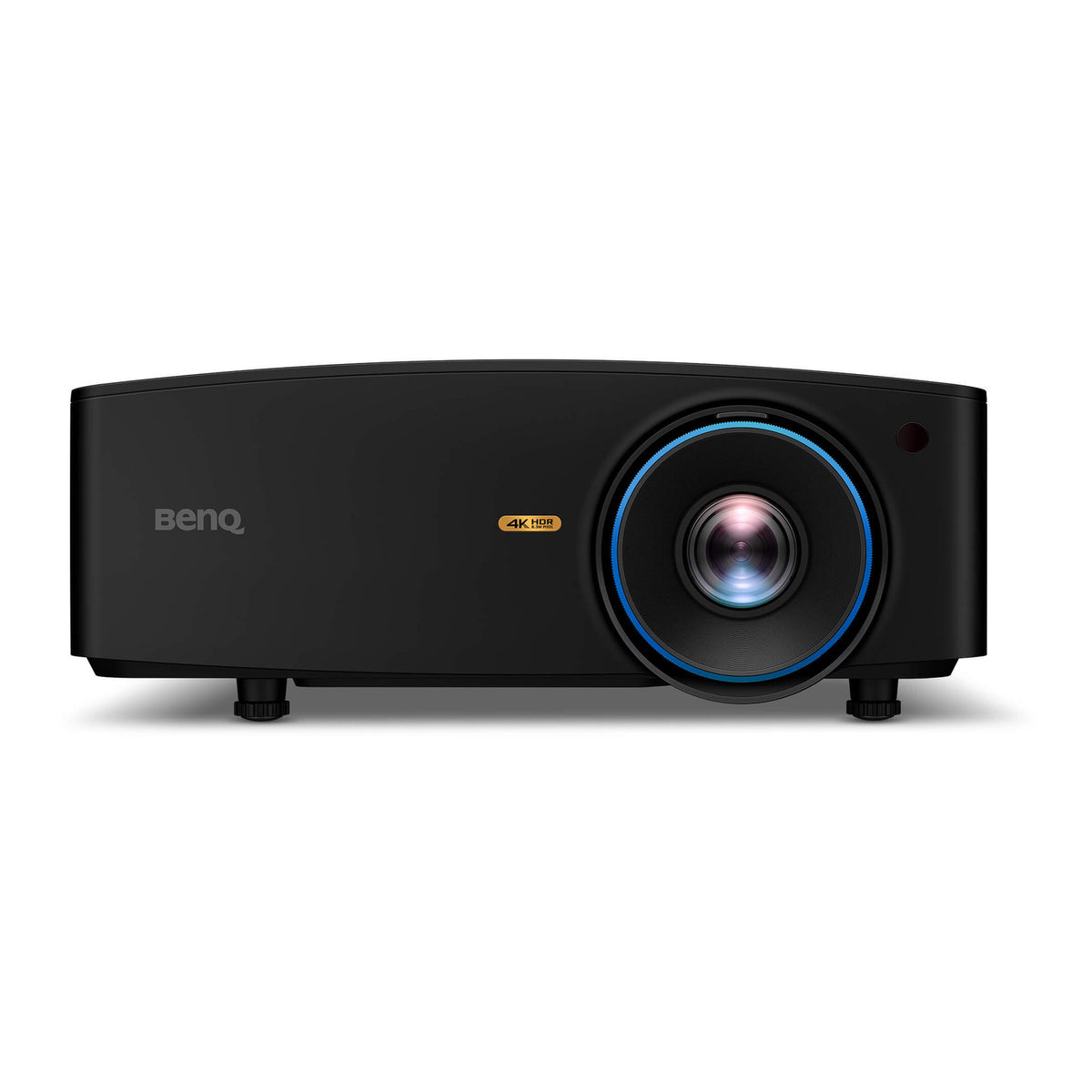
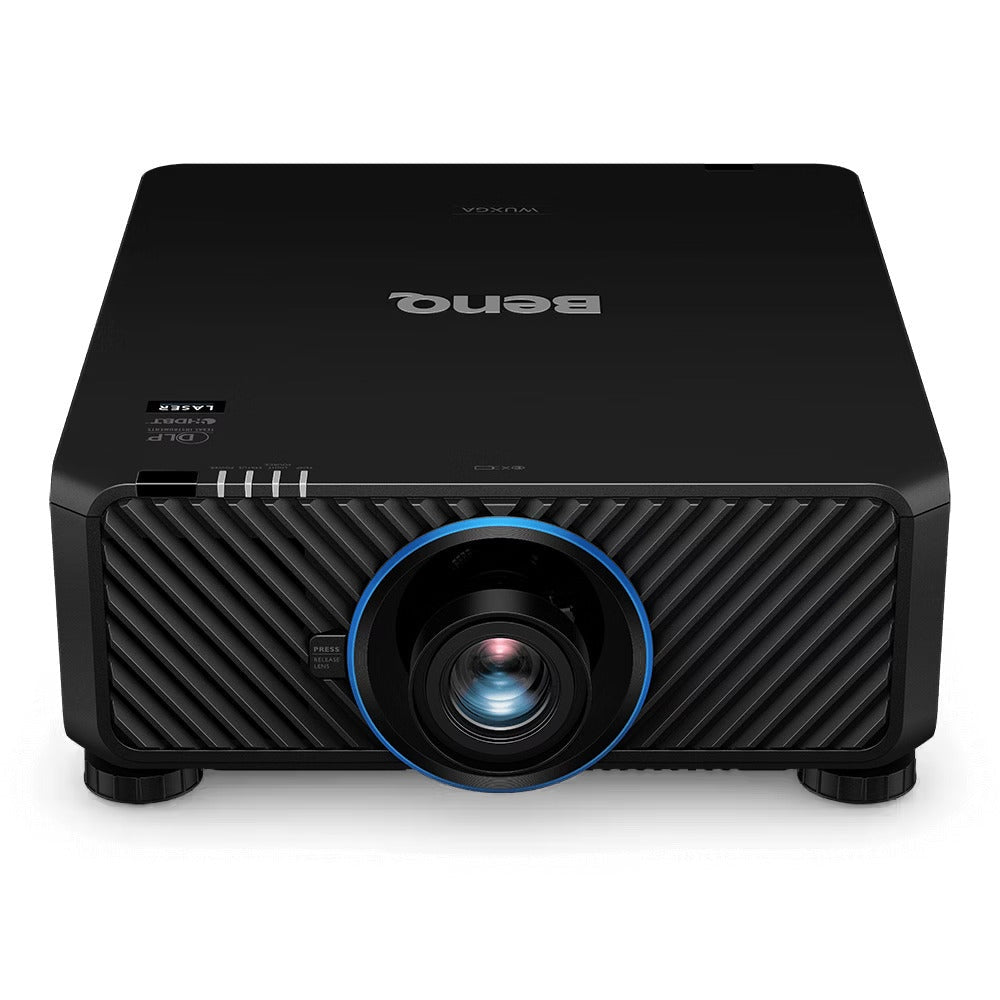
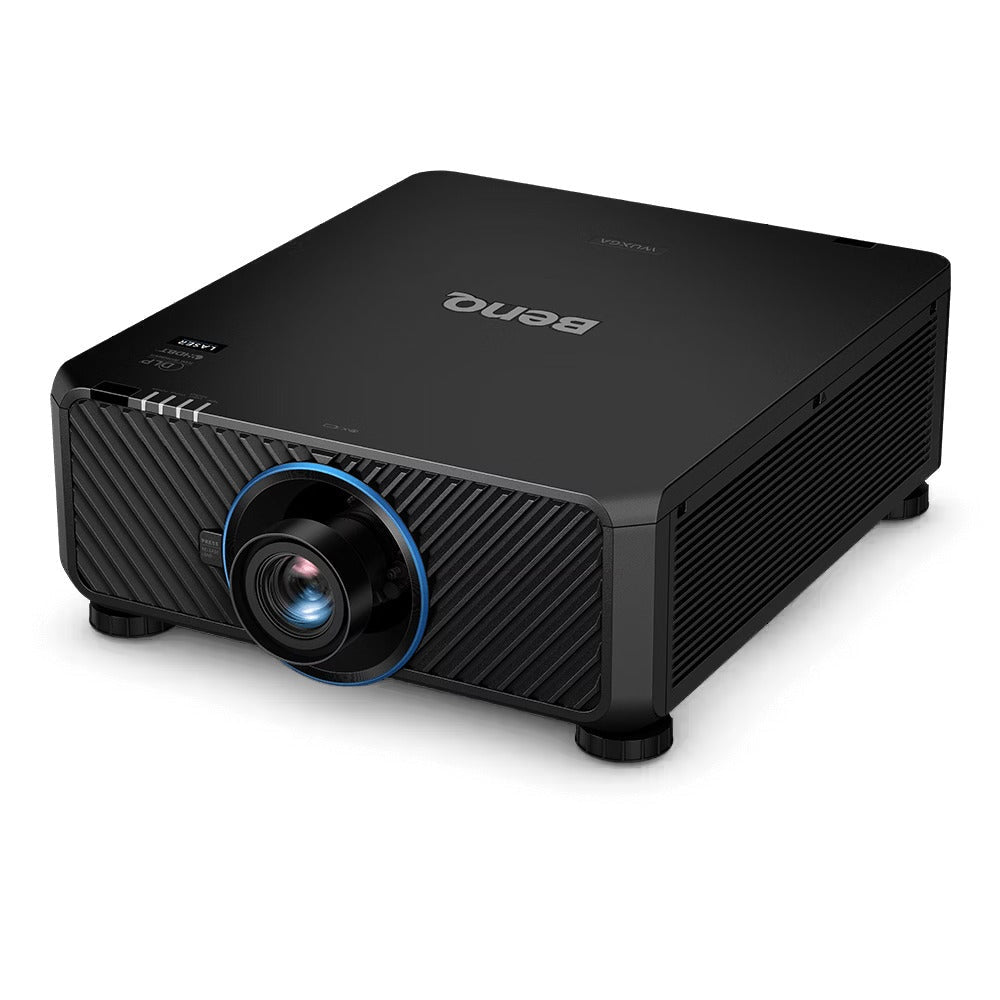
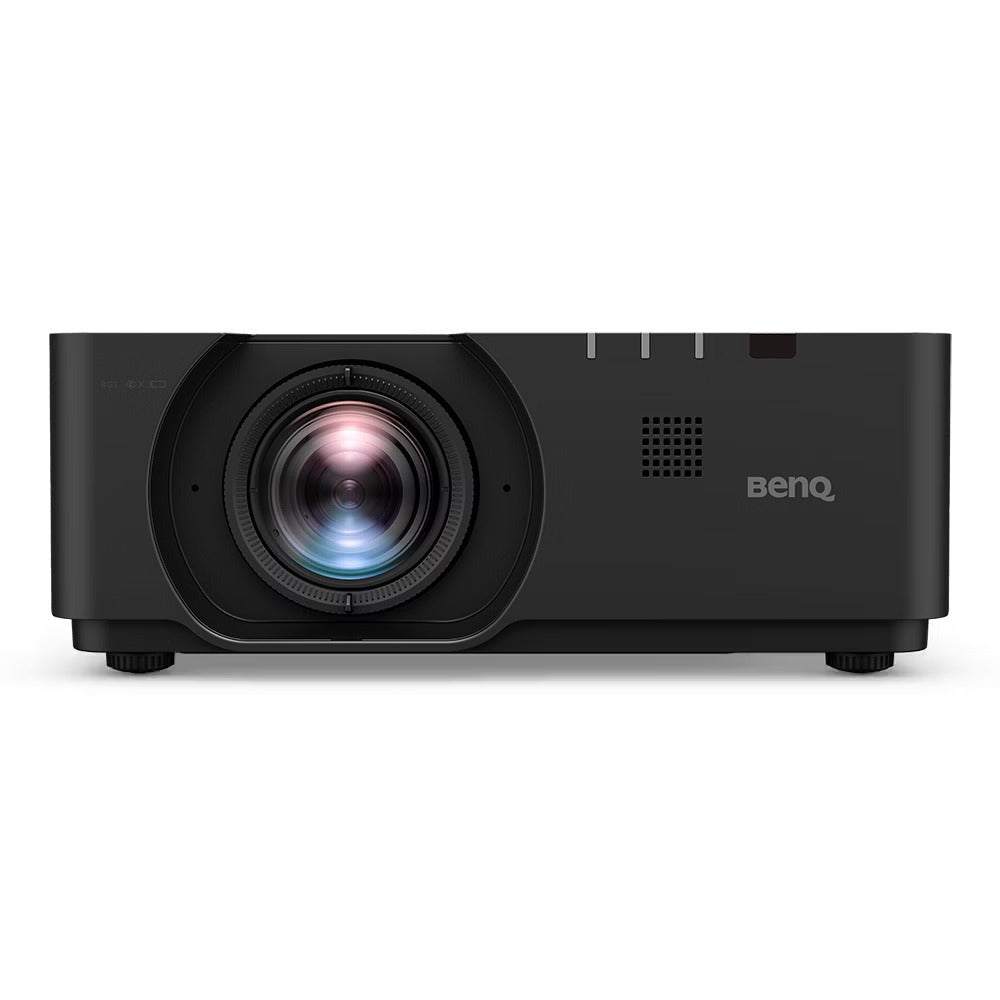
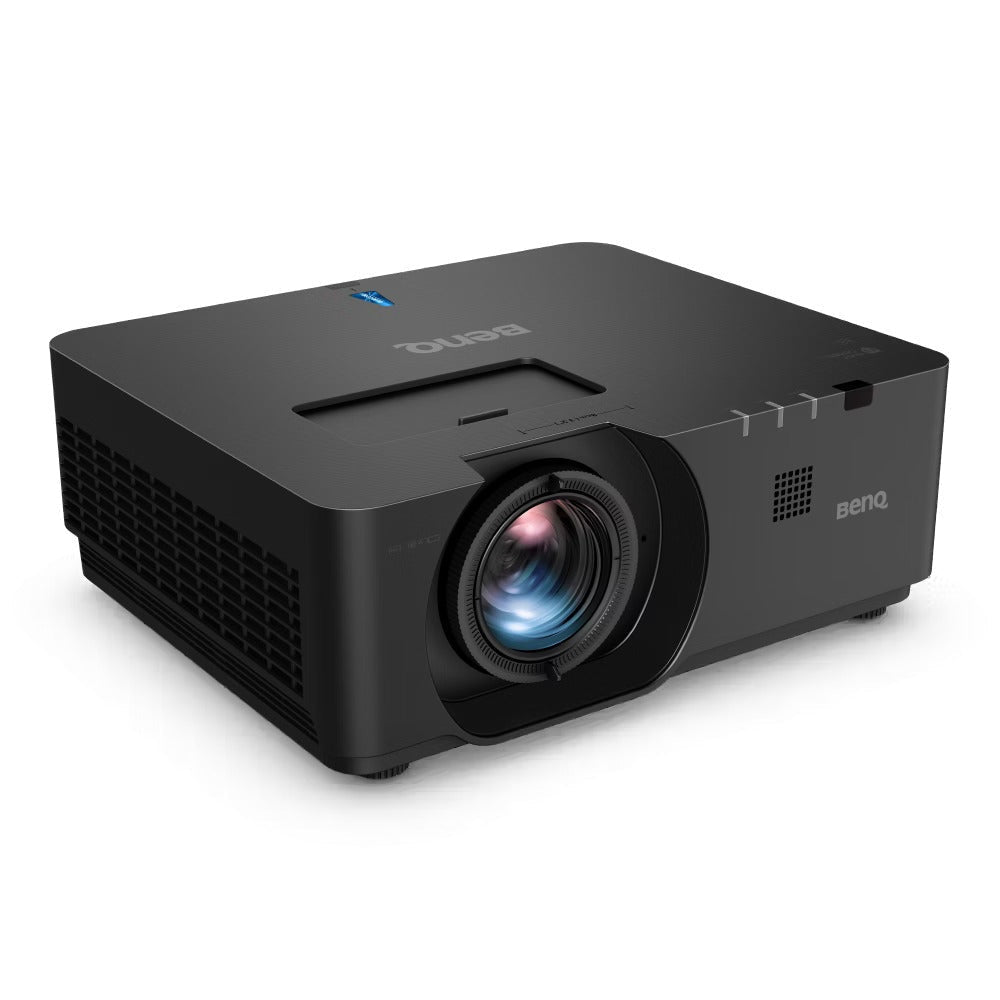
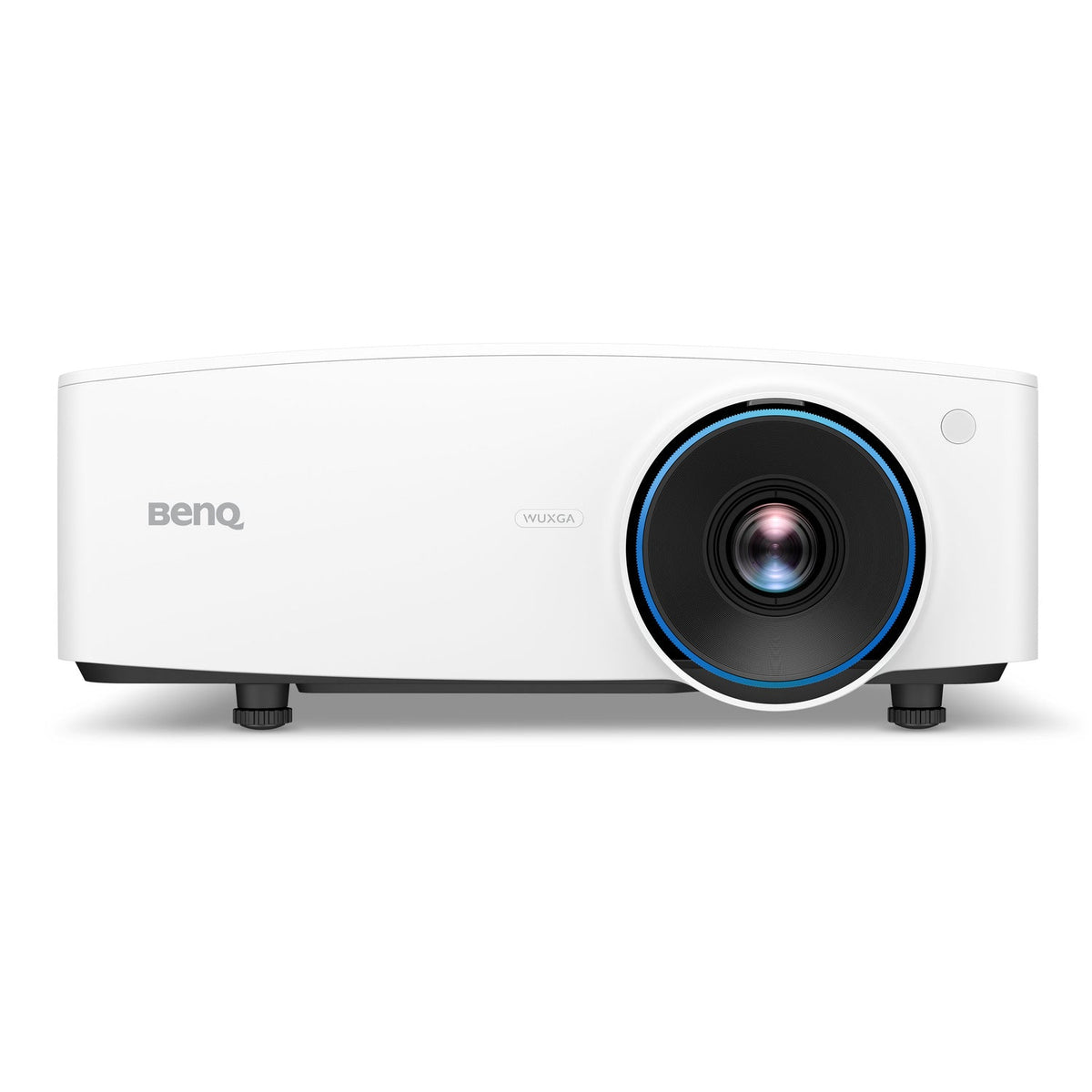
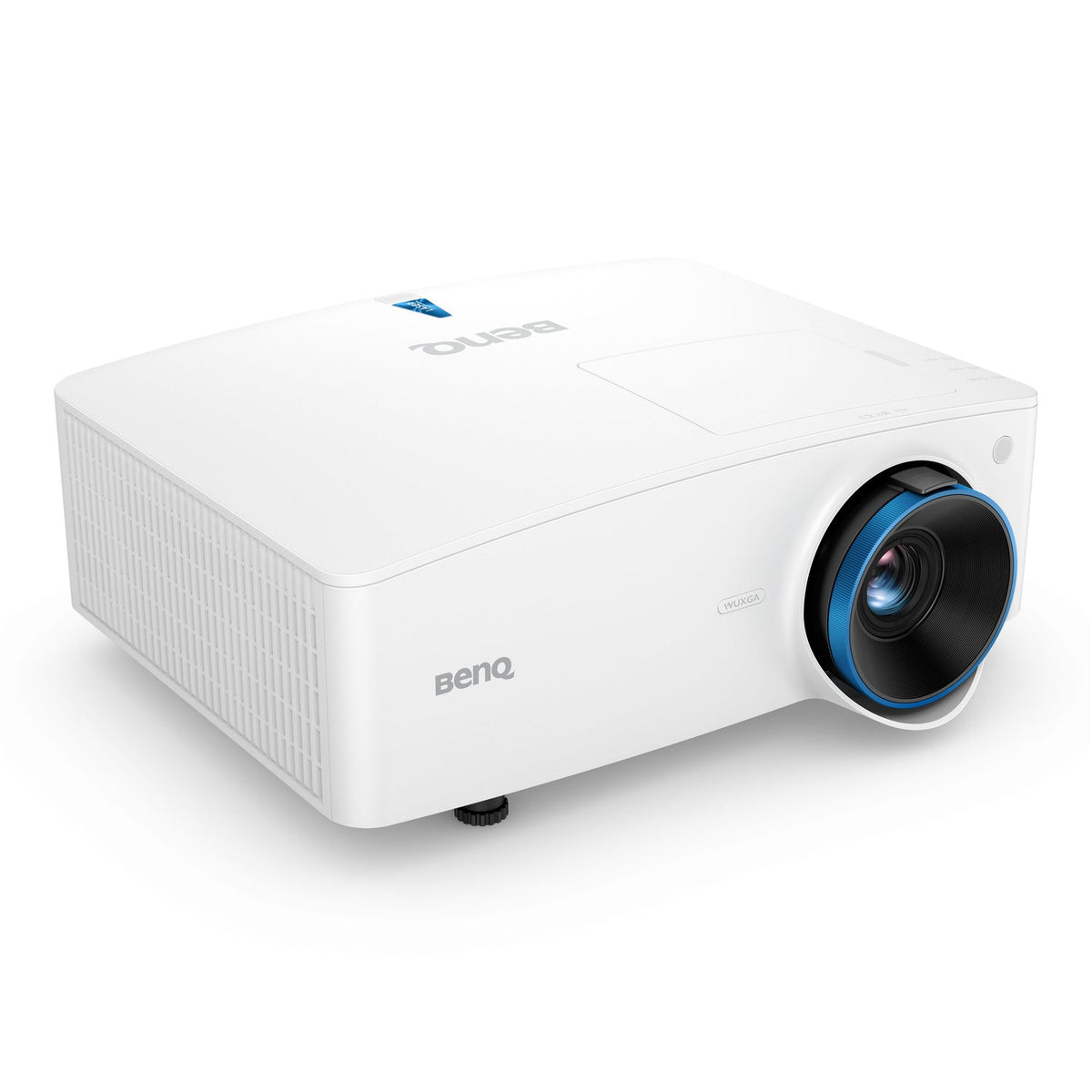
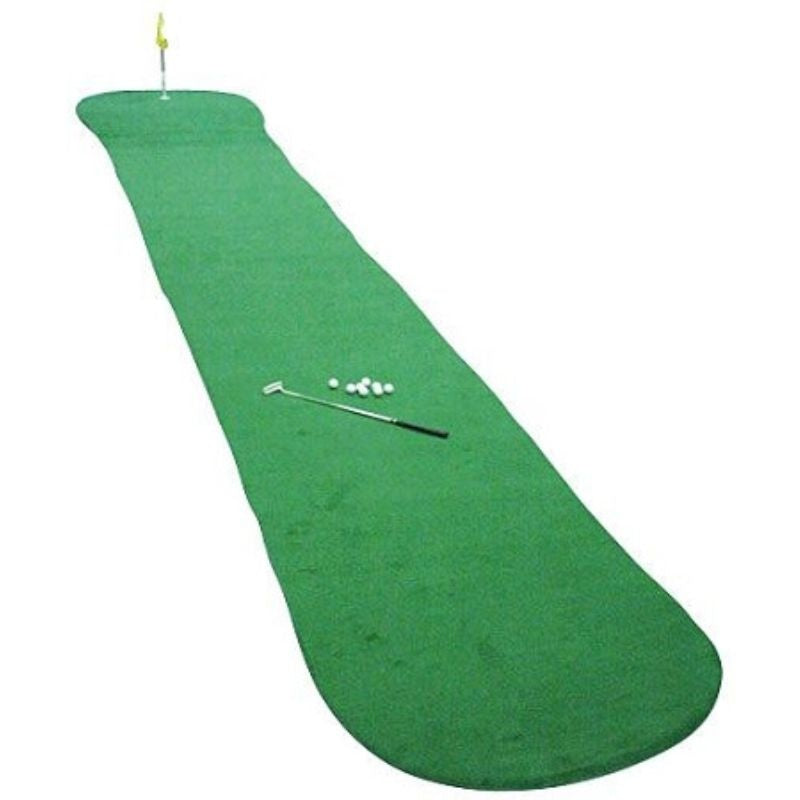
This catalog spans several equipment types. Move to the relevant projector, monitor, enclosure or mat collection to compare similar products. For packages, read which components are fixed and which change with the selected configuration.
Explore Related Golf Equipment
Frequently Asked Questions
Does recently added mean the manufacturer just released it?
No. It refers to the store catalog, not necessarily the product’s original release date.
Will a newer listing replace my existing model directly?
Check mounting, connections, dimensions and software requirements. A similar product name does not guarantee a direct replacement.
Where can I compare packages rather than individual accessories?
Use the golf simulator packages collection and check the included hardware and remaining purchases for each option.