





Compare Golf Simulator Packages for Your Home
Choose the monitor around how you play
A portable EYE MINI can move to another practice location while its projection bay stays in place. EYE MINI LITE suits a fixed indoor station beside the ball. Overhead options such as EYE XO, EYE XO2, EYE XR and VTrack serve permanent installations, with different mounting positions and tracking requirements.
Read the package contents before comparing prices
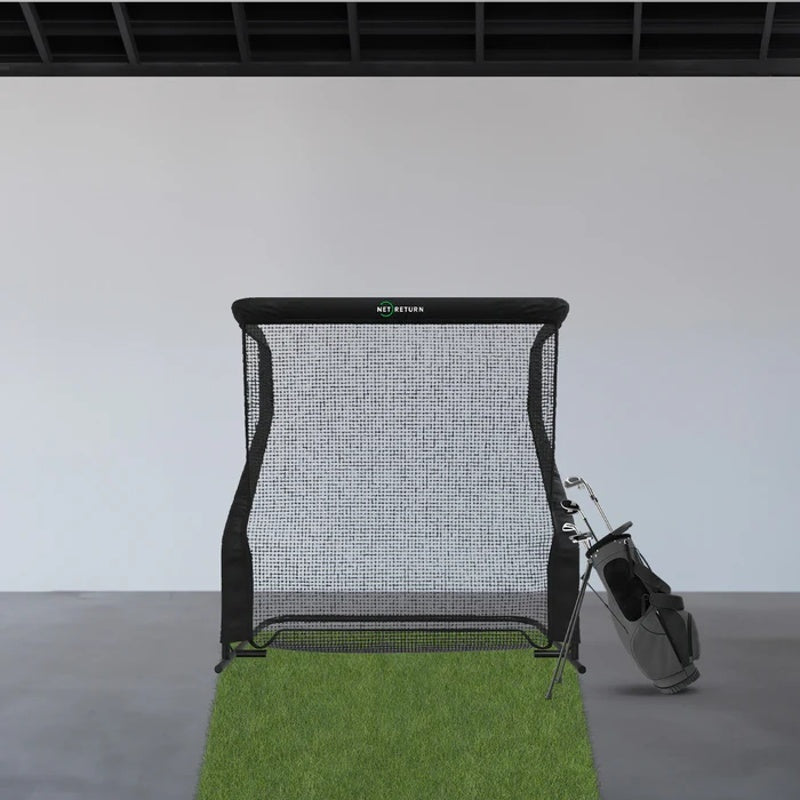
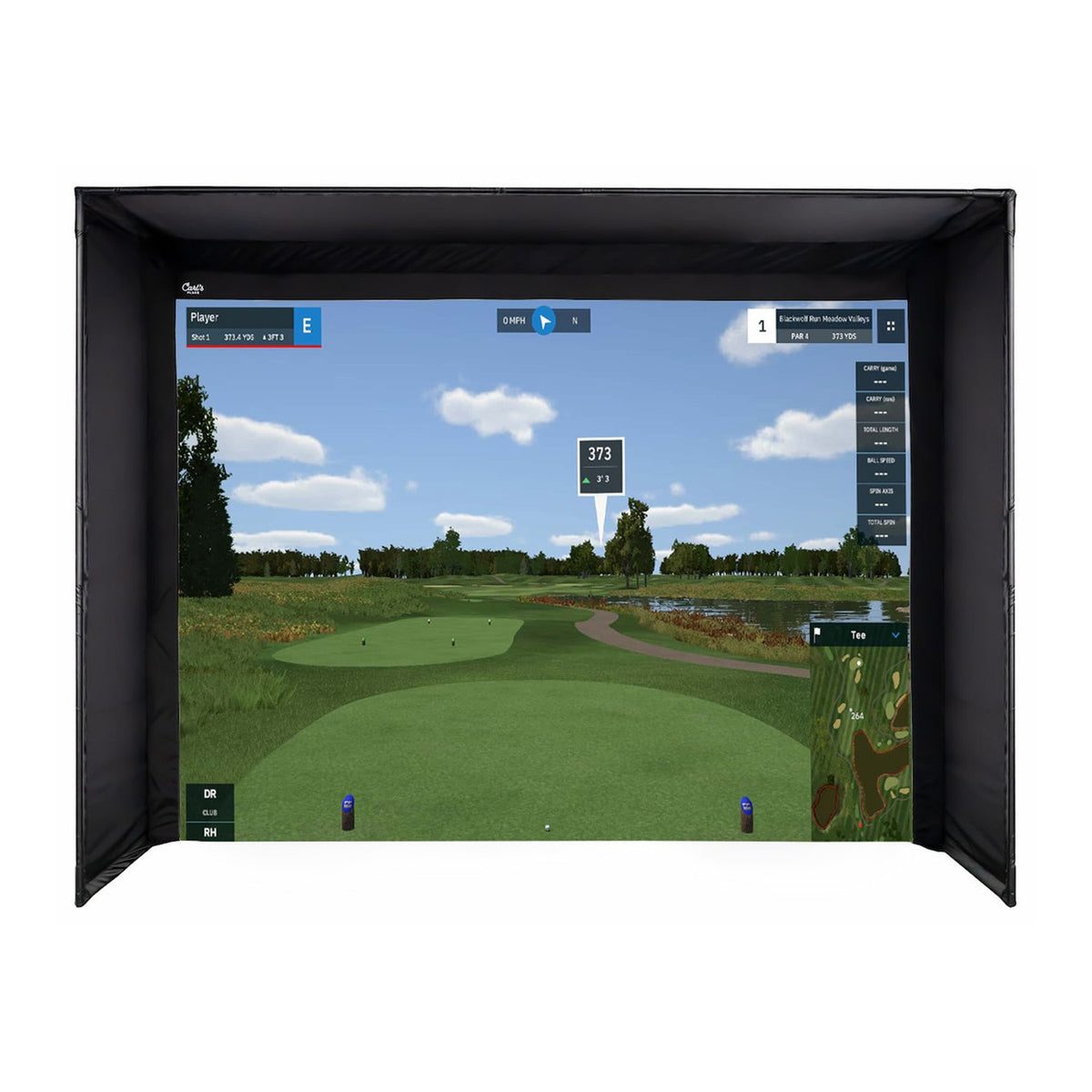
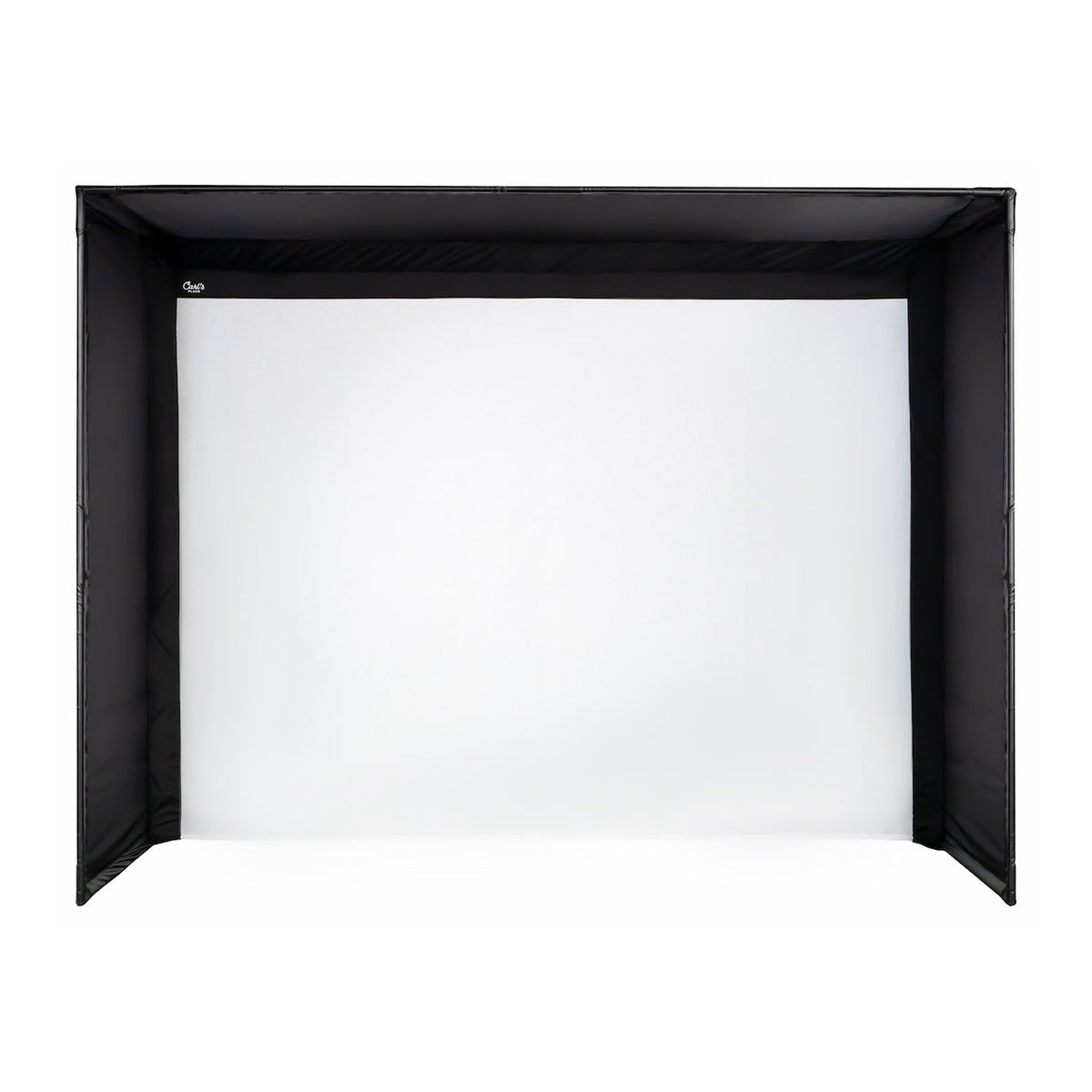
The collection includes monitor-and-projector bundles as well as enclosure and net packages. These are different types of purchase. The listed Carl’s Place DIY simulator combinations include the named launch monitor, projector and selected enclosure kit with impact screen. Their frame pipes, full hitting mat, PC and installation equipment are separate purchases unless the specific listing states otherwise.
Choose enclosure dimensions and projection together
Measure the outside frame dimensions, available swing area and screen clearances. Then use the screen’s viewable dimensions to check the projector lens position. A selectable enclosure size does not mean every size will work with the same mounting position in your room. Include software licensing and all remaining components in the complete budget.
Plan a garage golf simulator around the door and storage
Measure the usable area with the garage door in its normal open and closed positions. Tracks, openers, lights and storage can reduce clearance even when the floor dimensions seem sufficient. Decide whether the bay stays assembled or must share space with a vehicle. Compare a permanent enclosure with a compatible retractable screen, then verify the launch monitor and projector positions for that layout.
| Package family | Useful when | Plan before ordering |
|---|---|---|
| EYE MINI | The monitor will also travel to practice | A repeatable floor position and a way to switch hitting sides. |
| EYE MINI LITE | You want a permanent PC-connected floor station | Power, Ethernet and the beside-the-ball location. |
| EYE XO | A front-overhead layout works in the room | The prescribed ceiling position and club-sticker workflow. |
| EYE XO2 | Your shared bay can use a larger tracking zone | A mat and stance layout that actually use that extra ball-placement area. |
| EYE XR | Rear-overhead tracking suits the ceiling plan | Rear mounting geometry and Power over Ethernet routing. |
| VTrack | You want overhead tracking with its included range software | Calibration, a wired PC connection and separate course-software access where needed. |
These rows compare the monitor families in the listed projector-and-enclosure combinations. They do not make an enclosure-only or net package equivalent to a complete electronic simulator.
Explore Related Golf Equipment
- Uneekor EYE MINI Golf Simulator Packages
- Uneekor EYE MINI LITE Golf Simulator Packages
- Uneekor EYE XO2 Golf Simulator Packages
- VTrack Launch Monitor Golf Simulator Packages
- Golf Simulator Enclosure Packages
- Golf Net & Mat Packages
- Retractable Golf Simulator Impact Screens
Golf Simulator Cost: Build a Complete Three-Year Budget. Read the comparison and planning details before choosing your configuration.
Garage Golf Simulator Setup: A Room Worksheet Before You Buy. Read the comparison and planning details before choosing your configuration.
Frequently Asked Questions
Does every package include everything needed to play?
No. Contents vary considerably. Check the product’s included-items and separate-purchases lists, especially for pipes, mat, computer, mounts and software.
What changes when I select a different enclosure size?
In the listed configurable Carl’s Place DIY combinations, the selected enclosure and screen change while the named monitor and projector remain the same. Recheck room fit and projection geometry for that size.
Are simulator packages suitable for a garage?
They can be when the complete installation fits. Check door tracks, ceiling fixtures, usable swing space, screen spacing and the monitor’s placement requirements.
How should I compare home simulator bundles?
Compare identical categories of equipment and included accessories. Then add any separate hardware and software needed to reach a working setup in your room.