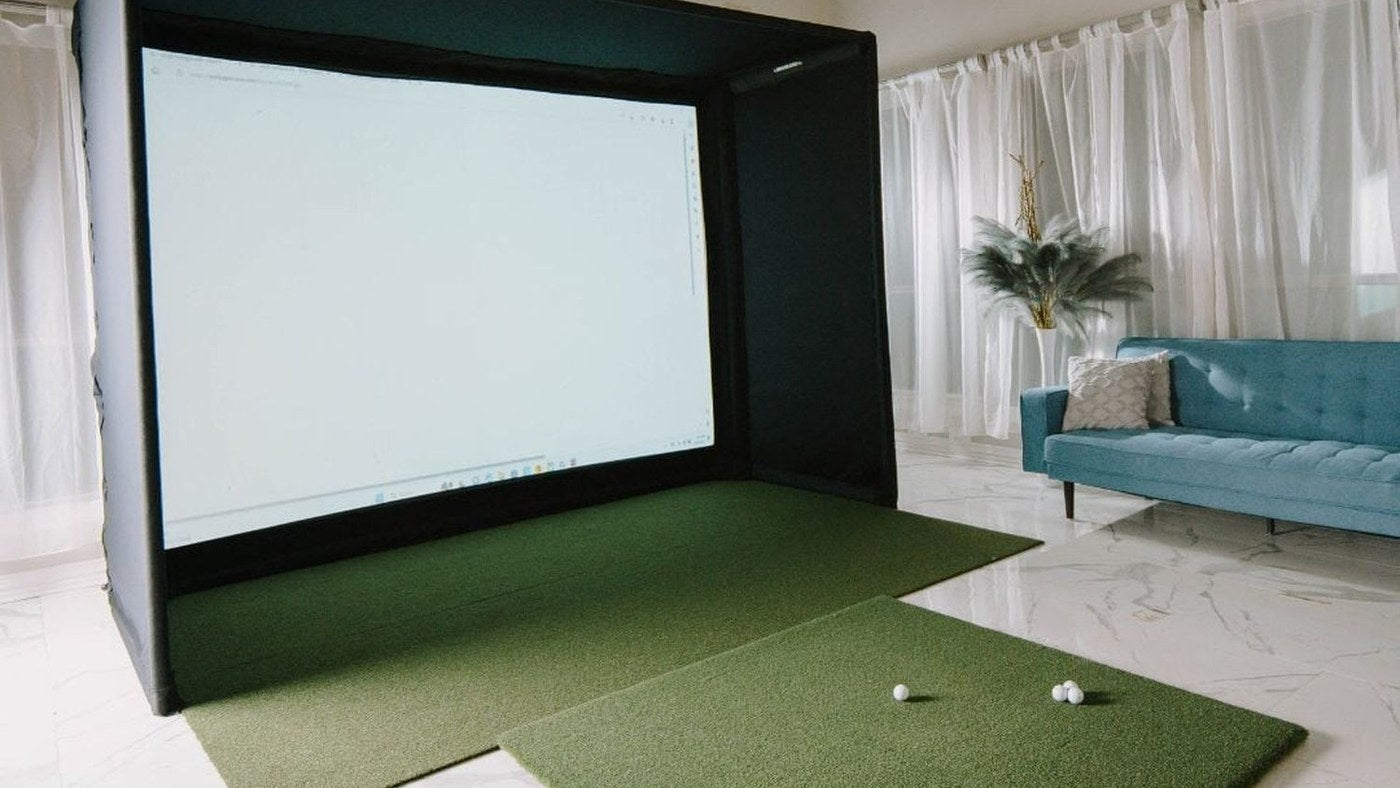
For a golf simulator, the BenQ LK936ST fits closer mounting positions; the LG BU53RG reaches farther back and has a broader published throw range. Both offer 4K UHD output and optical lens shift. Their brightness ratings are close enough that room geometry should be your first filter.
The key test is simple: does the available lens position fall inside the projector's distance range for your image width? This avoids choosing a model that looks right on a specification sheet but cannot fill the screen from the only usable ceiling position.
The comparison in installation terms
| Detail | LG BU53RG | BenQ LK936ST |
|---|---|---|
| Resolution | 3840 × 2160 | 3840 × 2160 |
| Published brightness | 5,000 ANSI lumens | 5,100 ANSI lumens |
| Throw ratio | 0.94–1.14:1 | 0.81–0.89:1 |
| Optical zoom | 1.2× | 1.1× |
| Vertical lens shift | ±50% | ±60% |
| Horizontal lens shift | ±20% | ±23% |
Check each manufacturer's lens-shift diagram before using these percentages. They describe permitted optical adjustment, not permission to mount anywhere in the room. The usable range can shrink when horizontal and vertical adjustments are combined.
A 12-foot image produces two separate mounting zones
Multiply native 16:9 image width by the minimum and maximum throw ratios:
| Image width | LG BU53RG | BenQ LK936ST |
|---|---|---|
| 10 ft | 9.40–11.40 ft | 8.10–8.90 ft |
| 12 ft | 11.28–13.68 ft | 9.72–10.68 ft |
| 14 ft | 13.16–15.96 ft | 11.34–12.46 ft |
For the 12-foot example, the ranges do not overlap. If the lens must sit at 10.2 feet, the BenQ range includes that point and the LG range does not. At 12.5 feet, the reverse is true. If the only usable point is 11 feet, neither lens fits that exact 12-foot native image optically.
This is an original planning calculation from published lens ratios. It does not include mount dimensions, manufacturing tolerances or image changes caused by non-native aspect ratios. Verify the final geometry before installation.
What a broader zoom range can and cannot do
The LG's range gives more distance adjustment for a given image width. That can help where the projector must clear a beam or where a mount has already been positioned farther back. However, more zoom does not mean a shorter minimum throw: the LG still needs more distance than the BenQ in these examples.
Likewise, lens shift moves the image without tilting the projector, but it cannot solve a lens that produces the wrong image size at the available distance. Treat distance, image height and lateral placement as three separate checks.
Do not make the decision on a 100-lumen difference
The published brightness difference is 100 ANSI lumens, or 2% relative to the LG rating. That number alone is a poor basis for claiming one will visibly outperform the other in your room. Picture mode, calibration, image area, screen surface and ambient light affect the image you see.
A more useful comparison is whether the model gives you the correct size and placement with limited digital correction. A projector that fits the room optically may be the better purchase even if another has a slightly higher maximum rating.
Match the projector to the signal chain
Either model needs an appropriate source to show a 4K course image. The launch monitor's tracking capability, the software's rendering resolution and the projector's display resolution are different parts of the system. A 4K projector does not turn a low-resolution software output into new native detail.
Check the PC's graphics output, the selected software settings and the entire HDMI cable run. If there is a receiver, splitter or extender between the PC and projector, include it in the specification check. Test the intended resolution and refresh rate using the complete cable path before hiding cables in a ceiling.
Which one should you shortlist?
Choose the LK936ST when a closer mounting range and its lens-shift adjustment match the room. Choose the LG BU53RG when the usable position is farther back and the 0.94–1.14 range fits your image.
For a shared simulator, mark the expected swing envelope for right- and left-handed players before finalizing either mounting point. Check that the overhead launch monitor and projector do not obstruct each other's intended installation positions. A room layout with both units shown is more useful than separate product dimensions.
If you are replacing an existing projector, send the screen's visible width and height plus the measured lens position with your quote request. Those three measurements let you rule out an unsuitable lens before comparing optional features.
Plan your next step
View LG BU53RG and LK936ST, then use the simulator calculator to compare the proposed layout.
Sources and specifications
Specifications reviewed October 10, 2026. Dimensions and worked examples are for planning; use the current installation guide and selected product configuration before ordering.