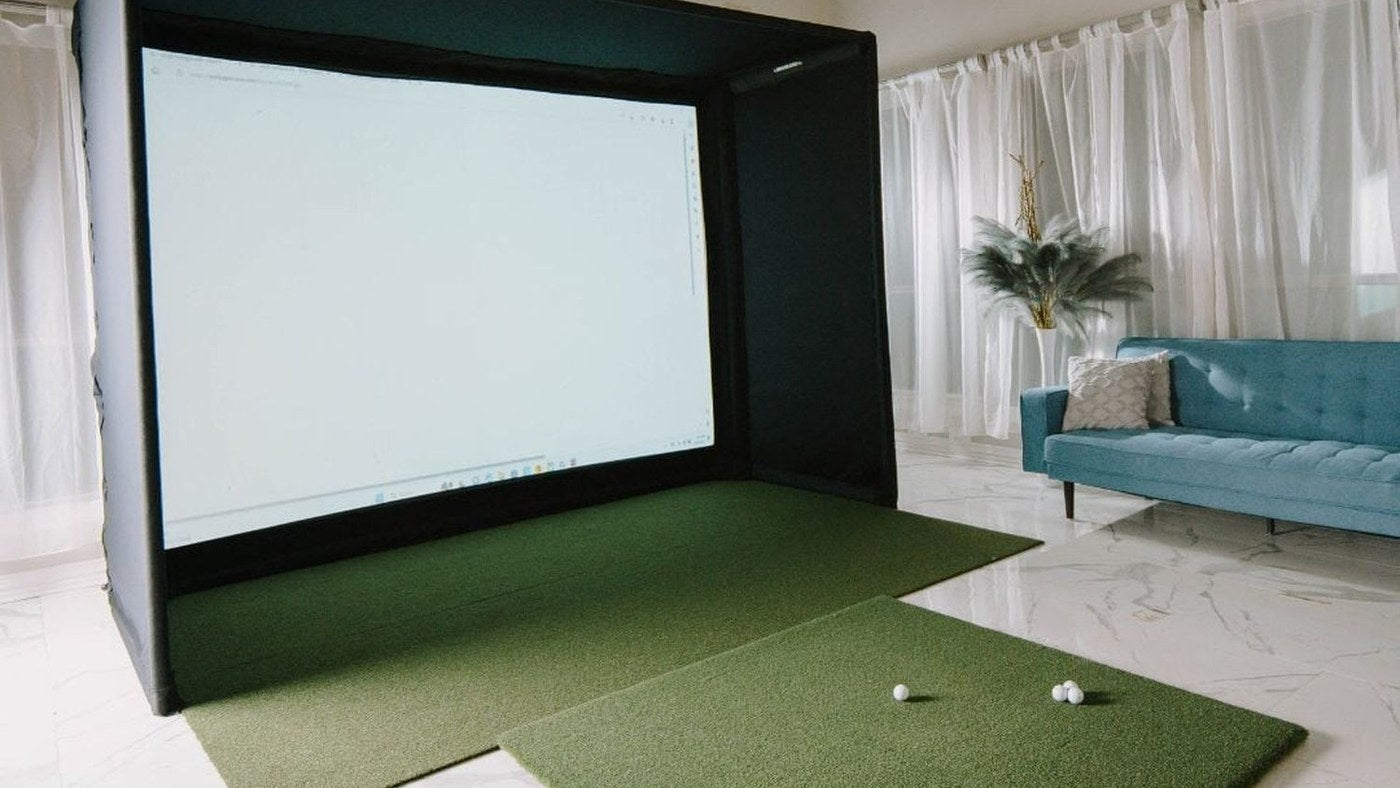
The BenQ LK830ST is the stronger fit when the projector must sit close to the screen. The LK936ST makes more sense when you have a longer mounting position and need optical lens shift. Both produce a 4K UHD image, but they are not interchangeable on an existing ceiling mount.
Start with the distance from the projector lens to the screen. A room can be large enough for a golf swing yet have only one practical mounting location because of a beam, garage track or overhead launch monitor. That constraint can decide this comparison before brightness does.
The differences that change an installation
| Planning detail | BenQ LK830ST | BenQ LK936ST |
|---|---|---|
| Display resolution | 3840 × 2160 | 3840 × 2160 |
| Published brightness | 4,000 ANSI lumens | 5,100 ANSI lumens |
| Throw ratio | Fixed 0.496:1 | 0.81–0.89:1 |
| Optical zoom | Fixed lens | 1.1× |
| Optical lens shift | No adjustable optical lens shift | Vertical ±60%; horizontal ±23% |
| Installation advantage | Large image from a close position | More freedom to position the image optically |
These are manufacturer specifications, not an independent brightness or image-quality test. Lens-shift limits also interact: do not assume the maximum horizontal and vertical adjustments can both be used at once.
What the lenses mean in feet
For a native 16:9 image, estimated lens-to-screen distance equals image width × throw ratio. Use the visible image width, not the screen diagonal or the outside enclosure width.
| Native 16:9 image width | LK830ST estimated distance | LK936ST estimated distance |
|---|---|---|
| 10 ft | 4.96 ft | 8.10–8.90 ft |
| 12 ft | 5.95 ft | 9.72–10.68 ft |
| 14 ft | 6.94 ft | 11.34–12.46 ft |
For a 12-foot-wide image, the closer end of the LK936ST range is approximately 3.77 feet farther back than the LK830ST position. That is a meaningful difference in a simulator where the tee, swing arc and ceiling hardware share the same space.
These calculations locate the lens, not the front edge of a ceiling plate. Add the projector's body dimensions, ventilation requirements and mount geometry when marking the installation. Test the image before drilling permanent holes.
A 4:3 screen changes the calculation
Suppose your screen is 10 feet wide and 7.5 feet tall. A 16:9 image that is only 10 feet wide is 5.625 feet tall, so it cannot fill that height without changing the image arrangement.
To accommodate a full-height 4:3 image within the projector's native 16:9 frame, the full optical frame would be about 13.33 feet wide: 7.5 × 16 ÷ 9. In that planning case, the LK830ST distance is about 6.61 feet and the LK936ST range is 10.80–11.87 feet. The unused sides must be handled by the source resolution and projector settings.
That is why a distance table copied from a 16:9 setup can mislead a buyer with a square or 4:3 enclosure. Confirm how the chosen input mode handles scaling and blanking, and use our simulator calculator to explore the room before final verification against the manual.
When the LK830ST is the better choice
Choose the LK830ST when the near-screen mounting position is usable, the fixed lens can produce the required image dimensions, and you can align the mount accurately. A fixed lens works well in a planned installation; it is less forgiving when the screen location changes later.
For example, a buyer with a 12-foot-wide native image and a usable lens position close to six feet has a clear reason to consider the LK830ST. That same position cannot produce the same image width with the LK936ST. Digital keystone does not change that basic optical limit.
Check vertical placement particularly carefully. A mount can be correct in distance but wrong in height. Digital correction adjusts the image electronically; it does not give the projector the same installation freedom as optical lens shift.
For that height check, the LK830ST floor and ceiling offset examples calculate the lens center from the desired image edges. Once the mounting position works, the LK830ST review helps assess the 4K source and screen-size trade-offs.
When the LK936ST earns the extra space
Choose the LK936ST when the longer throw range clears the golfer and equipment, and lens shift solves a real alignment problem. The higher published light output can also matter for a larger image or a room with unavoidable light, although screen material, picture mode and ambient light still affect the result.
The 5,100 versus 4,000 lumen ratings represent a 27.5% difference in rated output. They do not promise a 27.5% improvement in perceived picture quality. A bright ceiling fixture shining onto the screen can reduce contrast with either model.
Before ordering either projector
Mark the screen plane, tee position and proposed lens point together. Check the complete swing of every intended player with the tallest finished hitting surface in place. Then verify the optical image size, mount height, cable path and service access. If the required distance is outside the lens range, change the projector or physical layout before relying on electronic correction.
Plan your next step
Compare LK830ST and LK936ST configurations, then check screen aspect ratios before choosing the mount.
If your decision is specifically a 1080p-to-4K upgrade within BenQ’s automatic setup range, see BenQ AH700ST vs AK700ST.
Sources and specifications
Specifications reviewed October 10, 2026. Dimensions and worked examples are for planning; use the current installation guide and selected product configuration before ordering.