











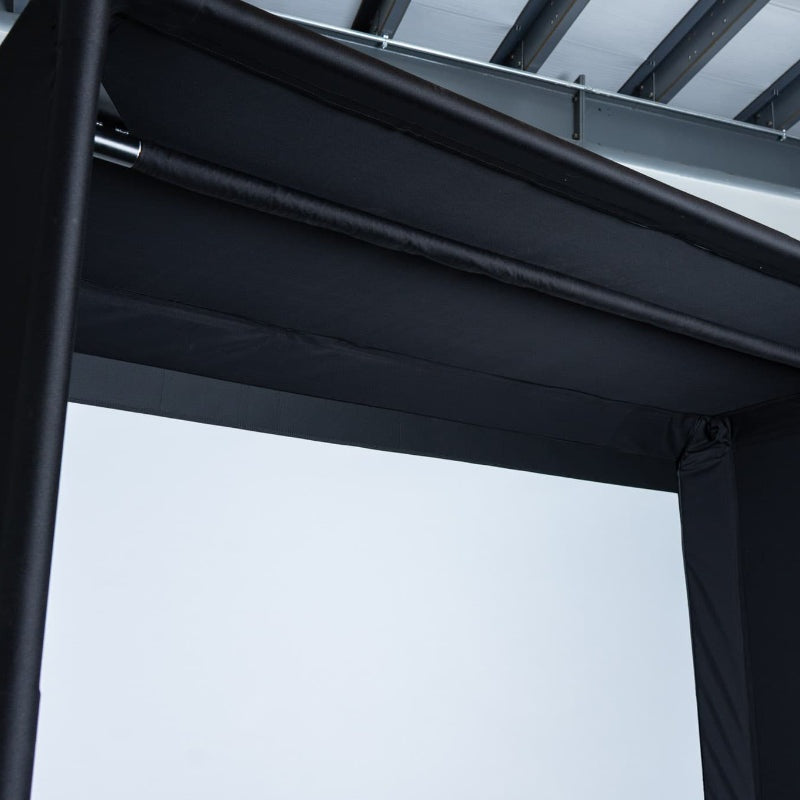




Complete or Maintain Your Golf Simulator Enclosure
Identify the component you are replacing
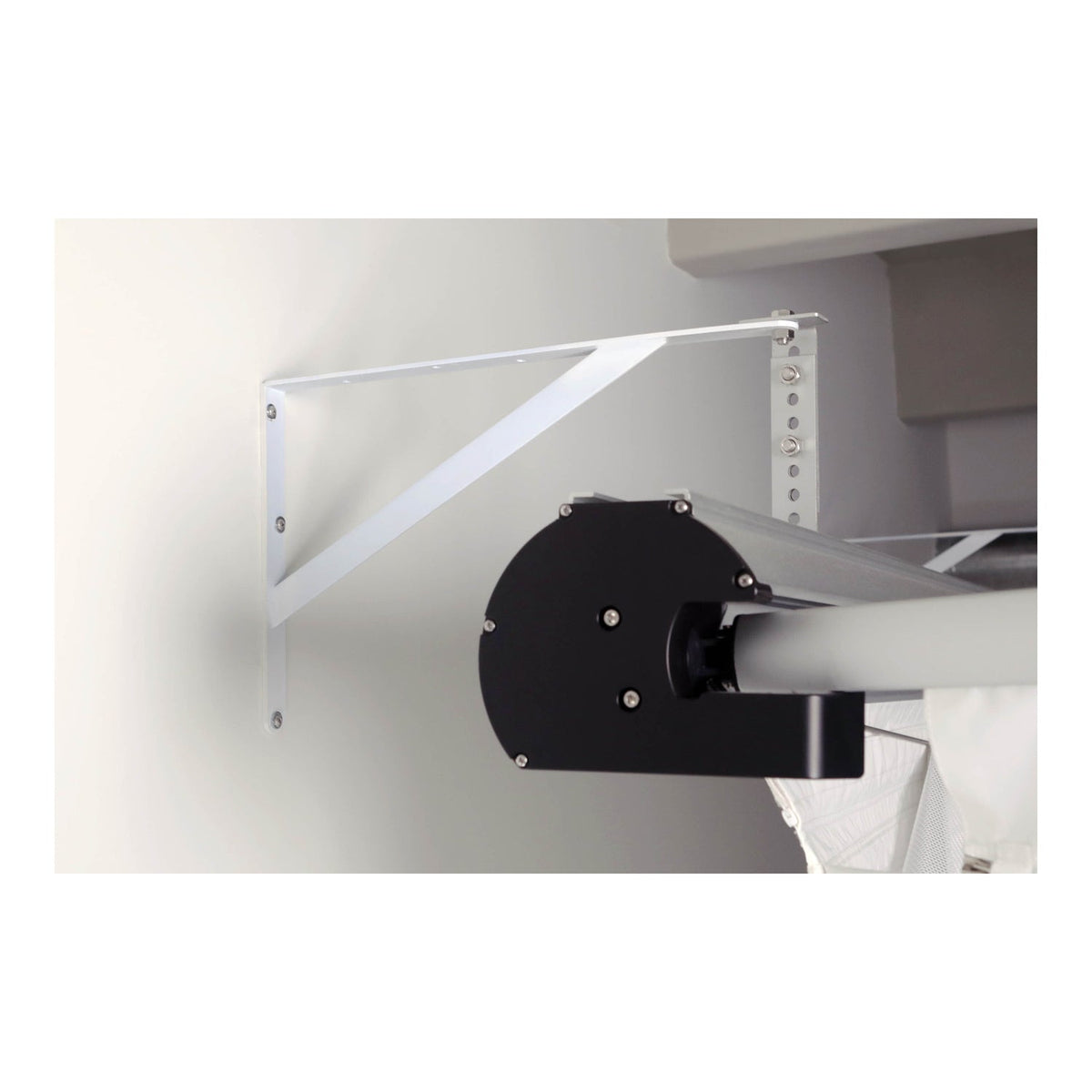
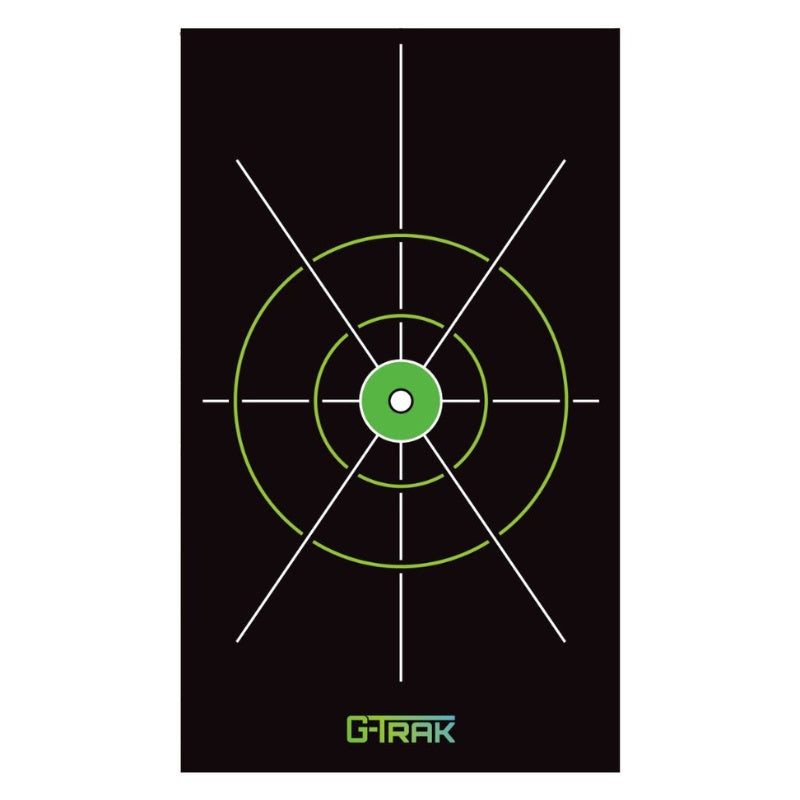
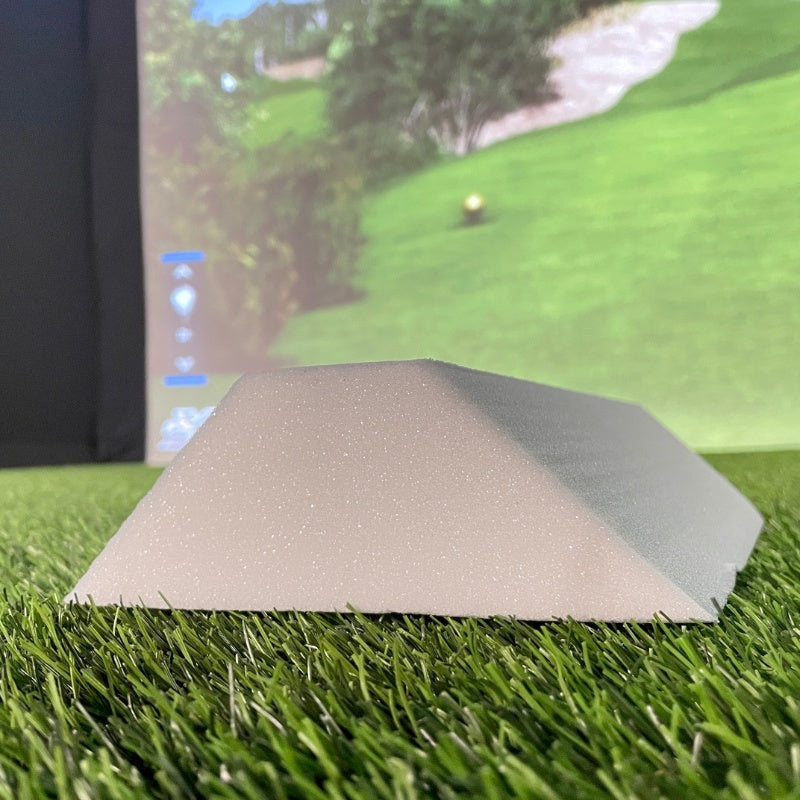
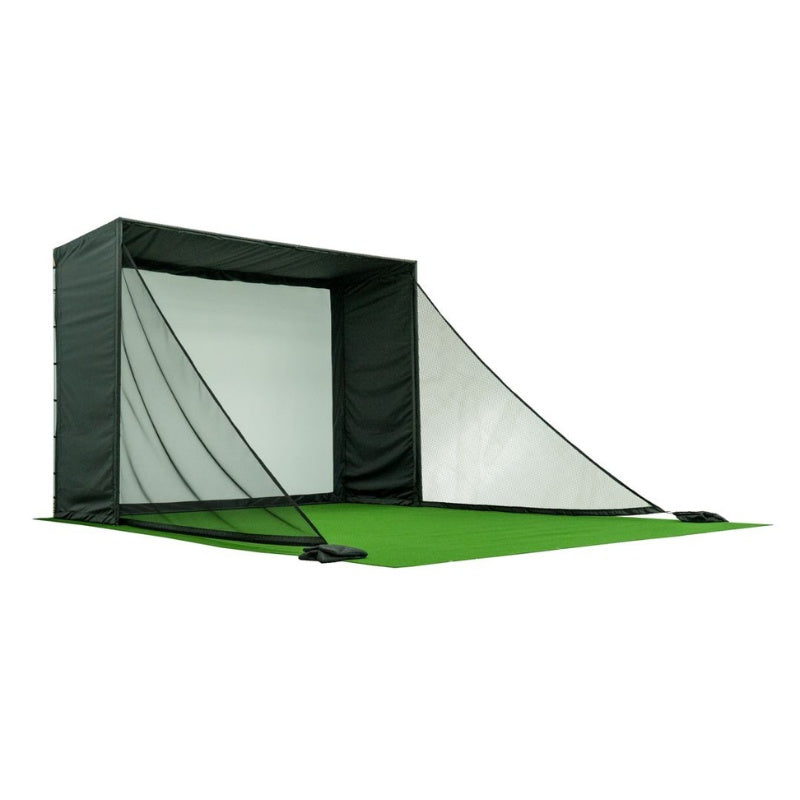
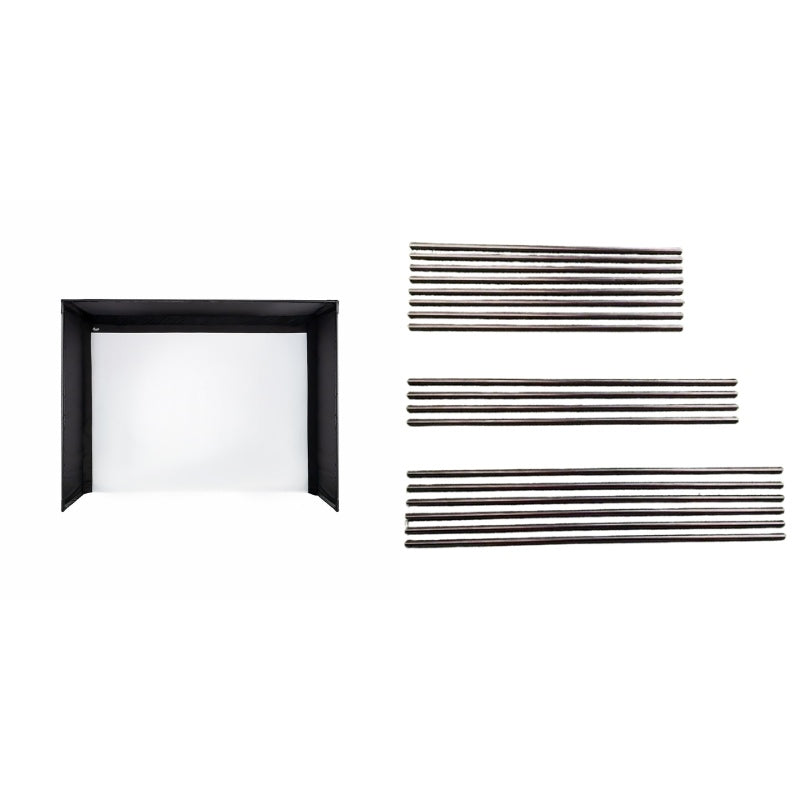
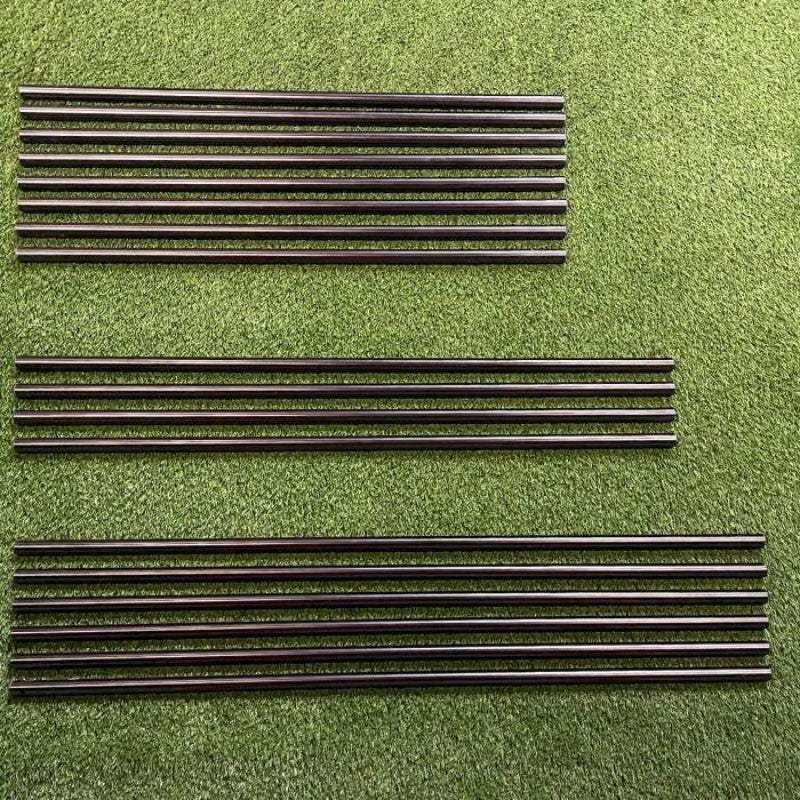
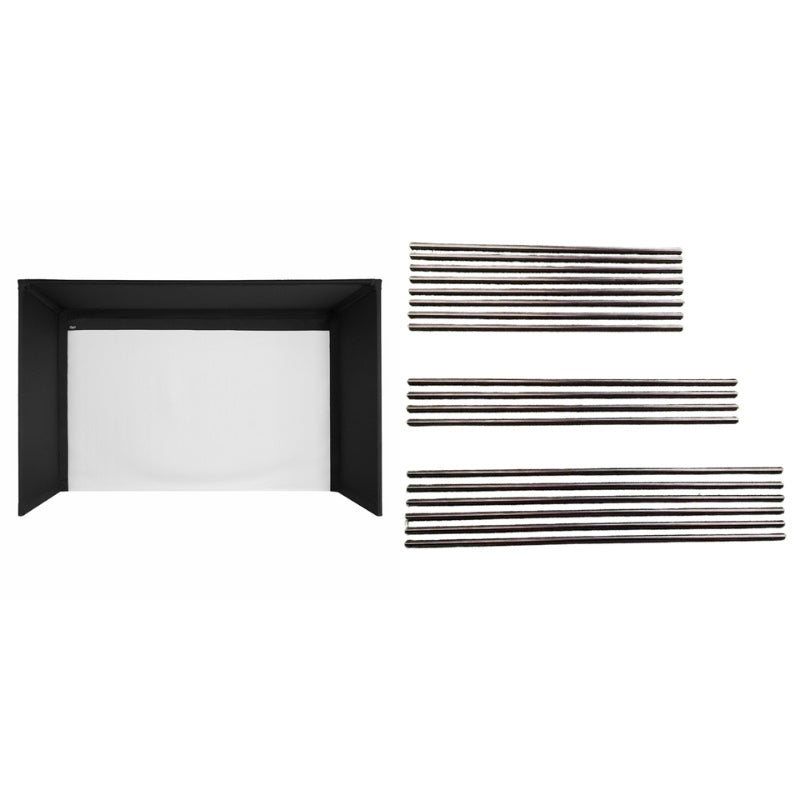
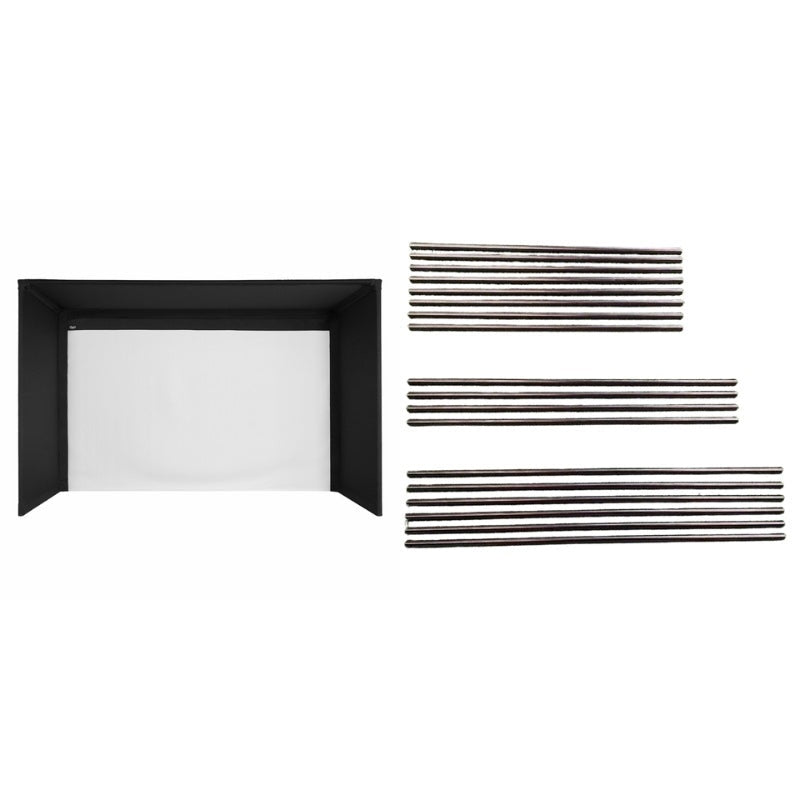
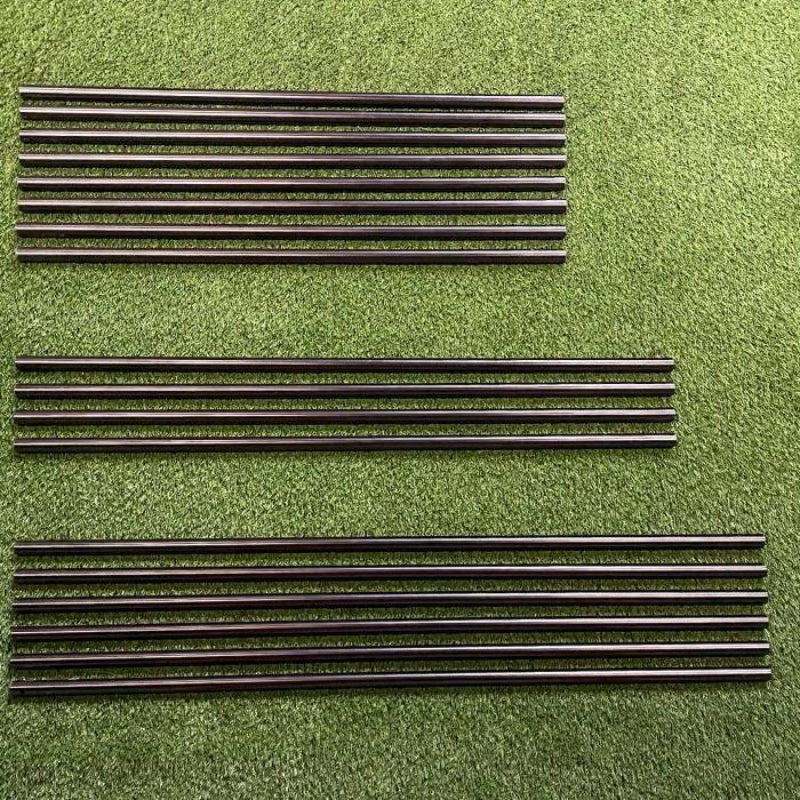
Start with the exact enclosure model and generation. Frame pipe kits, foam pieces, baffles and back covers are designed for particular structures. An accessory with a similar width may still use a different attachment system, depth or tubing specification.
Keep the installation measurements together
Use the enclosure manual, your selected size and the accessory compatibility details as one checklist. For flooring and landing pads, also compare the height of the existing hitting mat. When replacing a screen-related part, inspect attachment locations and the clearances required behind the screen.
Explore Related Golf Equipment
- Golf Simulator Enclosures
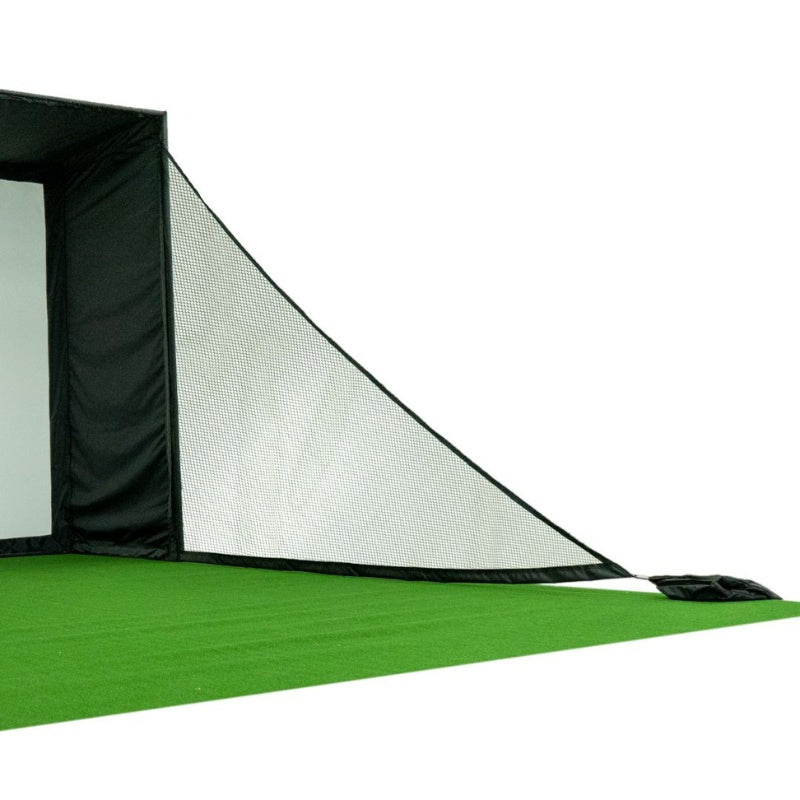
- Golf Simulator Side Nets & Barrier Netting
- Golf Mat Accessories & Floor Bases
- Golf Simulator Impact Screens
- Golf Simulator Flooring
Golf Simulator Wall Padding, Curtains and Baffles: What Does Each Do?. Read the comparison and planning details before choosing your configuration.
Frequently Asked Questions
Does a pipe frame kit include the enclosure screen?
A pipe-only accessory generally supplies the frame tubing listed on its page. The screen, surround and connector fittings may be separate; check the exact included-items list.
Can I mix enclosure accessories from different brands?
Only where compatibility is explicitly established. Brand, frame diameter, dimensions and fastening method all matter.
Is a landing pad the same as a hitting mat?
No. Many landing pads cover the area between the strike mat and screen. Use a surface intended for club impact at the hitting position.