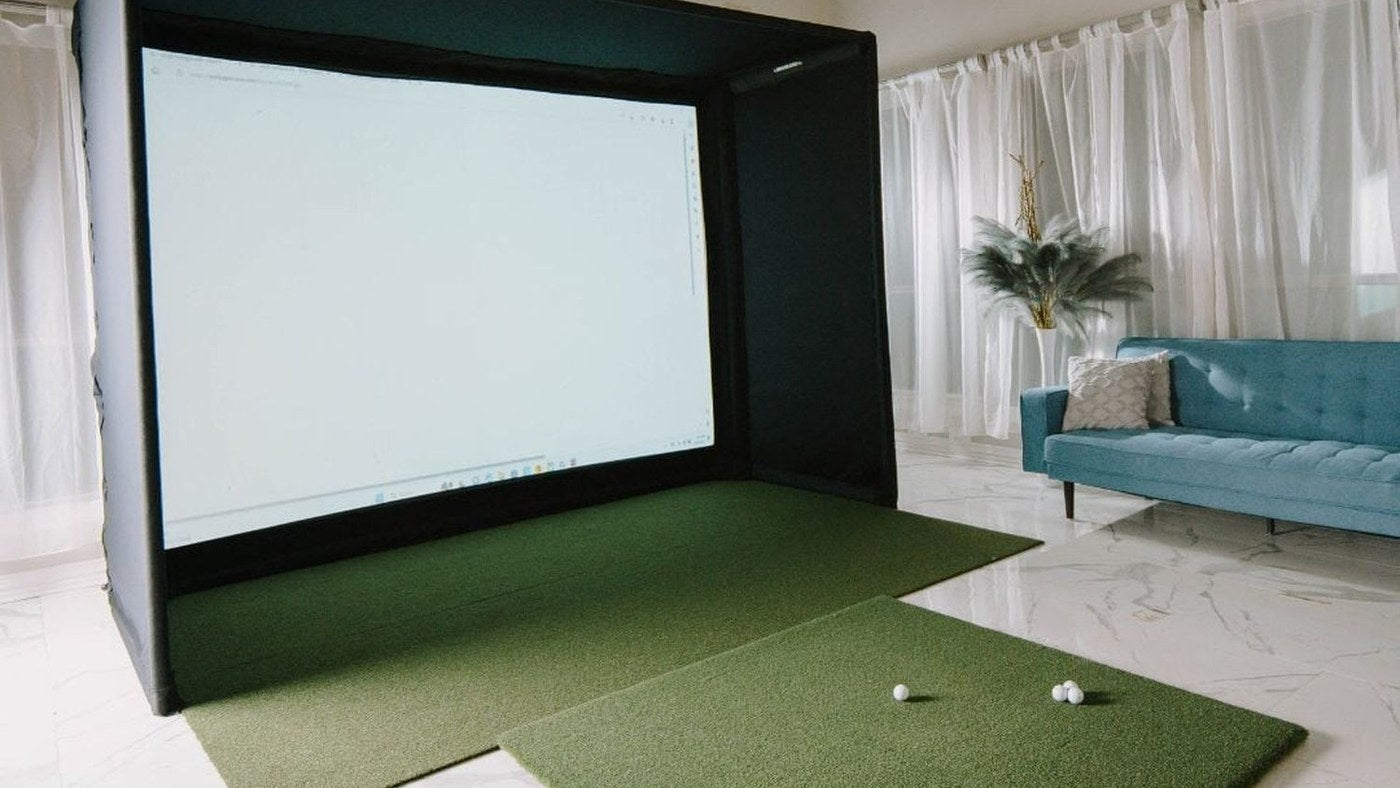
The useful answer to “How much does a golf simulator cost?” is a complete list of what you need to play, followed by the costs that continue after installation. A launch monitor price, an enclosure price and a finished simulator price describe different purchases.
Start with the room and intended software. Then price a compatible set of components. This guide uses a dated example from our catalogue to show the arithmetic, followed by a worksheet you can use with other brands and configurations.
A real component-price example
The following prices were checked in Indoor Golf Kit's catalogue on October 10, 2026. They are a snapshot, not a reserved quote or a preconfigured package. The exact variants are listed so the comparison can be reproduced.
| Component | Selected item or variant | Price checked |
|---|---|---|
| Launch monitor | EYE MINI LITE | $1,999.00 |
| Enclosure | SIG10, Premium White screen | $1,999.99 |
| Projector | LK830ST | $2,499.00 |
| Computer | SurfThing SG3-5702Ti | $3,799.00 |
| Hitting mat | Carl HotShot 4x9, Standard Insert | $779.95 |
| Component subtotal | Five items above | $11,076.94 |
This is not the finished project total. It excludes simulator software, any required launch-monitor software tier, installation, mounts, cables, electrical work and other room-specific items. Confirm geometry and software compatibility before treating the list as a build specification.
Substituting the AH500ST at its checked price of $1,999 reduces that component subtotal by $500 to $10,576.94. That changes the projector output from 4K UHD to 1080p. It does not prove the same computer configuration is the best value for the revised build; the PC should be reconsidered at the new target resolution.
Separate the budget into four groups
| Group | Include | Common omission |
|---|---|---|
| Tracking and display | Monitor, screen, enclosure, projector, PC | Software needed to connect them |
| Installation | Mounts, cables, network, power, assembly | Long cable runs and structural work |
| Playing surface and containment | Hitting mat, landing area, side protection, exposed-frame padding | Floor buildup and edge transitions |
| Ongoing ownership | Renewals, replacement strike surface, screen care and eventual replacement | A trial ending after purchase |
An existing gaming PC or suitable room may reduce the first-year outlay, but only if it meets the chosen software and launch monitor requirements. An older computer that needs a graphics card, power supply and network adapter may not save as much as its “already owned” status suggests.
Calculate the software cost accurately
List the simulator software and the launch monitor's required access plan separately. Buying course software does not necessarily include the monitor's third-party connection entitlement. Conversely, a monitor's included practice range may be sufficient if you do not need full course play.
For example, our E6 CONNECT Home listing showed $1,000 for the checked PC device-specific variants and describes a perpetual Home license. That is a different purchase from E6 APEX Expanded, which is a 12-month subscription. Check the selected device, platform, included content and renewal terms before comparing them.
Do not treat “perpetual” as every future course, new product generation or optional expansion being free. Do not treat “first year included” as a zero ongoing cost. Write down exactly which entitlement you are buying.
Use this three-year worksheet
Let H be the hardware subtotal, I installation and room work, S upfront software, R paid renewals during the period, and W replacement or wear-item allowances. The three-year project budget is H + I + S + R + W.
For a yearly plan costing A, three paid years add 3 × A. If the first year is included and you expect to renew twice within the three-year period, add 2 × A. Use the actual renewal date and terms rather than automatically adding three renewals to an already included first year.
Keep the estimate readable: one row per entitlement and one row per physical item. Mark a price as confirmed, estimated or not yet quoted. An unknown amount should remain visible instead of silently becoming zero.
Spend first on constraints you cannot correct in software
The room must accommodate the players, the chosen monitor's installation and a correctly placed screen. A higher-resolution projector cannot compensate for an unsafe swing path. Premium software cannot make an incompatible monitor connector work.
Once those constraints are resolved, decide where upgrades add value to your use. Someone practicing alone may prefer a simpler setup with a good replaceable hitting surface. A mixed-handed household may place more value on an overhead monitor and a centered hitting area. Those are different budgets even if both buyers describe the project as a home simulator.
Compare quotes on the same scope
Ask each quote to identify the exact monitor, screen size and finish, frame, mat insert, projector, computer specification, software term and installation scope. Confirm which accessories are optional. This turns a vague price comparison into a decision you can check.
Keep prices date-stamped and revisit them before ordering. Use the product pages for the current figures; the value of this example is the method and complete scope, not a promise that this subtotal will stay unchanged.
Plan your next step
Use the linked component pages for current prices and the home simulator building guide to organize the installation sequence.
Sources and specifications
Specifications reviewed October 10, 2026. Dimensions and worked examples are for planning; use the current installation guide and selected product configuration before ordering.
Turn the equipment budget into a saved build
Use the Indoor Golf Kit Simulator Builder to put current component selections beside this budget. Compare the same scope in every version: launch monitor, enclosure and any separate pipes, projector, mat, computer and software. A lower subtotal is only meaningful when you know which items were removed.
| Budget line | What to record |
|---|---|
| Selected new equipment | The current Builder subtotal and the exact component variants |
| Equipment already owned | The models you will reuse and any compatibility or upgrade cost |
| Installation and room preparation | Actual quotes or allowances for work outside the selected equipment list |
| Software and access | Any required licenses or plans not already included, plus later renewals |
| Checkout and delivery | Applicable tax, shipping or delivery services shown for your order |
| Unresolved items | Costs still awaiting a measurement, compatibility check or quote |
Keep unknown amounts visible. An unquoted installation is not a zero-cost installation. Check the selected software entitlement before adding it again as a separate budget line, and do not count a frame kit twice if your chosen enclosure package already includes it.
For example, changing from an overhead monitor to a side-mounted unit can alter the hardware subtotal and the mounting work, but it also changes the hitting-area layout. Likewise, a less expensive projector is not a saving if its lens will not fill the chosen screen from the available position.
Save the selection with “Copy build link,” then attach your room-work and renewal notes to the comparison. Reopen the build when you are ready to order to review current prices and availability. The dated catalog example above remains a reference calculation; your selected configuration supplies the current equipment estimate.