
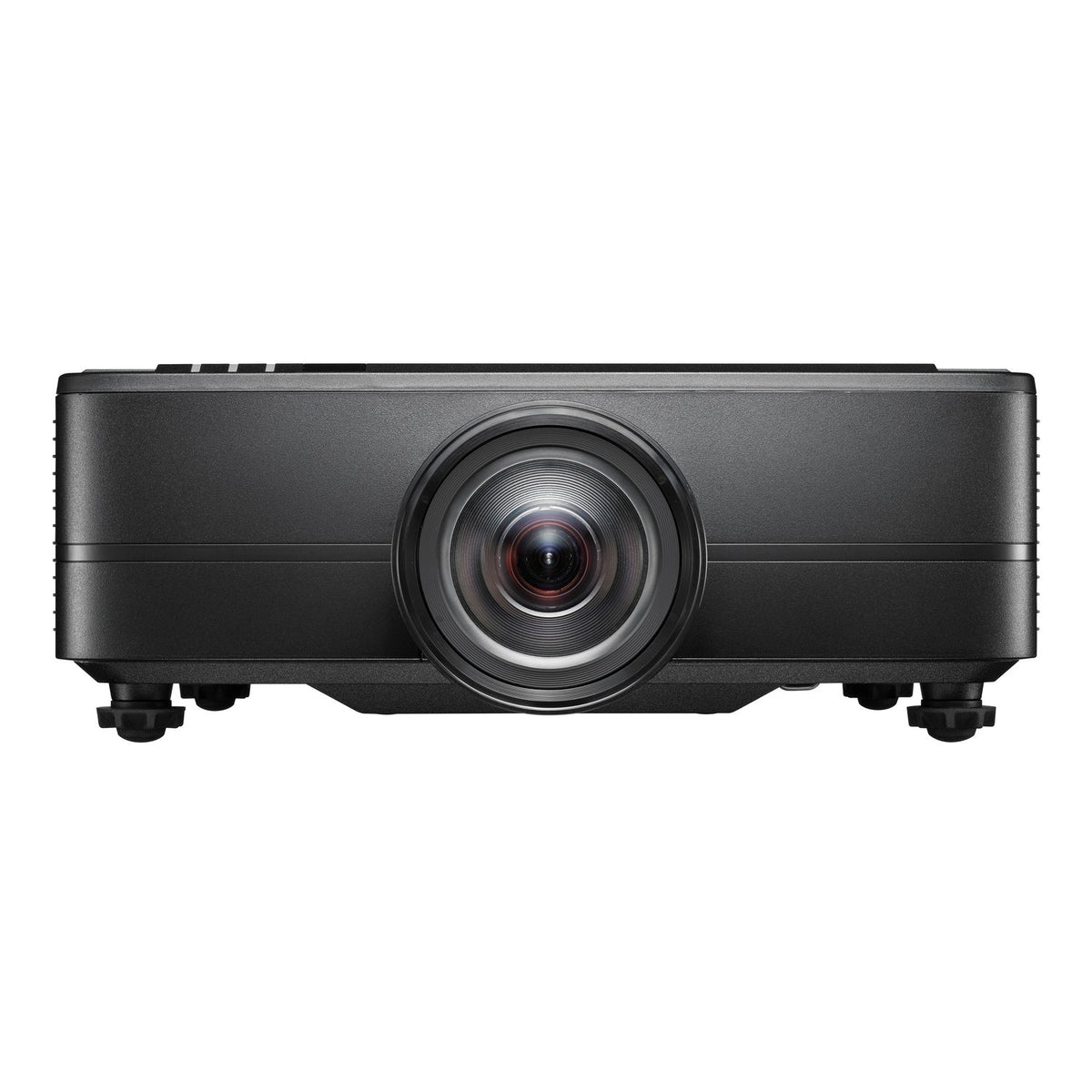
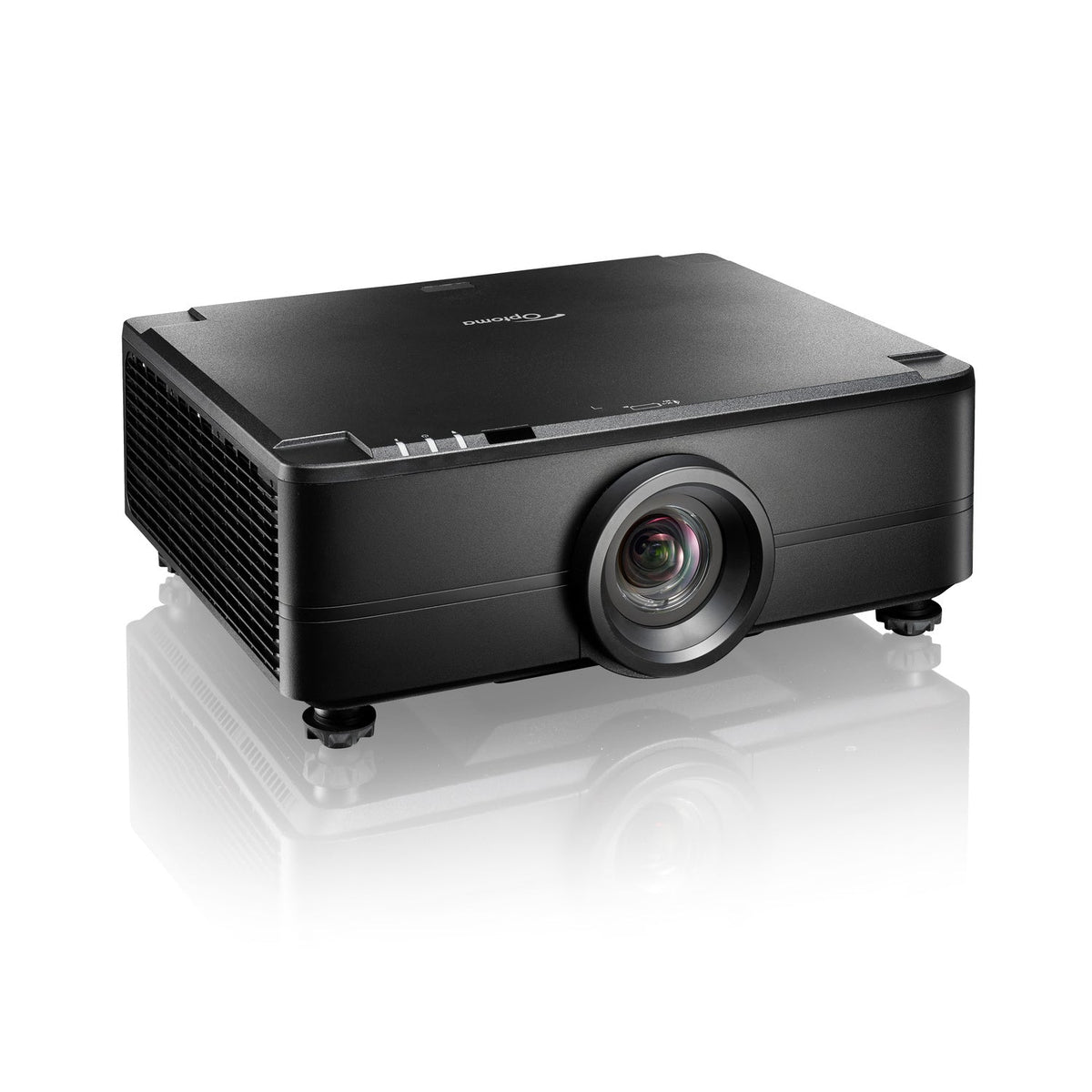
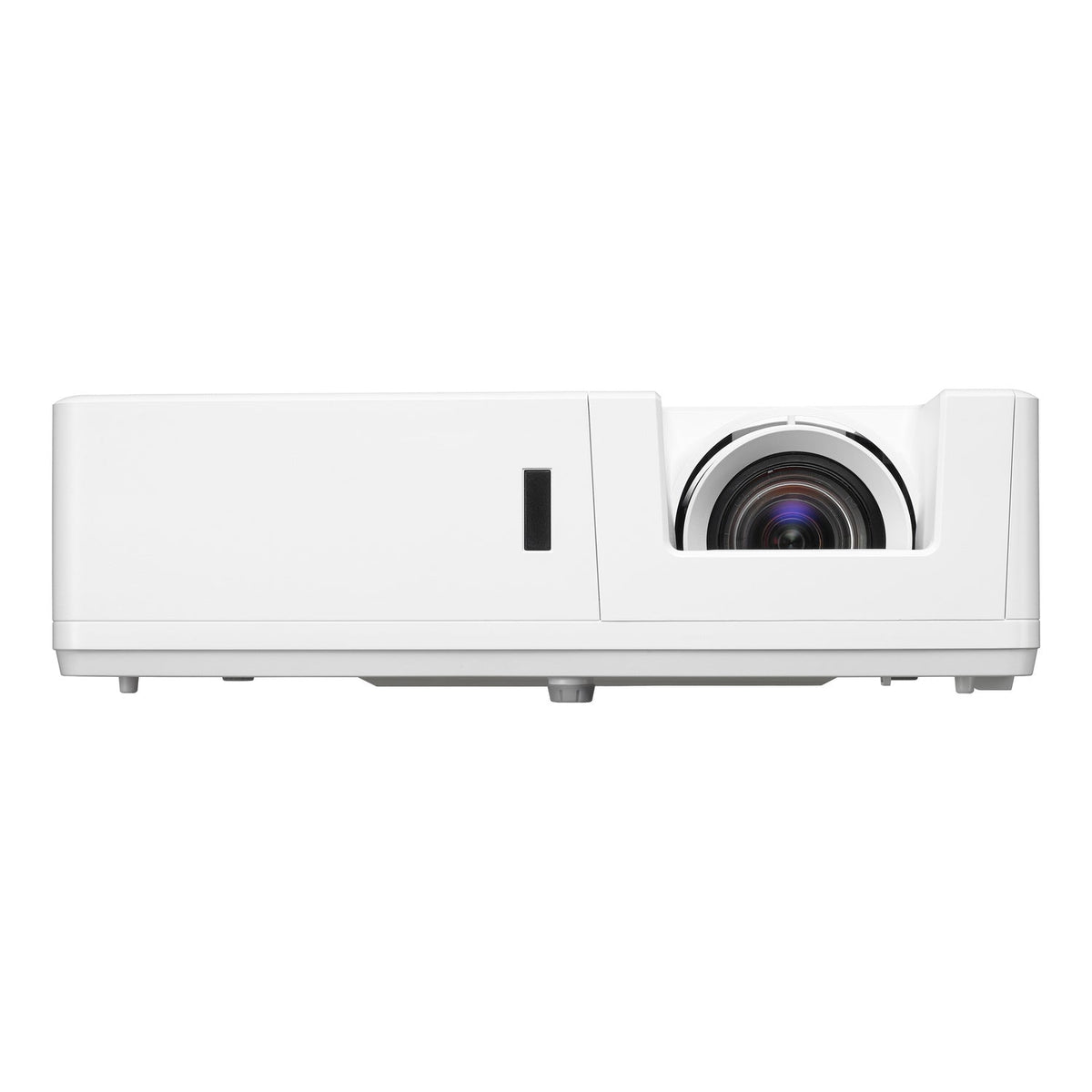
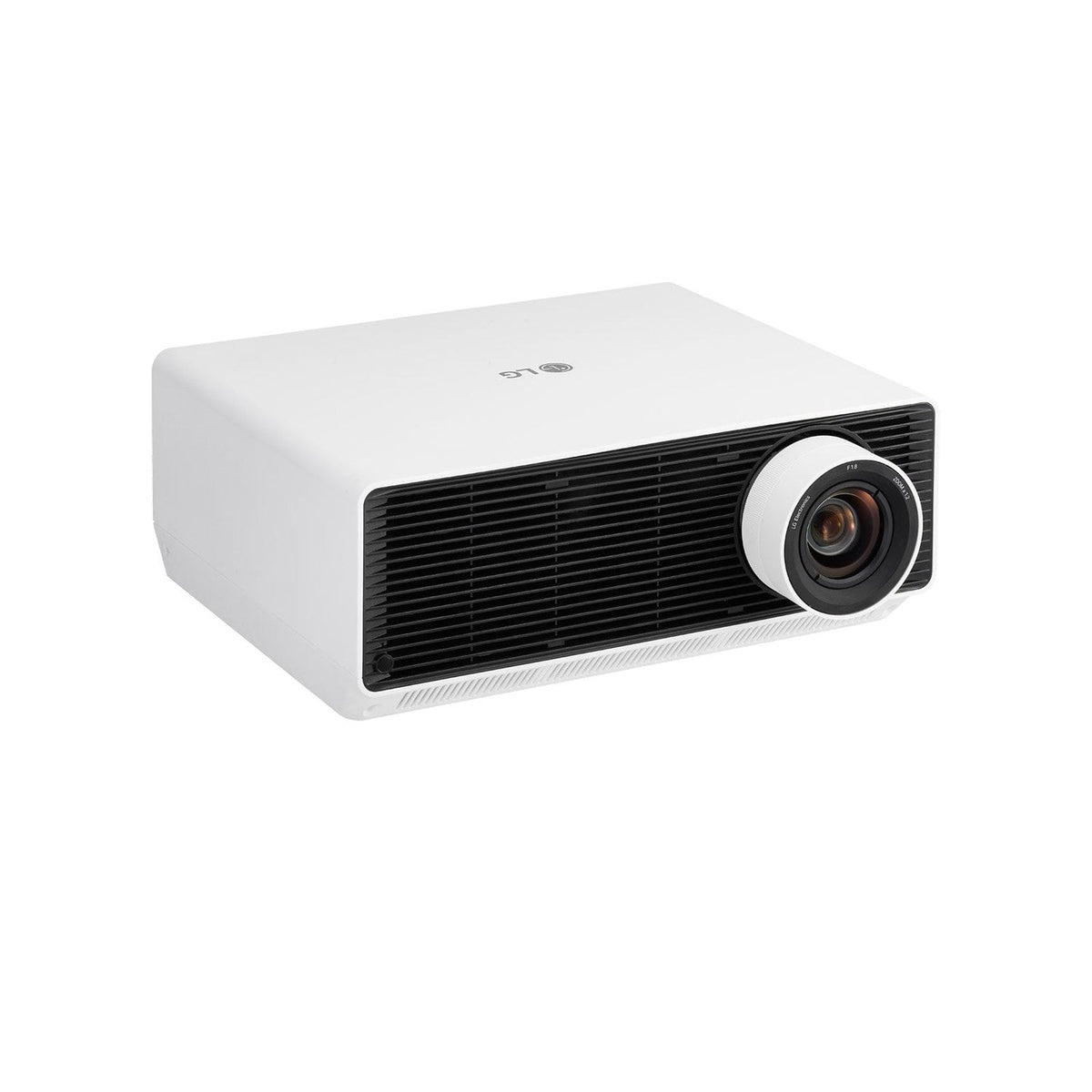
33 products
BenQ AK700ST 4000-Lumen 4K Short Throw Laser Golf Simulator ProjectorBenQ AK700ST 4000-Lumen 4K Short Throw Laser Golf Simulator Projector
Sold out
Optoma UHZ35ST 3500-Lumens 4K UHD Short Throw Golf Simulator Projector - Image 1Optoma UHZ35ST 3500-Lumens 4K UHD Short Throw Golf Simulator Projector - Image 2
BenQ LK830ST 4000-Lumen 4K Ultra Short Throw Laser Golf Simulator ProjectorBenQ LK830ST 4000-Lumen 4K Ultra Short Throw Laser Golf Simulator Projector
BenQ AH500ST 4000-Lumen Short Throw 1080P Laser Golf Simulator ProjectorBenQ AH500ST 4000-Lumen Short Throw 1080P Laser Golf Simulator Projector
Optoma ZW350ST WXGA 3600-Lumens Short Throw Golf Simulator ProjectorOptoma ZW350ST WXGA 3600-Lumens Short Throw Golf Simulator Projector
Optoma ZU920TST 9800-Lumens WUXGA Short Throw Golf Simulator Projector - Image 1Optoma ZU920TST 9800-Lumens WUXGA Short Throw Golf Simulator Projector - Image 2
Optoma ZU820TST 8200-Lumens WUXGA Short Throw Golf Simulator ProjectorOptoma ZU820TST 8200-Lumens WUXGA Short Throw Golf Simulator Projector
Sold out
Optoma ZU725TST 7200-Lumens WUXGA Short Throw Golf Simulator Projector - Image 1Optoma ZU725TST 7200-Lumens WUXGA Short Throw Golf Simulator Projector - Image 2
Optoma ZU607TST 6000-Lumens WUXGA Short Throw Golf Simulator Projector - Image 1Optoma ZU607TST 6000-Lumens WUXGA Short Throw Golf Simulator Projector - Image 2
Optoma ZU607T 6500-Lumens WUXGA Laser Golf Simulator Projector - Image 1Optoma ZU607T 6500-Lumens WUXGA Laser Golf Simulator Projector - Image 2
Optoma ZU507TST 5000-Lumens WUXGA Short Throw Golf Simulator Projector - Image 1Optoma ZU507TST 5000-Lumens WUXGA Short Throw Golf Simulator Projector - Image 2
Optoma ZK810TST 8500-Lumens 4K Short Throw Golf Simulator Projector - Image 1Optoma ZK810TST 8500-Lumens 4K Short Throw Golf Simulator Projector - Image 2
Optoma ZK608TST 4K 6000-Lumens UHD Short Throw Golf Simulator ProjectorOptoma ZK608TST 4K 6000-Lumens UHD Short Throw Golf Simulator Projector
Optoma ZH450ST 4200-Lumens 1080p Short Throw Golf Simulator ProjectorOptoma ZH450ST 4200-Lumens 1080p Short Throw Golf Simulator Projector
Optoma GT2000HDR 3500-Lumens 1080p Short Throw Golf Simulator ProjectorOptoma GT2000HDR 3500-Lumens 1080p Short Throw Golf Simulator Projector
LG ProBeam BU53RG 5000 Lumen Laser 4K UHD Projector - Image 1LG ProBeam BU53RG 5000 Lumen Laser 4K UHD Projector - Image 2
Epson L895E PowerLite 8000-Lumen WUXGA Normal Throw 3LCD Laser Projector with 4K Enhancement - Image 1Epson L895E PowerLite 8000-Lumen WUXGA Normal Throw 3LCD Laser Projector with 4K Enhancement - Image 2
Epson L890E PowerLite 8000-Lumen WUXGA Normal Throw 3LCD Laser Projector with 4K Enhancement - Image 1Epson L890E PowerLite 8000-Lumen WUXGA Normal Throw 3LCD Laser Projector with 4K Enhancement - Hero top headon on white background
Epson L795SE PowerLite 7000-Lumen WUXGA Short Throw 3LCD Laser Projector with 4K Enhancement - Image 1Epson L795SE PowerLite 7000-Lumen WUXGA Short Throw 3LCD Laser Projector with 4K Enhancement - Image 2
Epson L790SE PowerLite 7000-Lumen WUXGA Short Throw 3LCD Laser Projector with 4K Enhancement - Image 1Epson L790SE PowerLite 7000-Lumen WUXGA Short Throw 3LCD Laser Projector with 4K Enhancement - Image 2
Epson L695SU Powerlite 6200-Lumen WUXGA Short Throw 3LCD Laser Projector - Image 1Epson L695SU Powerlite 6200-Lumen WUXGA Short Throw 3LCD Laser Projector - Image 2
Epson L695SE PowerLite 6000-Lumen WUXGA Short Throw 3LCD Laser Projector with 4K Enhancement - Image 1Epson L695SE PowerLite 6000-Lumen WUXGA Short Throw 3LCD Laser Projector with 4K Enhancement - Image 2
Epson L690SU Powerlite 6200-Lumen WUXGA Short Throw 3LCD Laser Projector - Image 1Epson L690SU Powerlite 6200-Lumen WUXGA Short Throw 3LCD Laser Projector - Image 2
Epson L690SE PowerLite 6000-Lumen WUXGA Short Throw 3LCD Laser Projector with 4K Enhancement - Image 1Epson L690SE PowerLite 6000-Lumen WUXGA Short Throw 3LCD Laser Projector with 4K Enhancement - Image 2

Choose a Golf Simulator Projector That Fits Your Room

Start with screen width and lens position

Measure the image width you want to project, then the distance from the lens to the screen. Throw ratio is that distance divided by image width. For example, a 0.5 ratio needs about 5 feet to create a 10-foot-wide image. This is a starting calculation: confirm the model’s projection chart, lens offset and supported image sizes before choosing a mount.

Compare Full HD, WUXGA and 4K

A 1080p projector can suit a focused practice setup, while 4K models offer more image detail when the computer, software and connection support that output. WUXGA models use a different native aspect ratio. Match the projected image to the screen’s viewable area rather than the enclosure’s outside dimensions; changing aspect ratio can reduce the pixels used.

Plan brightness and the complete installation

Large screens and ambient light place different demands on a projector. Compare the manufacturer’s rated light output alongside your lighting conditions. Place the projector clear of the swing path, check mount compatibility and plan the video cable route. A higher resolution does not correct an unsuitable throw distance.

Choose the projector around the limiting factor in your room
Your constraint What to compare What can rule a model out
A fixed ceiling mounting point Throw ratio at the actual projected image width The lens cannot reach the required image size from that position.
A square or 4:3 impact screen Supported aspect-ratio modes and the image area they use A native 16:9 image leaves unused screen area unless the image is adapted.
A bright room Rated light output alongside lighting control and screen size More lumens do not change an unsuitable lens position.
A planned 4K simulator Projector resolution, PC workload and software settings A 4K projector does not upgrade a lower-resolution source.

Record image width, lens-to-screen distance and available mounting height before narrowing the product list. These are installation decisions, not performance test results.

Explore Related Golf Equipment

Indoor Golf Kit Simulator Calculator. Estimate image size and lens distance with your chosen model, then confirm the manufacturer’s installation chart and room clearances.

Golf Simulator Screen Aspect Ratios: 4:3, 16:9, or Square?. Read the comparison and planning details before choosing your configuration.

Frequently Asked Questions

Do I need a short throw projector for a golf simulator?

Often, but the room decides. A short throw lens can fill a wide screen from closer in. A normal throw model can work when the room has sufficient depth and the beam clears the golfer.

Does a 4K projector require a 4K computer output?

To display a 4K source, the software, graphics hardware, output settings and cable path must support it. A projector accepting a 4K signal is not necessarily a native 4K model; check the specifications.

Can I mount a projector on the floor?

Only with a suitable protected position and compatible floor enclosure or mount. Check ventilation, lens height and image geometry, and keep the unit out of the ball and club path.

What information helps narrow down a projector?

Your screen’s viewable width and height, available lens-to-screen distance, ceiling height, lighting conditions and desired resolution are the most useful starting details.