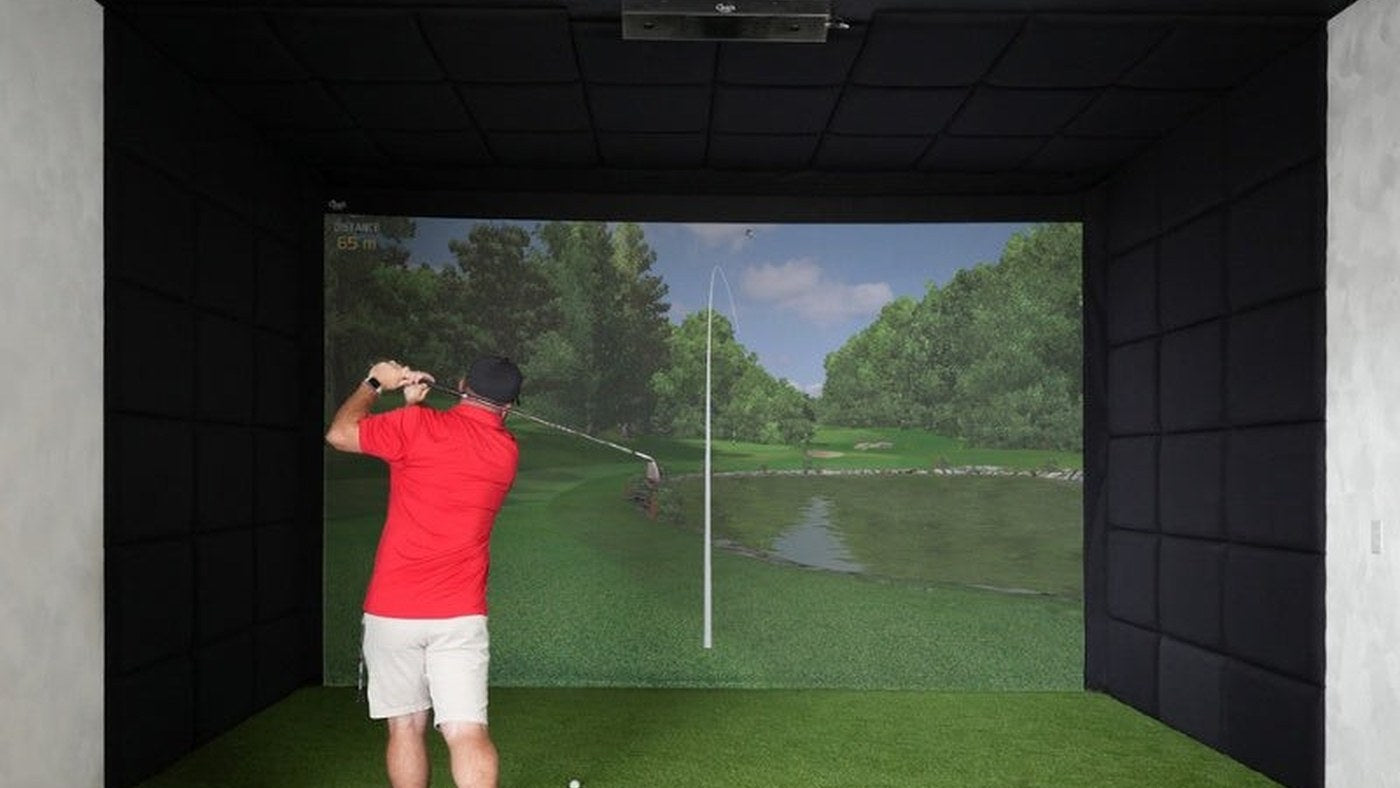
The Epson L690SU, Epson L695SE and Epson L795SE solve different installation problems. L695SE has the closest lens range of the three. L795SE combines a farther adjustable lens range with more rated brightness and 4K Enhancement. L690SU is the WUXGA option in the farther-placement group.
The useful question is not which model number is highest. It is whether you need a closer lens, more light or the enhanced display mode and whether your room can use that feature.
Compare the specifications that affect the room
| Model | Rated color/white brightness | Display system | Published throw-ratio range |
|---|---|---|---|
| L690SU | 6,200 lumens | WUXGA, 1920 × 1200 | 0.8–1.36:1 in Epson's US specification sheet |
| L695SE | 6,000 lumens | WUXGA with 4K Enhancement | 0.5–0.7:1 |
| L795SE | 7,000 lumens | WUXGA with 4K Enhancement | 0.79–1.36:1 on the current US product page |
Epson rounds some short-end ratios differently across pages. Use the projection calculator and installation manual for the exact model rather than treating a rounded ratio as a mounting tolerance.
All three use WUXGA imaging panels. The SE models add Epson's 4K Enhancement process; they should not be described as having native 3840 × 2160 panels. The distinction matters when comparing them with other 4K-labelled projectors. Accepting a 4K signal is also a separate capability from the image resolution produced on the screen.
L690SU vs L695SE: close placement changes the answer
Imagine a ten-foot-wide native 16:10 image. Using the published ratios, L690SU needs roughly 8–13.6 feet between lens and screen. L695SE needs roughly 5–7 feet. Those ranges do not overlap. A ceiling position six feet from the screen may suit the L695SE geometry while falling outside the L690SU range for that image width.
L690SU's stated output is 200 lumens higher, only about 3.3% relative to 6,000. That small rating difference should not outweigh a lens that cannot fill the image from the available location. Picture-mode measurements would be needed to compare real installed brightness.
If you already have a mount, draw its lens position on the room plan. Check projector-body clearance and the mounting pattern separately. Retrofitting is where this comparison saves the most rework.
L690SU vs L795SE: the more direct upgrade comparison
These models occupy a broadly similar throw-range category. L795SE adds 4K Enhancement and a 7,000-lumen rating; L690SU remains a 1920 × 1200 display option. The gain in rated brightness is about 12.9%, calculated from 7,000 versus 6,200. That is a specification comparison, not an on-screen test result.
For a controlled-light home bay, decide whether the enhanced image mode matters at your screen size and viewing distance. For a brighter multi-use room, assess both the extra rated output and the opportunity to shade the screen. Neither specification removes the need for a sensible lighting plan.
L695SE vs L795SE: brightness cannot override throw
The shortest L795SE lens position for that ten-foot image is about 7.9 feet. L695SE reaches approximately seven feet at its long end. Selecting the 7,000-lumen model may therefore require moving the projector farther back, which could introduce a beam obstruction or place it nearer the swing envelope.
Compare the entire projector and mount against the golfer's movement, not just a point on a drawing. Lens shift can help position the image, but it does not change the basic throw-distance requirement or move the physical projector out of the club path.
Keep screen size, image size and usable height separate
A ten-foot-wide 16:10 image is 6.25 feet tall. If your impact screen is taller, decide how much unused area you accept or whether your software and projector settings support a different composition. Do that before using a throw-distance calculation based only on enclosure width.
For a quote, provide the visible image rectangle, the range of possible lens positions, available ceiling height above the mat and the light conditions during play. Include the software resolution you plan to run. Our screen aspect-ratio guide helps turn enclosure dimensions into an actual image plan.
Shortlist L695SE when close placement is the binding requirement. Compare L690SU and L795SE when the room permits their farther lens range, using the desired display mode, rated brightness and complete installed price to make the final choice.
Sources and product details
This is a specification-based buying guide, not a hands-on test. Specifications and listed configurations were checked October 10, 2026. Follow the current manual for the exact version you order.