

Indoor Golf Kit Blog

BenQ
BenQ LK830ST Screen Fill: 4:3 and Square Screen Setup
Plan LK830ST placement from image height, then match Screen Fill, the computer and simulator software without stretching the picture.

BenQ Projectors
Frame-Mount Projector Mounting Kit: Carl’s Enclosure and BenQ Fit
Check the enclosure, mounting hardware and lens position before attaching a BenQ projector to a Carl’s frame. Includes a worked image-size example and a measurement worksheet.

Buying Guides
Carl’s Built-In Golf Room Kit: Measurement and Quote Checklist
Create a room measurement record that separates structural dimensions, finished clearances and the scope of a made-to-measure built-in installation.

Buying Guides
SIG DIY vs SIG8, SIG10 and SIG12: Which Enclosure Route Fits?
Separate screen size from frame supply when comparing SIG DIY with the three push-pin SIG enclosure models.

Buying Guides
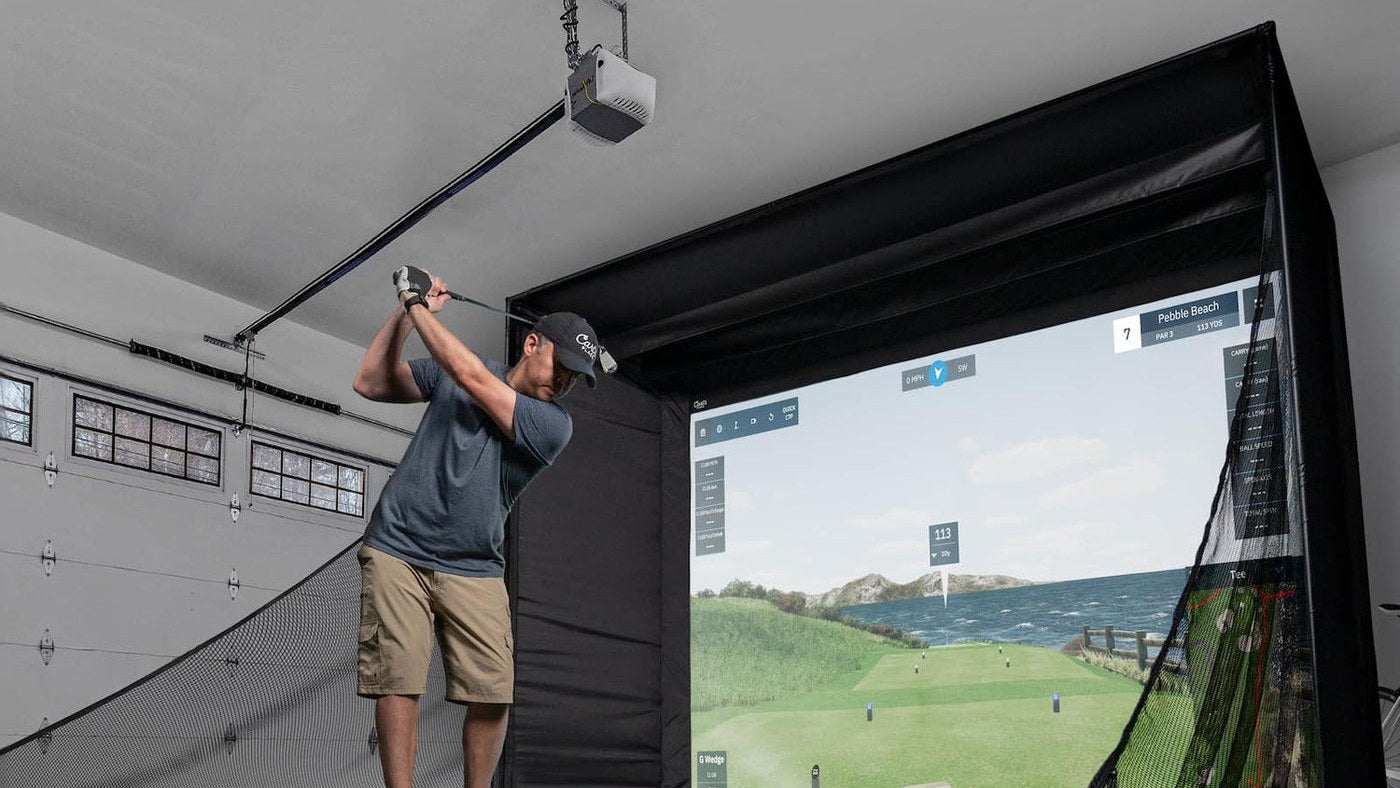
Carl’s Pro vs SIGPRO Commercial Enclosure: Fit, Framing and Mounts
Choose between two configurable enclosure systems by checking the complete footprint and the exact position your electronics need.
Buying Guides
Carl’s Place Enclosure Kit vs Package: DIY and Pro Inclusions
Compare four Carl’s Place listings on the same basis and identify which accessories the package already supplies.

Buying Guides
Carl’s Place Curved Enclosure: Dimensions and Projector Planning
Understand the three different widths of a curved enclosure and plan the image, pipe frame and room as one installation.

Buying Guides
SIG8, SIG10 and SIG12 Studio vs Enclosure: What Is Included?
Use a component checklist to choose between a SIG enclosure and Studio package, then account for the tracking, computing and projection equipment.
BenQ
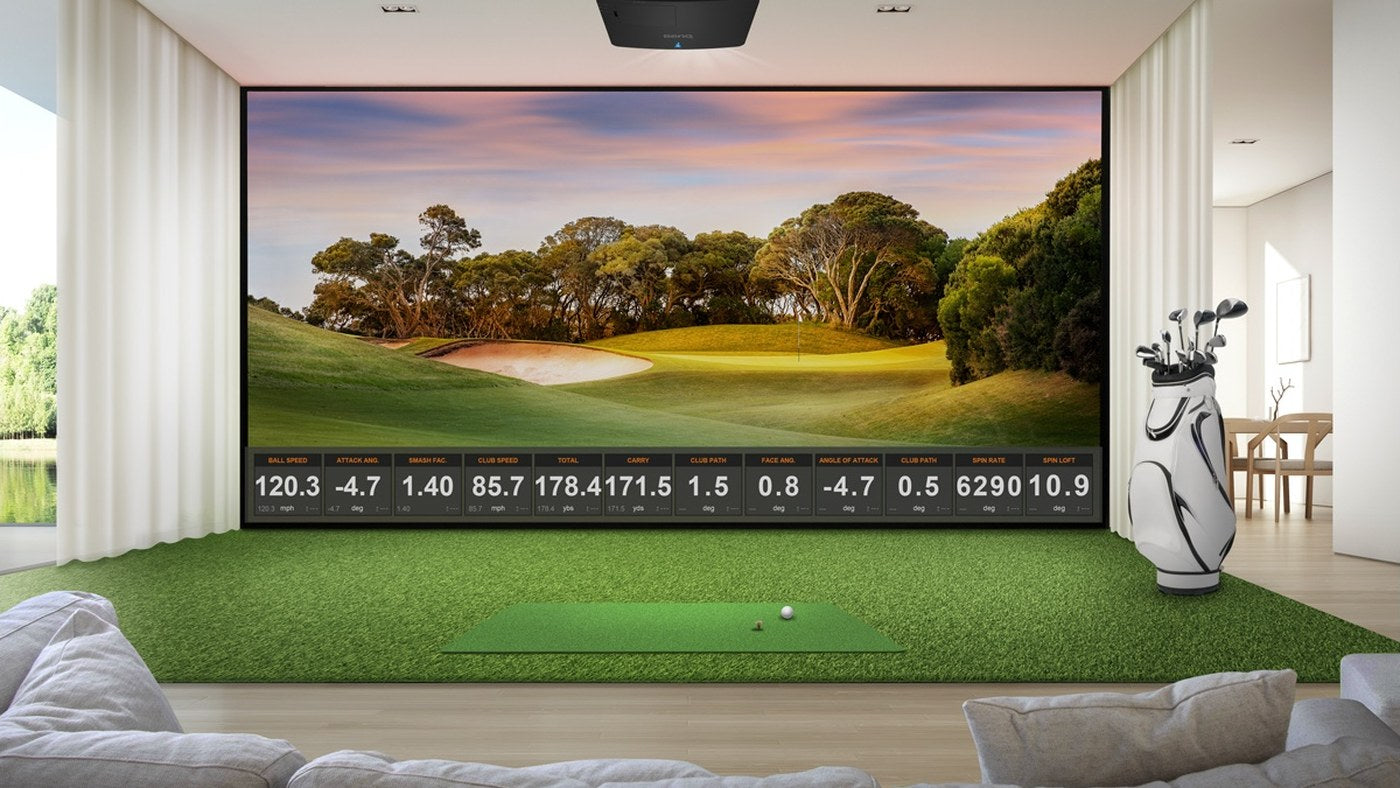
BenQ LK936ST Lens Shift: Plan an Off-Center Golf Simulator Mount
Turn LK936ST lens-shift specifications into useful measurements, then check the combined position before committing to a mount.